8
Activate or deactivate the GSM / Landline mode
Ignore this step if you are using the control panel with a SIM card
AND a landline connection.
Using a landline connection only
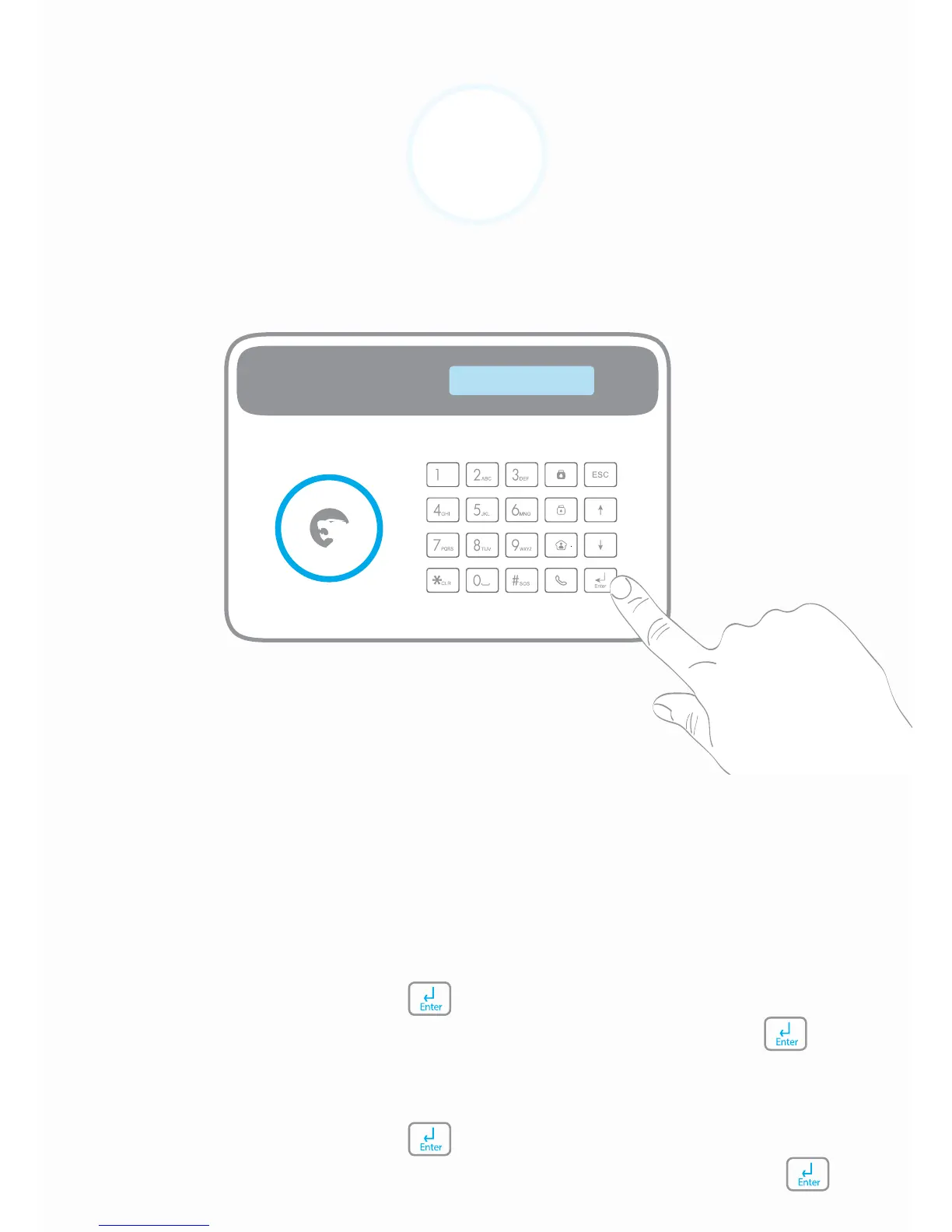
1. Type your Admin Code + on the control panel.
2. Go to System Settings > GSM Fail Tip. Select NO and press .
Using a SIM card only
1. Type your Admin Code + on the control panel.
2. Go to System Settings > Linecut Alarm. Select NO and press .
System Settings
GSM Fail Tip


 To Next Page