EN 14
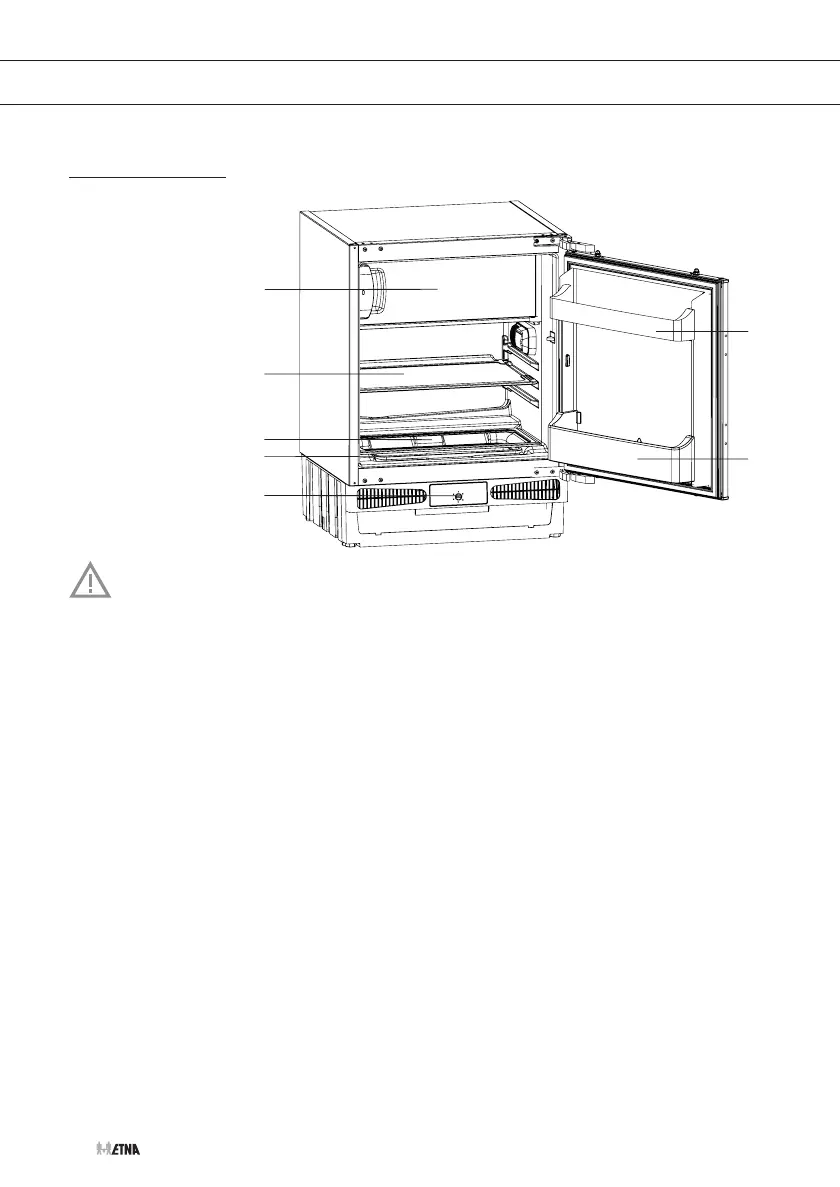
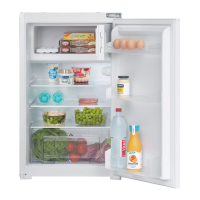
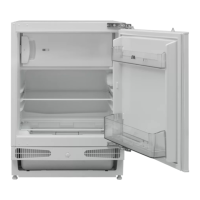
DESCRIPTION OF THE APPLIANCE
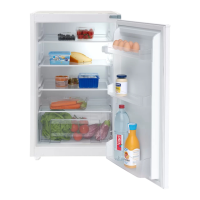
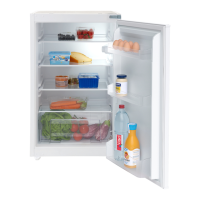
Appliance
1. Freezer compartment
with door
2. Glass shelf
3. Glass shelf on
vegetable bin
4. Vegetable bin
5. Thermostat
6. Bottle rack
7. Butter/cheese bin
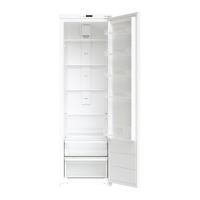
Appliance interior equipment may change according to the appliance model.
Shelf
You can place the shelf on the guides in the appliance at any height.
It is protected against pulling out.
To change the shelf position:
• Lift the shelf out of the pull-out protection with your hand and pull the shelf all the way
towards you.
• Place the shelf at the desired insertion level, push the shelf back to the end of the guides and
place it in the pull-out protection.
To remove the shelf from the appliance:
• Lift the shelf out of the pull-out protection with your hand and pull the shelf as far as possible
towards you.
• Lift the shelf and pull it further over the guides until the shelf is removed.
• Perform the steps in reverse order to place it again.


 To Next Page