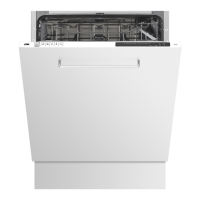
EN User instruction EN 3 - EN 29
DE Bedienungsanleitung DE 3 - DE 29
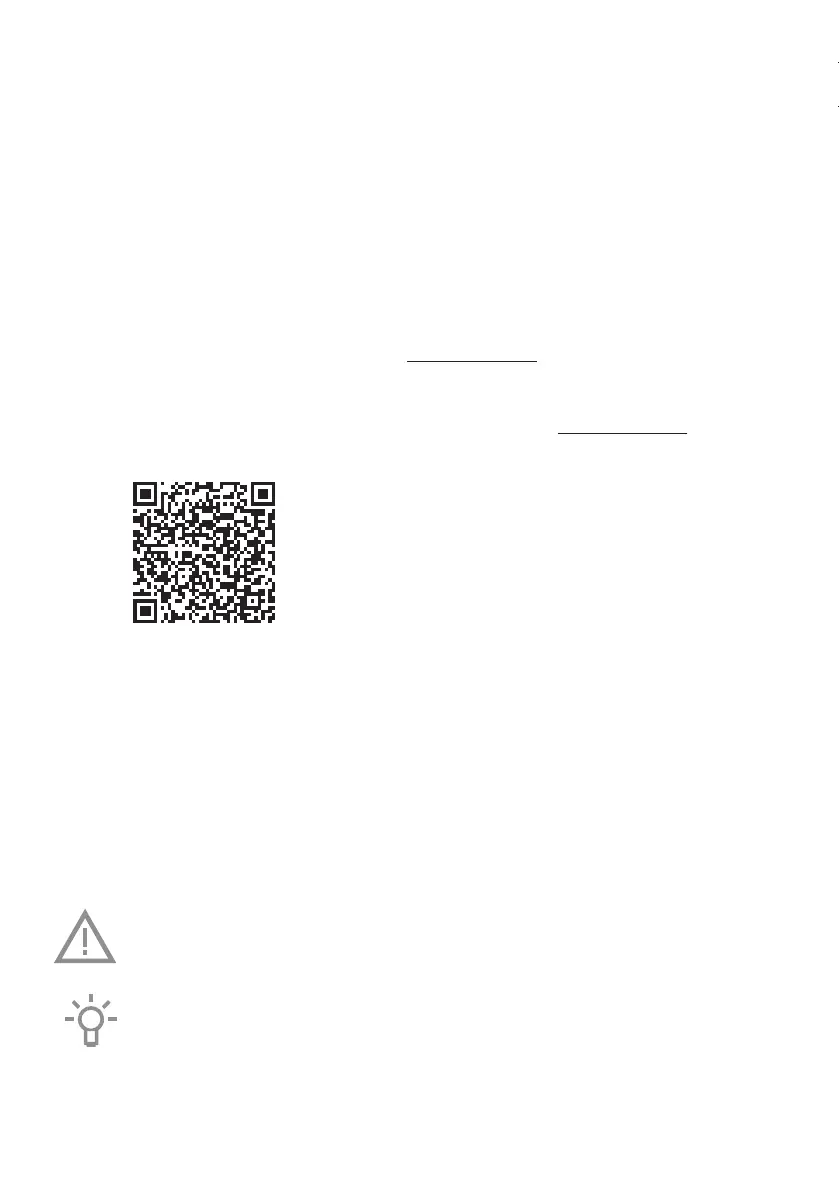
Scan the QR code or visit the website etna.nl/connected to find out how to establish a
connection with your appliance.
Scannen Sie den QR-Code oder besuchen Sie die Website etna.nl/connected, um zu
sehen, wie Sie eine Verbindung mit Ihrem Gerät herstellen können.
Pictograms used - Verwendete Piktogramme
Important information - Wichtige Informationen
Tip - Tipp


 To Next Page