EN 18
Saving energy
1. Pre-rinsing of tableware items leads to increased water and energy consumption and is not
recommended.
2. Washing tableware in a household dishwasher usually consumes less energy and water in
the use phase than hand dishwashing when the household dishwasher is used according
to the instructions.
Starting a wash cycle
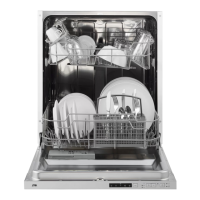
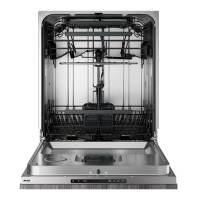
3. Draw out the lower and upper basket, load the dishes and push them back.
It is commended to load the lower basket first, then the upper one.
4. Pour in the detergent.
5. Insert the plug into the socket. The power supply can be found on the “rating plate”
which is located on the side of the inner dishwasher door, where also the serial number is
mentioned.
Make sure that the water supply is turned on to full pressure.
6. Close the door and press the on/off button to switch on the appliance.
7. Choose a program, the response light will turn on.
8. Press the start/pause button, the dishwasher will start its cycle.
Changing the program mid-cycle
A wash cycle can only be changed if it has been running for a short time. Otherwise the
detergent may have already been released and the dishwasher may have already drained the
wash water. If this is the case, the dishwasher needs to be reset and the detergent dispenser
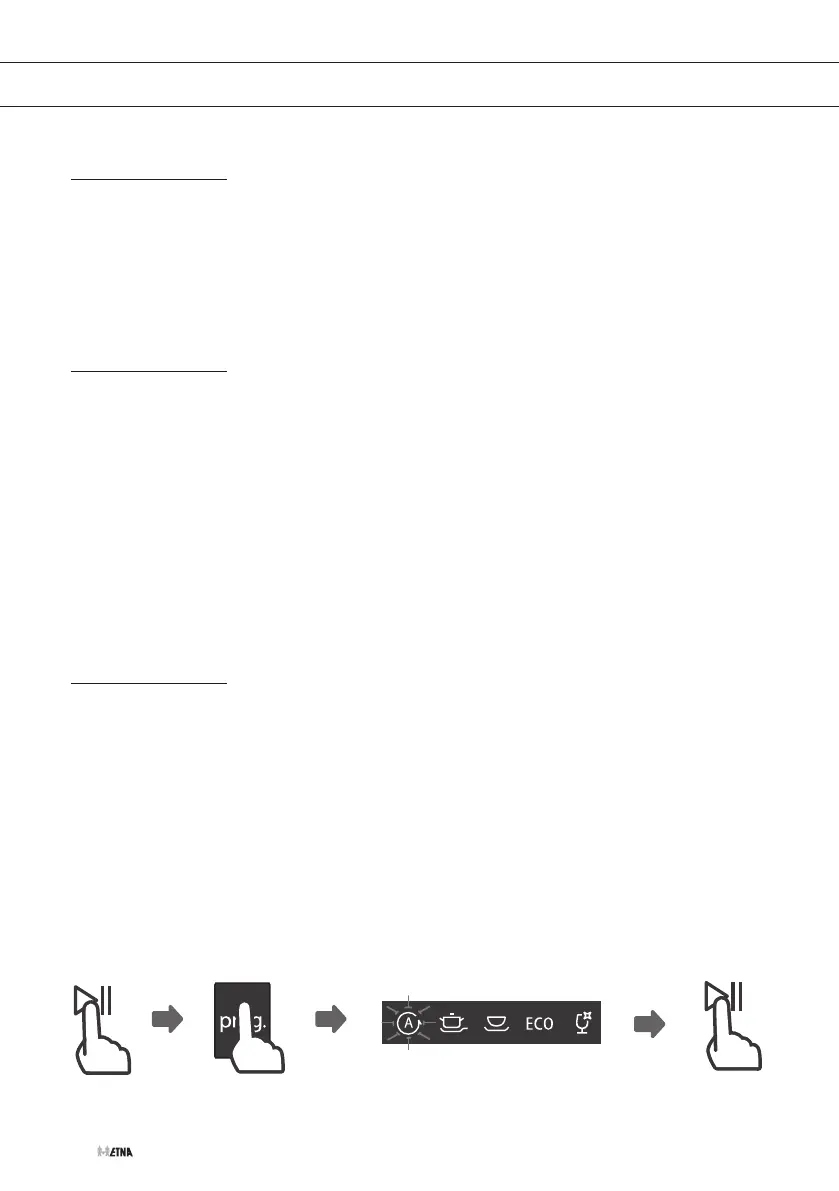
must be refilled. To reset the dishwasher, follow the instructions below:
1. Press the start/pause button to pause the program.
2. Press the program button for more than three seconds to set the appliance into
standby state.
3. You can change the program to the desired cycle setting.
4. Press the start/pause button. After 10 seconds the dishwasher will start.
3 sec
PROGRAMMING THE DISHWASHER


 To Next Page