EasyManua.ls Logo

Eton ROVER - Page 12

Eton ROVER
15 pages
Print Icon
To Next Page IconTo Next Page
To Previous Page IconTo Previous Page
Loading...
CELL
PHONE
CRANK
CHARGING
Once
the
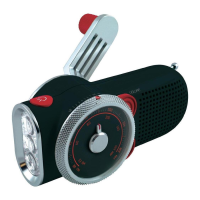
Rover
has
been fully charged either through
the mini
USB
port (cord included)
or
by the hand crank,
please follow
the instructions
below
for
charging your
cell
phone.
NOTE:
With
a fully
charged unit,
20
minutes
of
cell
phone charging will then allow
approximately 20-25
minutes
of
talk
time. It
takes
approximately
5 hours
to
fully
re-charge
the
Rover via the mini
USB
port.
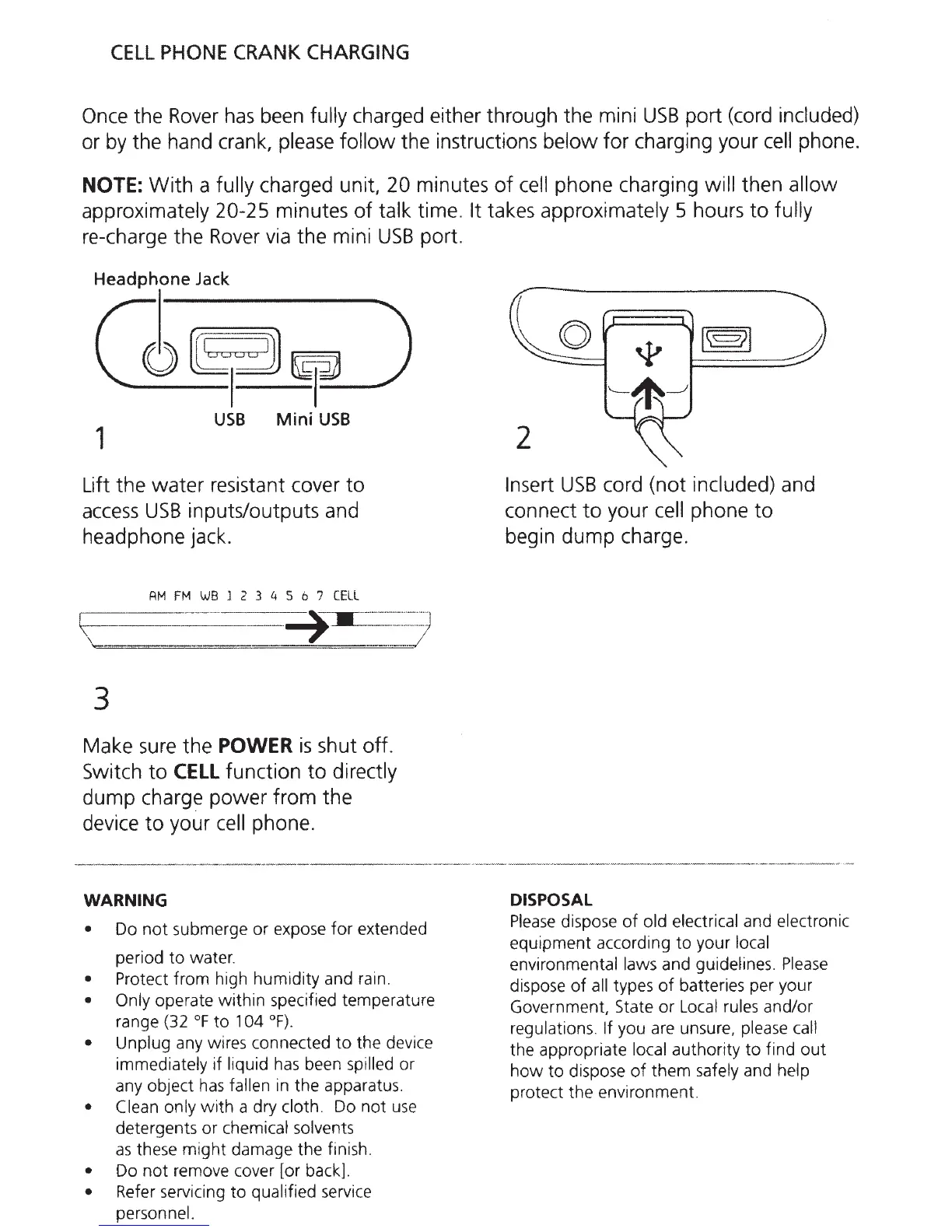
Headphone
Jack
0~~---)
1
USB
Mini
USB
Lift the
water
resistant cover
to
access
USB
inputs/outputs and
headphone jack.
RM
FM
WB
l
2 3 4 5 6 7
CELL
r---
--
--
---
~-----
-·--·
·
··
··
--··)
\:-
---
-
--·-·
---
-
~----
--
·
-
·····
·
·-····
·· ·
·;.·
--
.
-
. .
·-
·-
·
·---
/
3
Make sure the
POWER
is
shut off.
Switch
to
CELL
function
to
directly
dump
charge power from the
device
to
your
cell
phone.
WARNING
Do
not
submerge
or
expose
for
extended
period
to
water.
Protect from high humidity and rain.
Only
operate
within
specified temperature
range (32
°F
to
1
04
°F).
Unplug
any wires connected
to
the device
immediately
if
liquid
has
been
spilled or
any object
has
fallen
in the apparatus.
Clean only
with
a dry cloth.
Do
not
u
se
detergents or chemical solvents
as
these
might
damage the finish.
Do
not
remove cover [or back).
Refer servicing
to
qualified
servi
ce
personnel.
2
Insert
USB
cord (not
included)
and
connect
to
your
cell
phone
to
begin
dump
charge.
DISPOSAL
Please
dispose
of
old electrical
and
electronic
equipment according
to
your
local
environmental laws
and guideli
nes
.
Please
dispose
of
all
types
of
batteries per your
Government, State
or
Local rules
and/or
regulations.
If you are unsure,
plea
se
ca
ll
the appropriate
local
authority
to
find
out
how
to
dispose
of
them safely
and
help
prot
ec
t the environment.

Related product manuals