7
ROVER OWNER’S MANUAL
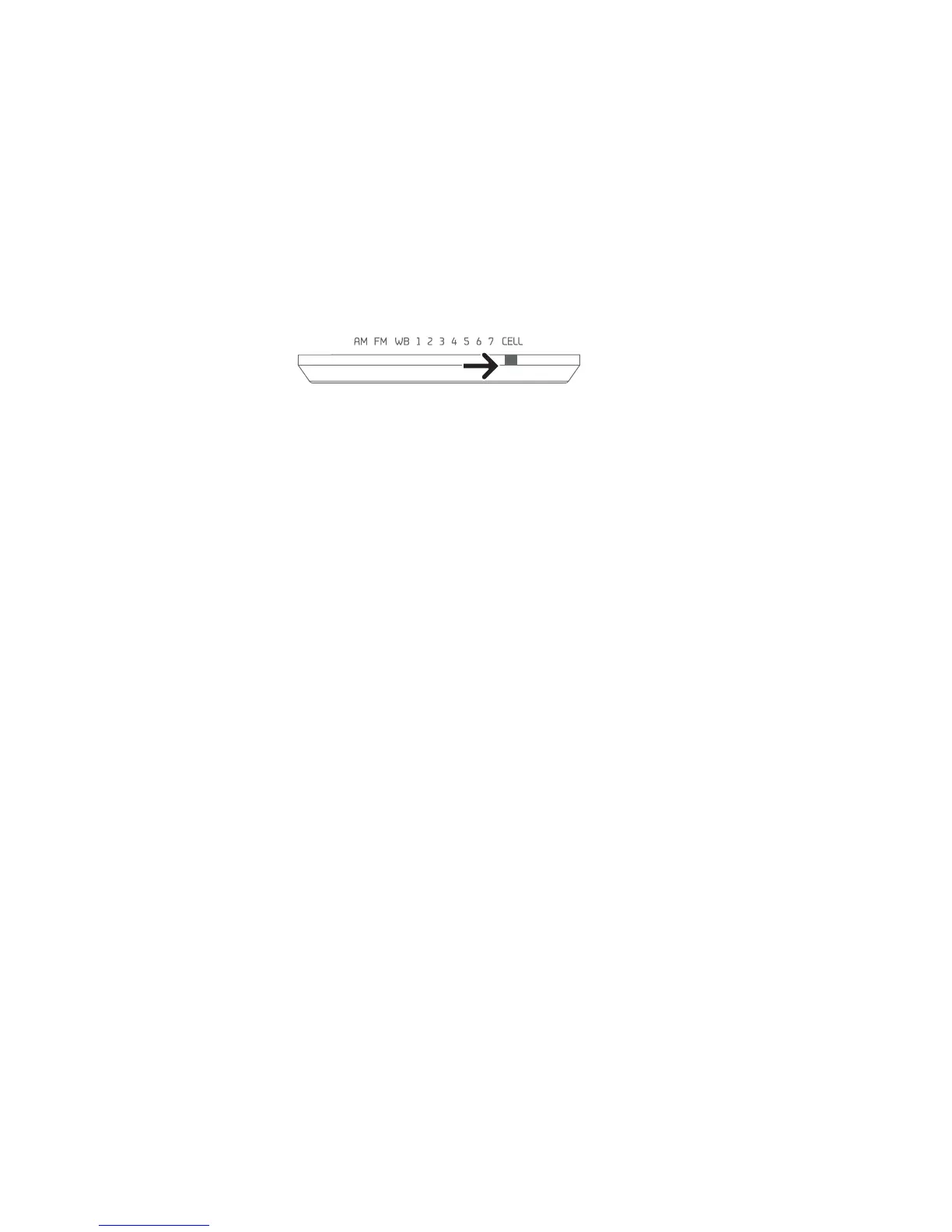
/ÕÀÊÌiÊL>`ÊÃiiVÌÀÊLÊÌÊCELL. The indicator light
will turn ON. The cell phone’s battery charging indicator will
show that it’s charging. When fully charged, it provides 20
ÕÌiÃÊvÊÌ>ÊÌi°ÊvÊÌiÀ>ÊL>ÌÌiÀÞÊÃÊV«iÌiÞÊ`À>]Ê
ÌÕÀÊÌiÊVÀ>ÊvÀÊÇÊÕÌiÃÊ>ÌÊ£ÎäÊÀ«ÊÌÊV>À}iÊÌiÊViÊ
«iÊiÕ}ÊÌÊÌ>ÊvÀÊ>LÕÌÊxÊÕÌið
If your cell phone has a USB charging cord, you can use it. If not,
you can purchase one from www.iGo.com, or call 1-888-205-0093.
To purchase a charging tip and cord for your cell phone, go to
www.iGo.com, or call 1-888-205-0093 for USB charging cable
model# PS00271-0003. Have the brand and model of your cell
phone ready when purchasing a cell phone tip.
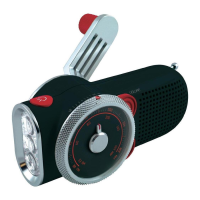
USING THE LIGHT
Turn the light on and off with the light switch button, located
on top of the unit, near the light.
EARPHONE JACK
*Õ}ÊÊi>À«iÃÊÌÊVÕ`i`®°Ê-Õ`ÊÃÊi>À`ÊvÀÊLÌÊÃ`iÃÊ
Ê>ÕÀ>Ê®°ÊÊAlways turn down the volume before
using earphones.


 To Next Page