ROVER OWNER’S MANUAL
6
TUNING-IN STATIONS
1. Select AM, FM or WBÊÜi>ÌiÀÊL>`®ÊV>iÊ£ÇÊÜÌÊ
the band selector switch. For FM and WB]ÊvÕÞÊiÝÌi`Ê
the telescopic antenna for best reception. When listening
to AM the antenna is not needed because AM reception
uses an internal ferrite bar antenna.
2. Tune AM and FM stations with the TUNEÊL]Ê>`ÊÌÕiÊ
in WBÊÜi>ÌiÀÊL>`®ÊÜÌÊÌiÊÇ«ÃÌÊÃÜÌV°ÊÊÃÌÊ
communities you will hear only one weather station.
WEATHER BAND CHANNELS
Channel 1 162.400 Mhz
Channel 2 162.425 MHz
Channel 3 162.450 Mhz
Channel 4 162.475 MHz
Channel 5 162.500 Mhz
Channel 6 162.525 MHz
Channel 7 162.550 MHz
CELL PHONE CHARGING
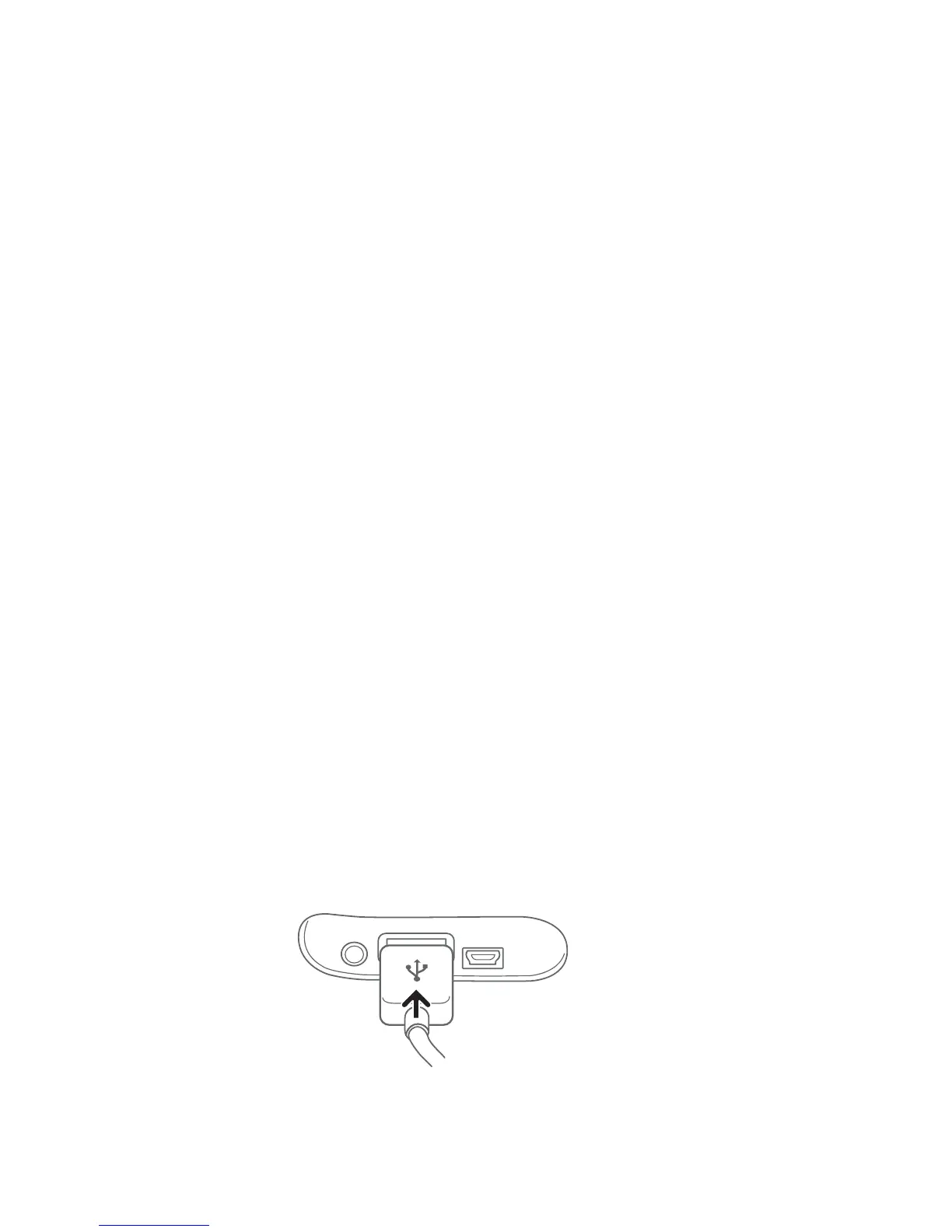
To charge the cell phone from the radio’s Li-Poly battery, use
the cell phone’s USB charging cord to connect it to the radio’s
>À}iÊ1-ÊÃViÌÊÕ`iÀÊÌiÊÀÕLLiÀÊVÛiÀÊÊÌiÊLÌÌÊvÊ
ÌiÊÀ>`®°Ê


 To Next Page