①
Power Adapter
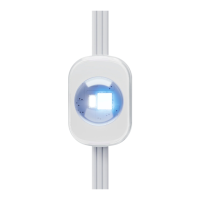
②
Control Unit (Power Button)
• Press to turn on or o.
• Press and hold for 2 seconds to reset.
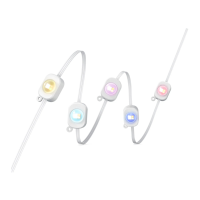
③
Light String
④
Waterproof Cap
Testing the Lights
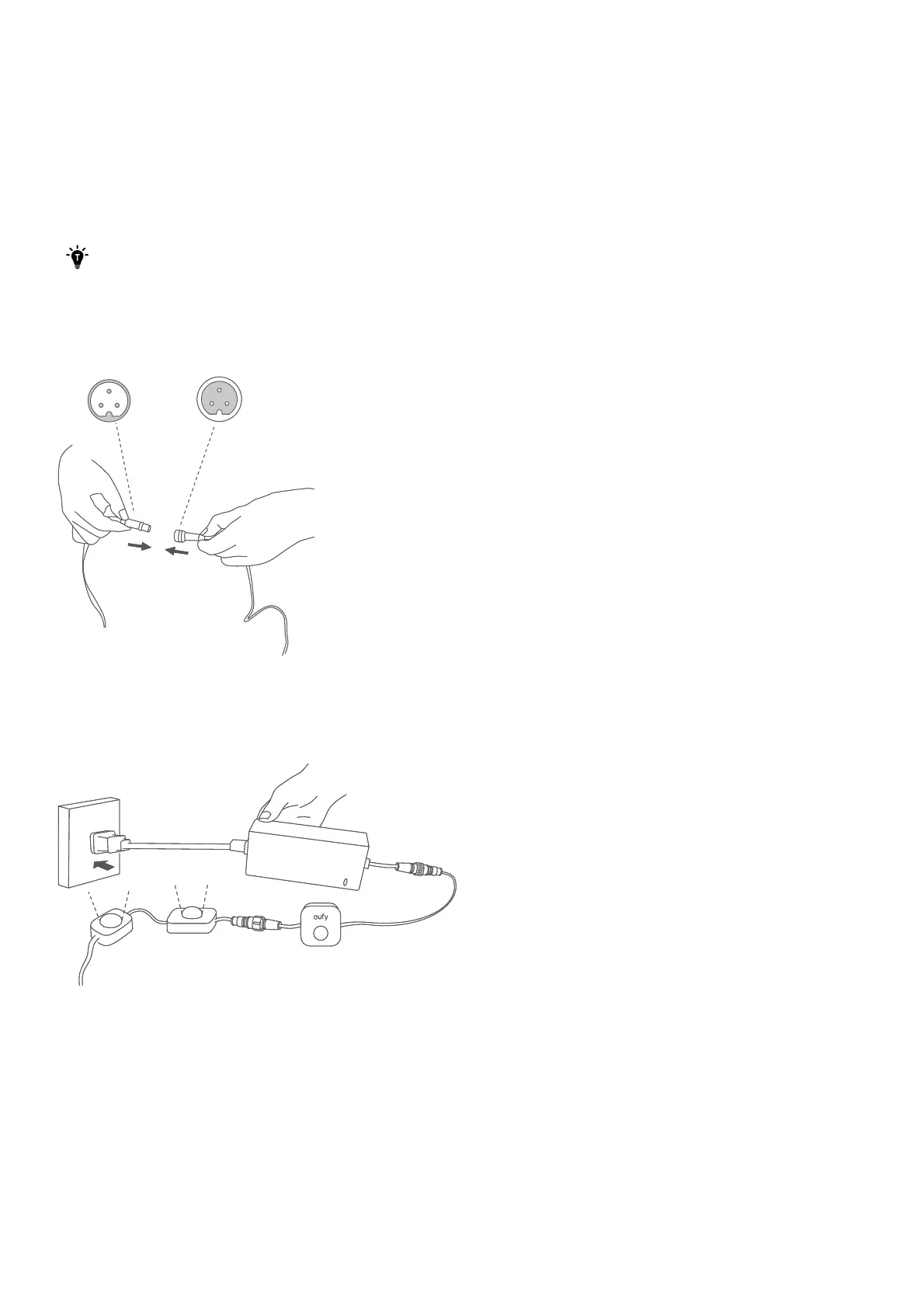
Connect the light strings with the adapter unplugged. Avoid connecting while the adapter is plugged. If you
connect the light strings while adapter is plugged, the strings may not light up.
A maximum of 9 light strings can be connected to the power adapter.
1. Connect all light strings together, then connect them to the control box and power adapter. Secure the
waterproof caps for each connection and the end of the last light string.
2. Plug in the power supply to verify that each light string is working properly.
• If some of the light strips do not light up, unplug and replug the power adapter. Make sure the light
strings are working properly before proceeding to the next step.
• See "Troubleshooting" for other lighting problems that may occur.
Setting up the System
1. Download and install the eufy Life app, then sign in or create an account.
• Make sure that the Eufy Life app is version 2.11.0 or later to support this light string.
Q
'
'
'
'
'
'
'
'
①
Power Adapter
②
Control Unit (Power Button)
• Press to turn on or o.
• Press and hold for 2 seconds to reset.
③
Light String
④
Waterproof Cap
Testing the Lights
Connect the light strings with the adapter unplugged. Avoid connecting while the adapter is plugged. If you
connect the light strings while adapter is plugged, the strings may not light up.
A maximum of 9 light strings can be connected to the power adapter.
1. Connect all light strings together, then connect them to the control box and power adapter. Secure the
waterproof caps for each connection and the end of the last light string.
2. Plug in the power supply to verify that each light string is working properly.
• If some of the light strips do not light up, unplug and replug the power adapter. Make sure the light
strings are working properly before proceeding to the next step.
• See "Troubleshooting" for other lighting problems that may occur.
Setting up the System
1. Download and install the eufy Life app, then sign in or create an account.
• Make sure that the Eufy Life app is version 2.11.0 or later to support this light string.
Q
'
'
'
'
'
'
'
'
①
Power Adapter
②
Control Unit (Power Button)
• Press to turn on or o.
• Press and hold for 2 seconds to reset.
③
Light String
④
Waterproof Cap
Testing the Lights
Connect the light strings with the adapter unplugged. Avoid connecting while the adapter is plugged. If you
connect the light strings while adapter is plugged, the strings may not light up.
A maximum of 9 light strings can be connected to the power adapter.
1. Connect all light strings together, then connect them to the control box and power adapter. Secure the
waterproof caps for each connection and the end of the last light string.
2. Plug in the power supply to verify that each light string is working properly.
• If some of the light strips do not light up, unplug and replug the power adapter. Make sure the light
strings are working properly before proceeding to the next step.
• See "Troubleshooting" for other lighting problems that may occur.
Setting up the System
1. Download and install the eufy Life app, then sign in or create an account.
• Make sure that the Eufy Life app is version 2.11.0 or later to support this light string.
Q
'
'
'
'
'
'
'
'
Testing the Lights
-- Connect the light strings with the adapter unplugged. Avoid connecting while the adapter is plugged. If you
connect the light strings while adapter is plugged, the strings may not light up.
A
maximum of
9
light strings can be connected to the power adapter.
�
k
s
I
1
Setting up the System
•
Make sure that the Eu Life app is version 2.11.0 or later to support this light string.


 To Next Page
 Loading...