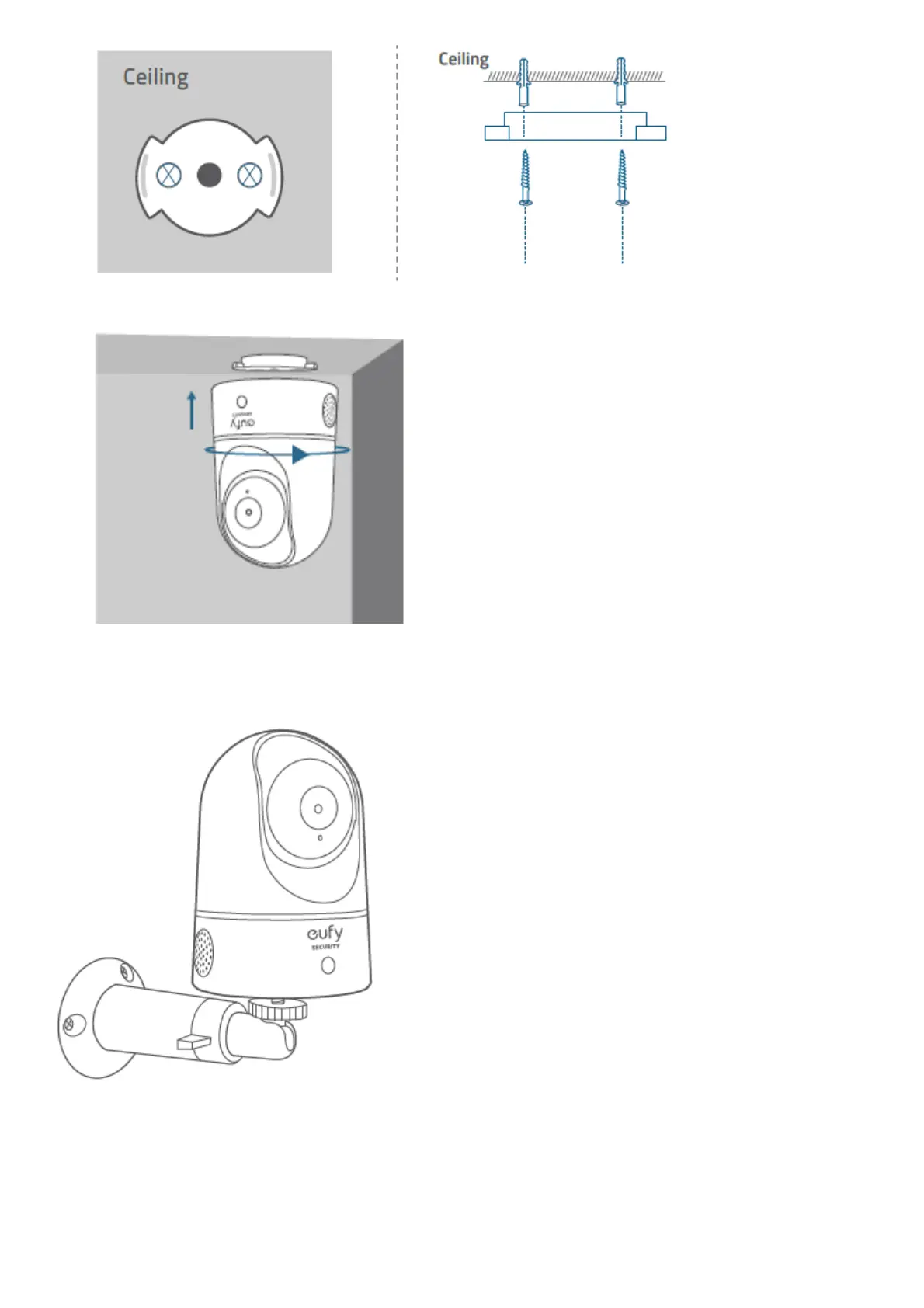
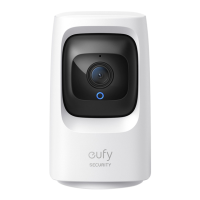
4. Align the grooves with the mounting plate and rotate the eufy Indoor Cam clockwise until it clicks into place.
5. To mount the eufy Indoor Cam on a wall, we recommend using the mounting bracket (not provided) as the
illustration below
POWERING ON THE INDOOR CAM
Connect the eufy Indoor Cam to a power outlet using the provided USB cable and USB adapter. After being powered
on, the eufy Indoor Cam will be connected to the system. When it is successfully connected, the status LED will turn
solid blue.
Rotate the eufy Indoor Cam to adjust the view and check it using the live stream which you can access in the eufy



 To Next Page