12
English
Step 5: Install the Interior Assembly
To install the Interior Assembly:
1. Remove the battery cover.
2. Match the wire connector from the circuit board with the one from the interior
assembly as illustrated. The wire connector can only be plugged into the socket in one
way. Make sure you match the dot on the connector with the pin on the circuit board
correctly.
3. Align the tailpiece with the key cylinder.
4. Secure the provided screws into the interior assembly.
5. Turn the thumbturn to check whether the deadbolt is retracted. If the deadbolt does
not work smoothly, adjust the screws and install the mounting plate again.
6. Use the plug to cover the screw hole at the bottom of the Smart Lock Wi-Fi.
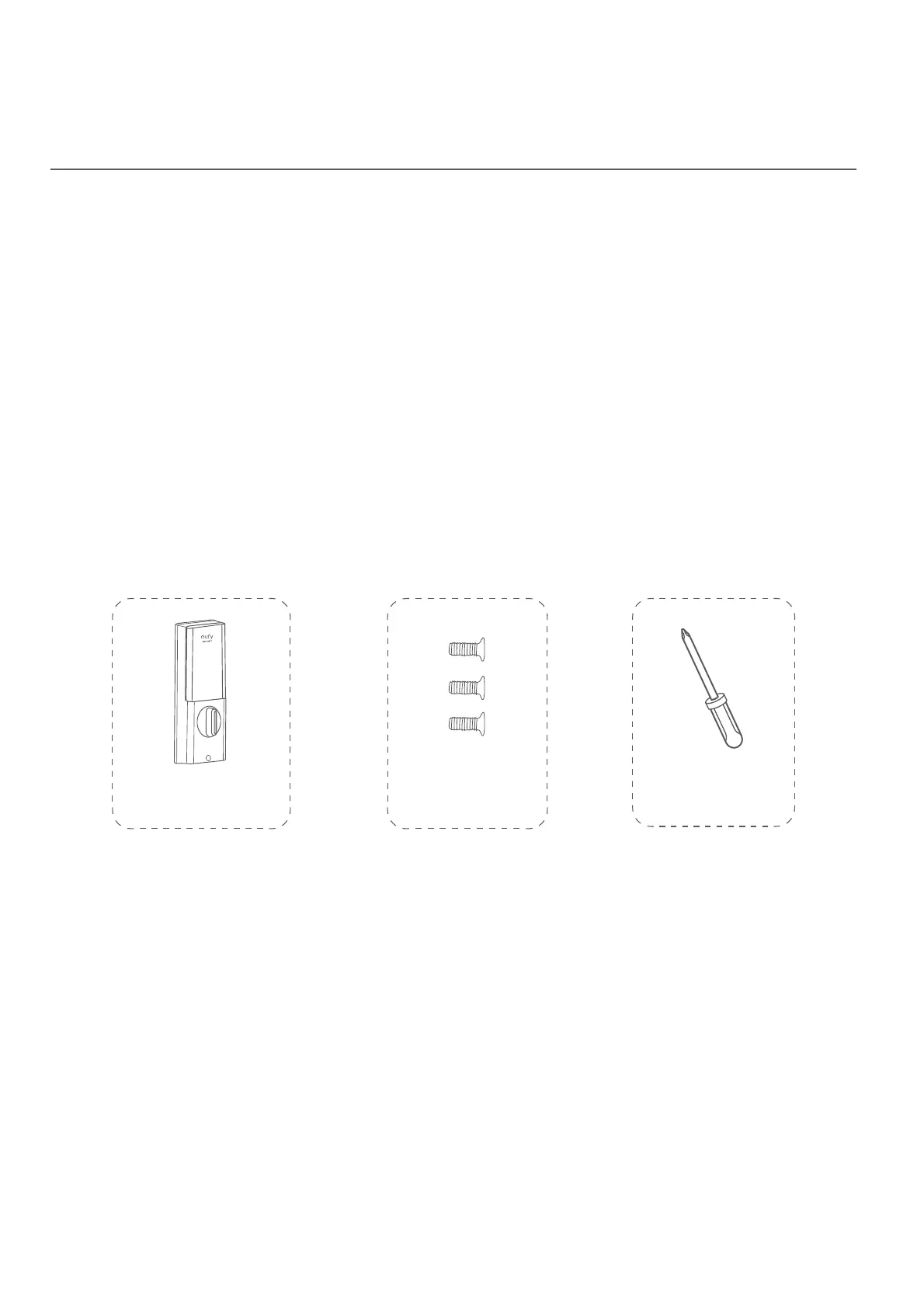
What is required: Interior Assembly, Interior Assembly Screws, Screwdriver (not
provided)
Screwdriver
Interior Assembly
Interior Assembly
Screws


 To Next Page