6 Setup of Eupry External Sensor
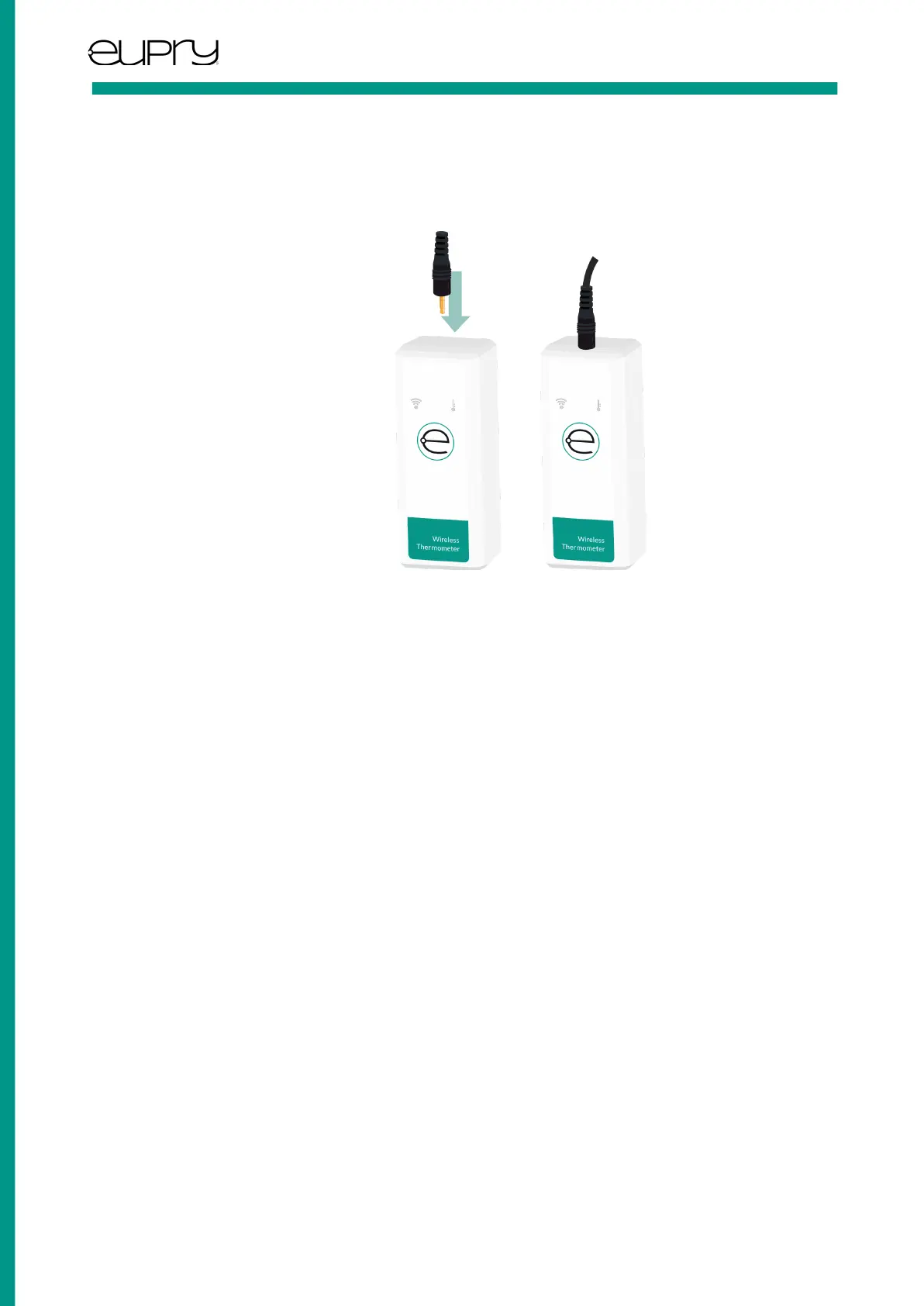
Connecting to your Eupry Data Logger
Connect the External Sensor to the socket on the top face of a Data Logger. Make sure that the sensor is firmly pressed all
the way in until you hear a clicking sound or feel a haptic feedback.
7 Product Identification
Eupry External Sensors have two forms of identification:
Unique serial number
A unique serial number of the External Sensors is written as text on the label of the sensor and can be used to identify the
unit in Eupry’s system.
Unique GRAI code datamatrix
A unique GRAI code identification, which also includes the serial number of External Sensor is placed on the label of the
External Sensor as a data matrix.
The entire GRAI code (GS1 standard) uniquely identifies the sensor internationally and can be used with GRAI compliant
systems.
The last 8 digits of the GRAI-code contains the unique serial number of the sensor and can be used to identify the unit in
Eupry’s system.
User Guide: External Sensor, P2T
Rev. 1.2 -June 2022 Page 5 of 7
Eupry ApS | Dortheavej 59. 3. | 2400 Copenhagen | www.eupry.com/ | +45 53 51 77 00 | support@eupry.com



 To Next Page