EasyManua.ls Logo

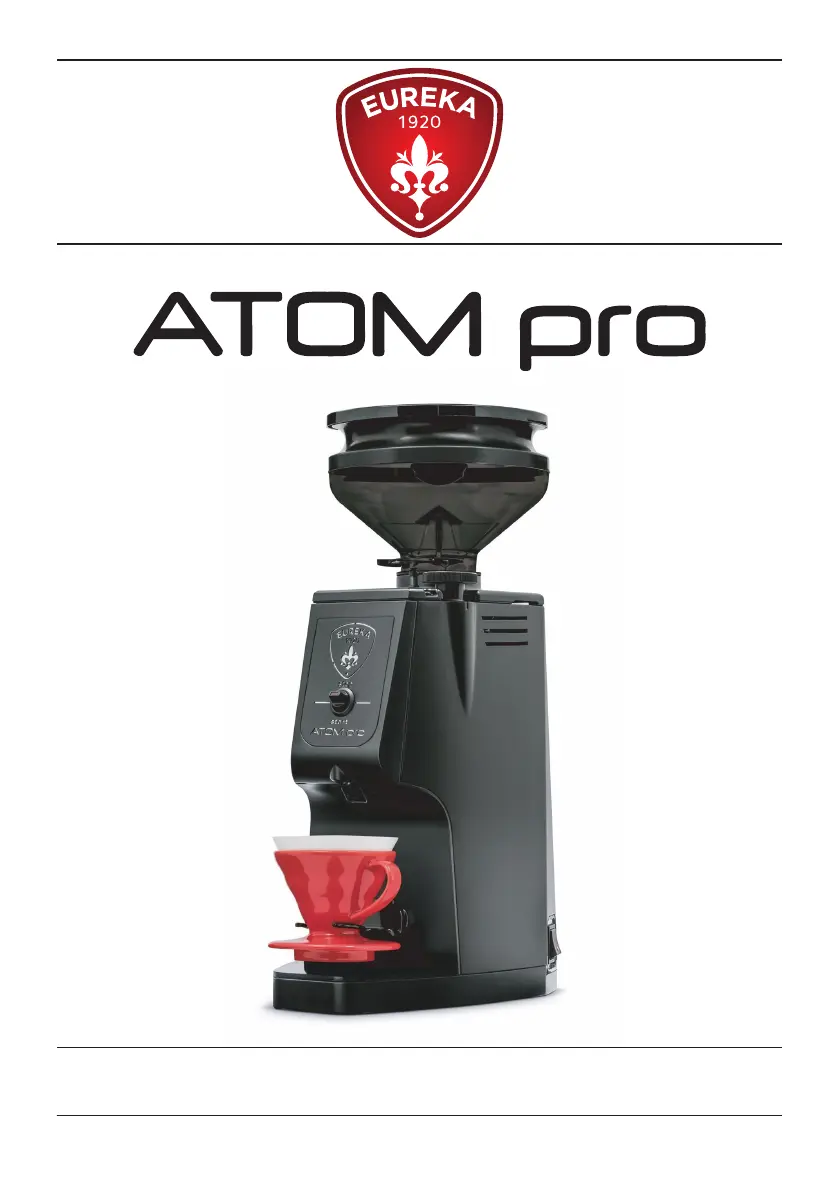
Eureka Atom Pro - User Manual

Eureka Atom Pro
24 pages
Go to English
Print Icon
To Next Page IconTo Next Page
Loading...
LIBRETTO ISTRUZIONI
USER HANDBOOK
Istruzioni Originali - Translation of the Original Instructions

Questions and Answers

  • P
    paul56Jul 28, 2025
    What to do if Eureka Atom Pro does not start?
    • E
      Emily MayJul 28, 2025
      If your Eureka Coffee Grinder doesn't start when you switch it ON, ensure that the switch is not in the "START" position during power-up. To begin grinding, first turn the switch to the "STOP" position and then to the "START" position.
  • S
    steven43Aug 7, 2025
    Why is the LED blinking slowly on my Eureka Atom Pro?
    • L
      Lynn ClarkAug 7, 2025
      If the LED of the switch is blinking slowly on your Eureka Coffee Grinder, it means the grinding chamber has reached 45°C. To resolve this, stop grinding and let the chamber cool down. The cooling fan will continue to run until the temperature drops below 45°C, and it will remain active for an additional 180 seconds for safety.
  • W
    Wayne JonesAug 16, 2025
    What to do if the LED blinks quickly on Eureka Atom Pro Coffee Grinder?
    • L
      Lisa DickersonAug 16, 2025
      If the LED of the switch on your Eureka Coffee Grinder is blinking quickly, it indicates a faulty temperature probe. You can continue to use the grinder moderately, but be aware that the grinding chamber's temperature is not being monitored. It's recommended to have a qualified technician replace the temperature probe.

Summary

Warnings and Safety

Field of Use and Intended Use

Fundamental Warnings

Lists essential safety precautions for operating the appliance.

Precautions and Safety Features

Applications and Use

Details the intended applications and proper usage guidelines for the grinder.

Basic Safety Precautions

Lists fundamental safety measures to be followed during operation.

Motor Thermal Protection Warning

Explains the motor's thermal protection feature and its behaviour.

General Information

Technical Data

Important Information

Manual Preservation

Guidelines on how to keep the user manual safe and accessible.

Appliance Description

Locking the Container

Instructions for Use

Introduction to Use

Explains initial setup based on coffee type and grinding degree.

Forks Application (V60;Filter Coffee)

Details how to attach magnetic forks for V60 or filter coffee.

V60 or Filter Coffee Tray Application

Instructions for inserting the V60 or filter coffee tray.

Grinding Setting

How to adjust the grinding fineness using the knob and indicator.

Functioning

Explains how to start and stop the grinding operation.

Cleaning and Maintenance

Cleaning Procedures

Step-by-step guide for cleaning various parts of the appliance.

Maintenance Procedures

Specifies when and how maintenance should be performed by qualified personnel.

Troubleshooting

Eureka Atom Pro Specifications

General IconGeneral
BrandEureka
ModelAtom Pro
CategoryCoffee Grinder
LanguageEnglish

Related product manuals