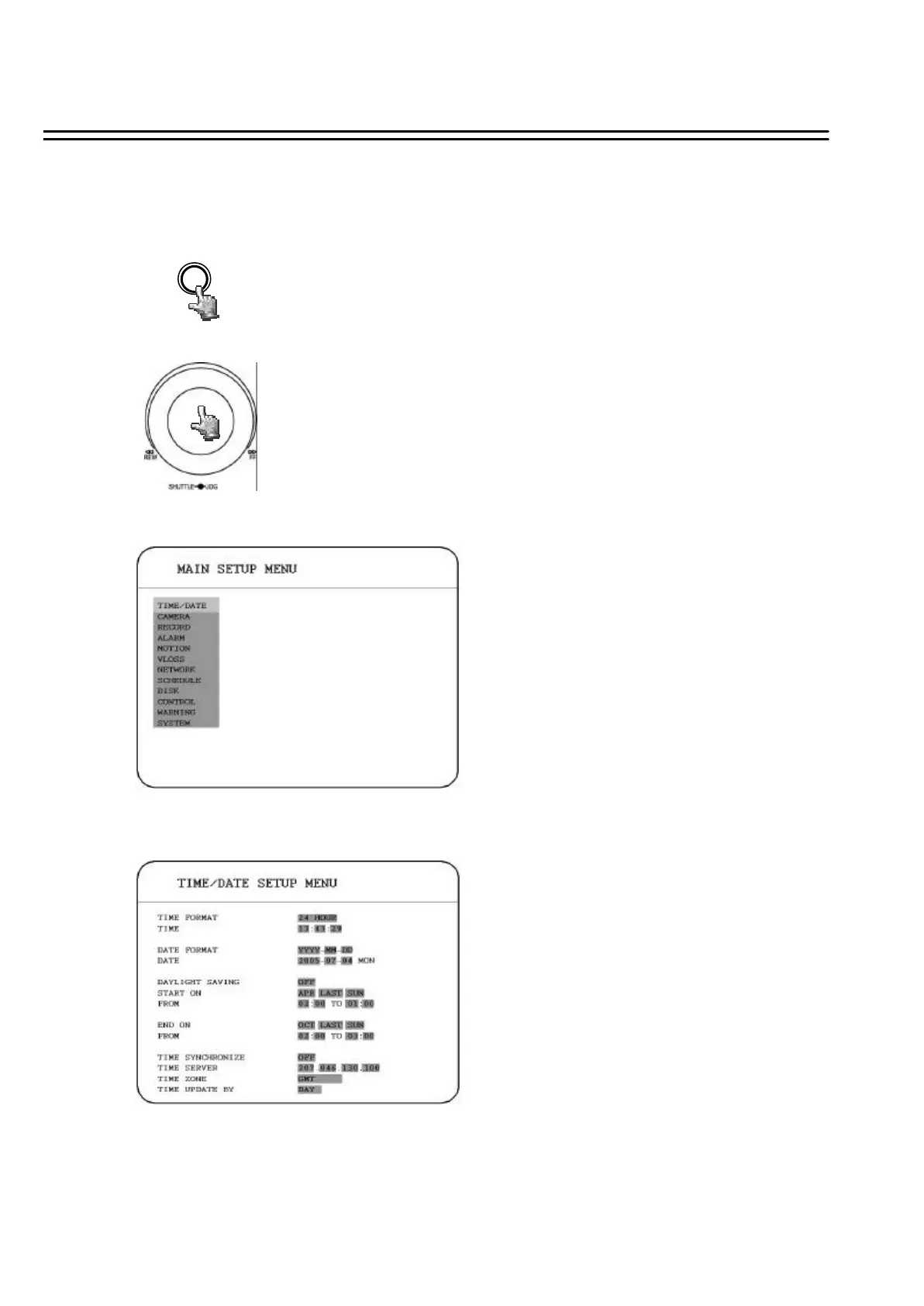
3. MENU SETUP
3.1 TIME / DATE SETUP MENU
MENU
Press the MENU key to enter the MAIN MENU.
Press the MENU key to quit current setting, and go back to last setting.
Dial the Jog clockwise or counterclockwise to change subentry values.
Press the ENTER key to go next subentry in a menu setting, and press
the DISPLAY key to go last subentry in a menu setting.
To set up the machine before using is necessary, especially first time to use.
28













 To Next Page