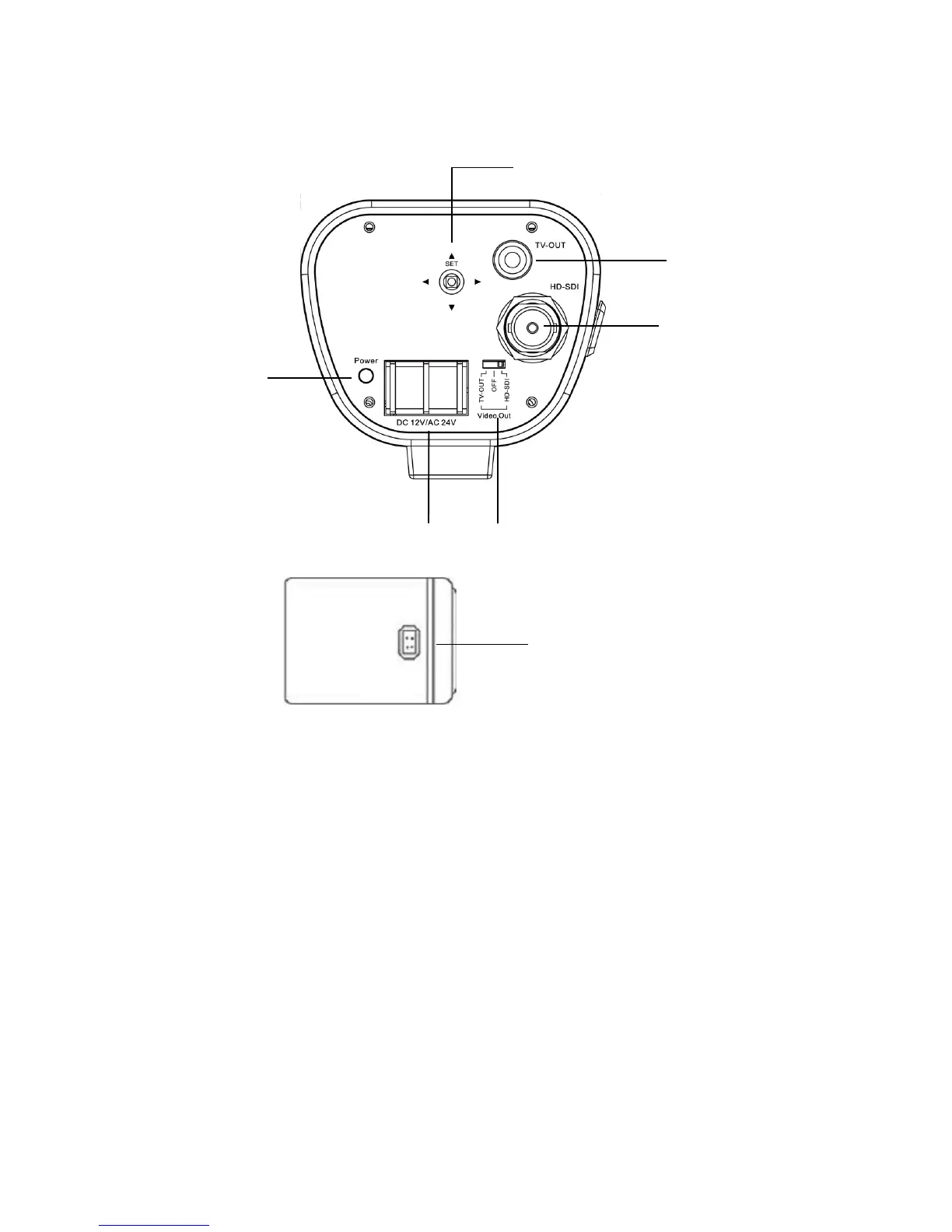
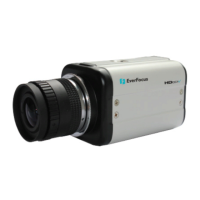
2.3 Back panel and connections
○
1
○
2
○
3
○
6
- 5 -
○
5
○
7
○
4
○
1
OSD Menu joystick: Use the joystick to move the cursor Upwards/Downwards. This is used to
select the item to be set. Tilt the stick to the right or left. This is used to select or adjust the
parameters of the selected item. Press in on the stick to enter the setup menu.
○
2
TV-Out
Connect to the TV-input of the Monitor by using a RCA connector.
○
3
HD-SDI Output: High-definition serial digital interface (BNC connector type). Connect to a video
device through a 75 Ohm type coaxial cable to the BNC female connector at the rear of the camera.
○
4
Video Out: a switch to select which video output is used for connection.
○
5
Power Input Terminal: Connect 12VDC/24VAC power.


 To Next Page