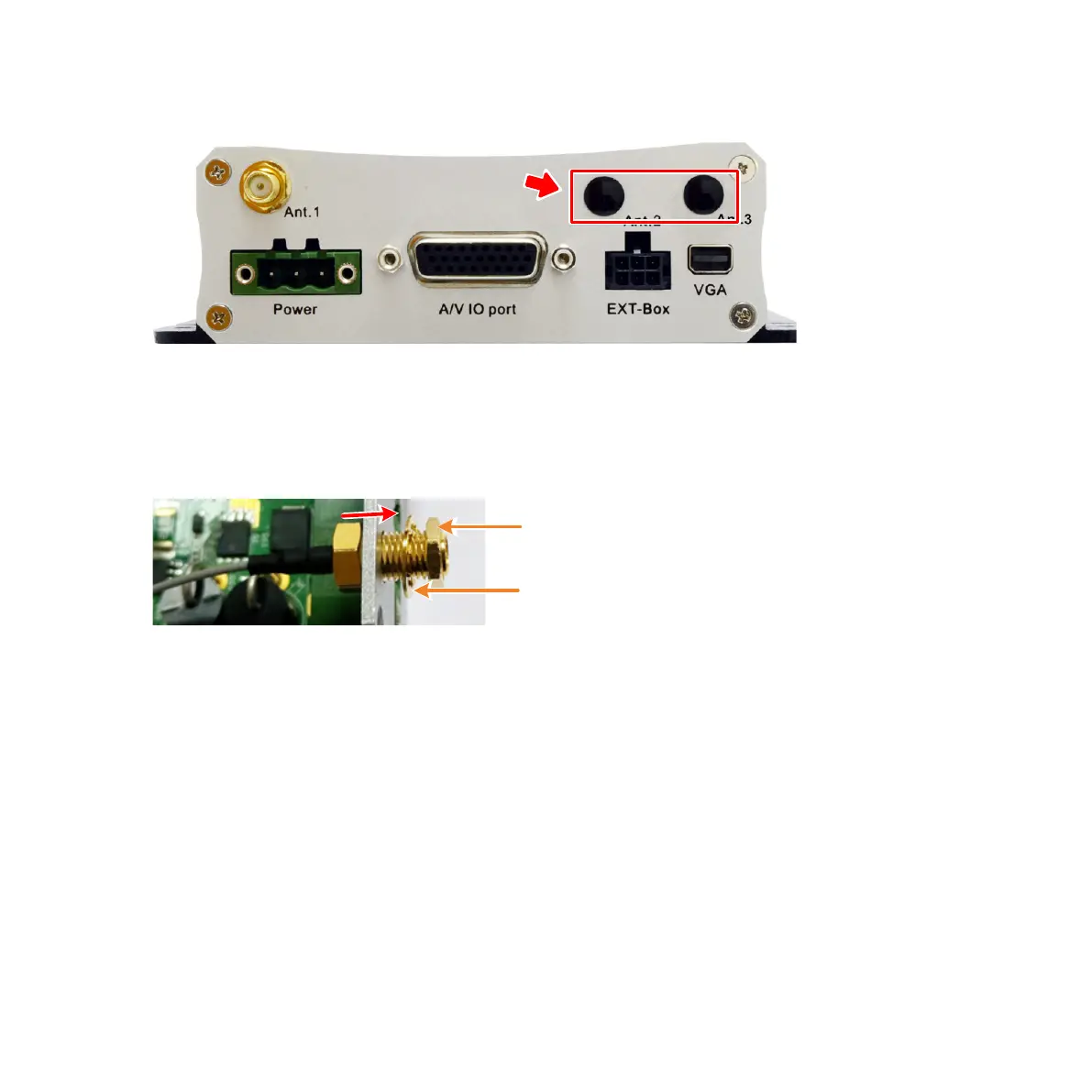
b. On the rear-panel of the mobile DVR, remove the WiFi Antenna Plugs
(Ant.2 and Ant.3).
c. Insert the other end of RF Cables through both of the antenna holes
(Ant.2 and Ant.3), and then screw the RF Cables using the supplied Rings
and Hexagon Nuts.
d. Screw the WiFi Antenna to the RF Cables (Ant.2 and Ant.3).
6. Slide the Main Board to the housing and then screw back the four screws.



 To Next Page