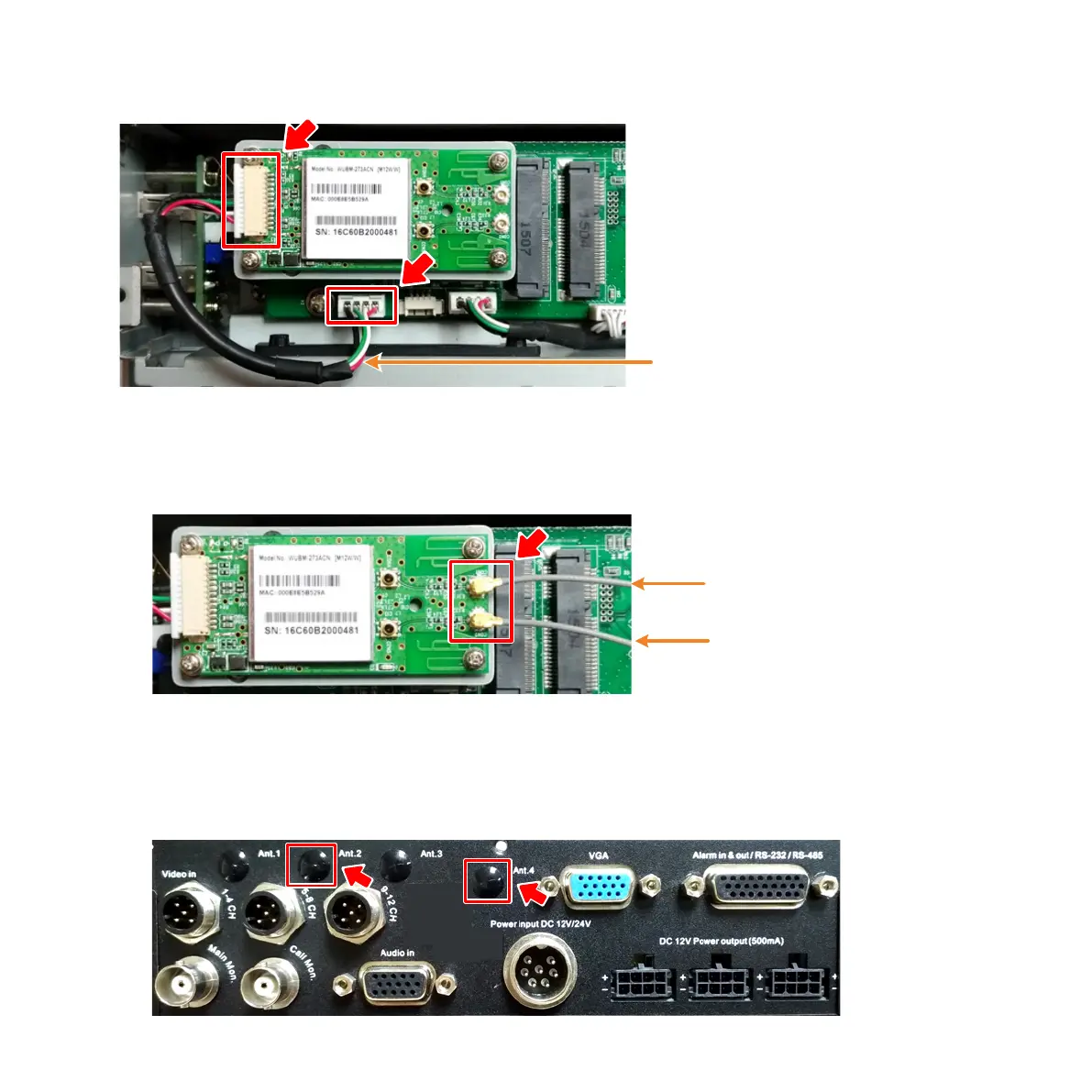
5. Use the Module Cable to connect the 5G WiFi Module to the I/O board.
6. Connect the WiFi Antenna to the 5G WiFi Module.
a. Connect one end of the RF Cables to the 5G WiFi Module.
b. On the rear-panel of the mobile DVR, remove the WiFi Antenna Plugs
(Ant.2 and Ant.4). Please refer to Appendix for WiFi Antenna Plugs on
different models.



 To Next Page