25
Eversense E3 CGM Quick Reference Guide
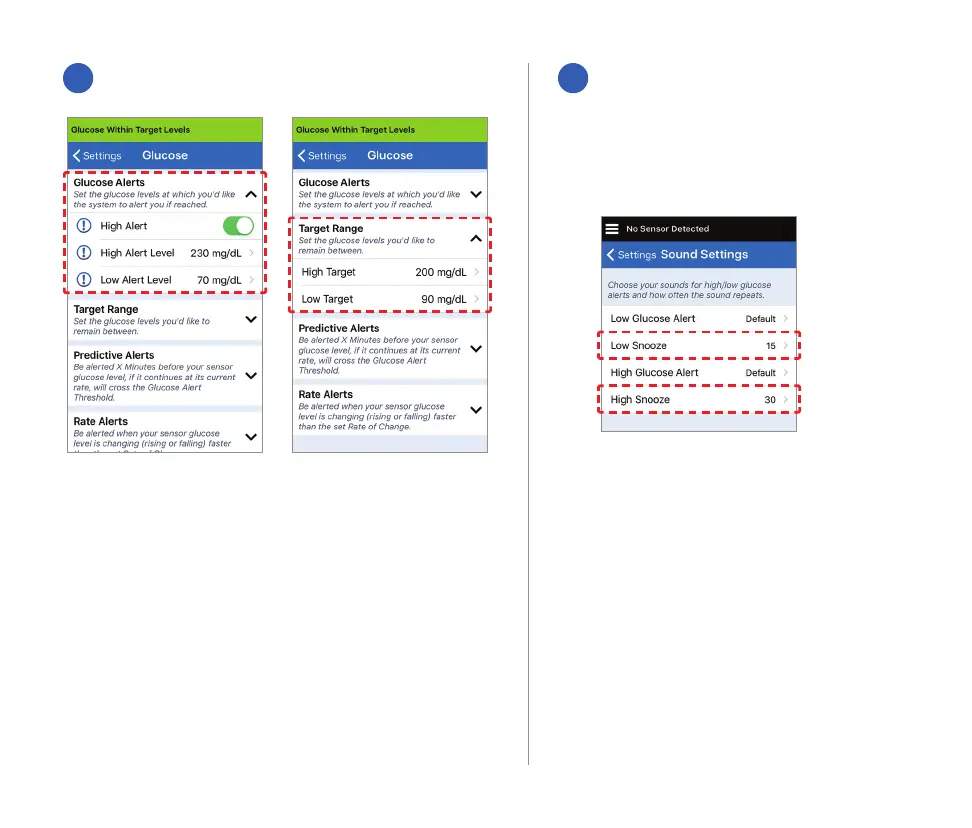
Your alerts sounds are also
customizable. See User Guide
Section 8.
Tip: If you are new to CGM, wait to set
predictive or rate-of-change alerts until you are
accustomed to wearing your system.
A
Set glucose targets and glucose alerts
B
Set how often alerts repeat (snooze)



 To Next Page