26
Eversense E3 CGM Quick Reference Guide
See User Guide Section 9
for more information.
Alerts and notifications
Smart transmitter
vibration pattern
Alerts where no glucose values can be
displayed or a Battery Error Alert
3 long vibes
Alerts related to Low Glucose 3 short vibes x 3
Alerts related to Predictive Low and
Out-of-Range Low Glucose
3 short vibes
Alerts related to High Glucose
1 long vibe then
2 short vibes
Alerts related to smart transmitter
charge and low smart transmitter battery
3 quick vibes then
1 long vibe x 2
Alerts related to less critical issues, or
notifications
1 short vibe
Tip: If you experience an Ambient Light Alert (more common
in early wear), try moving away from direct light, covering the
smart transmitter with darker clothing, or placing the smart
transmitter slightly higher on the arm over the sensor.
Alerts and Notifications – See, Hear, Feel
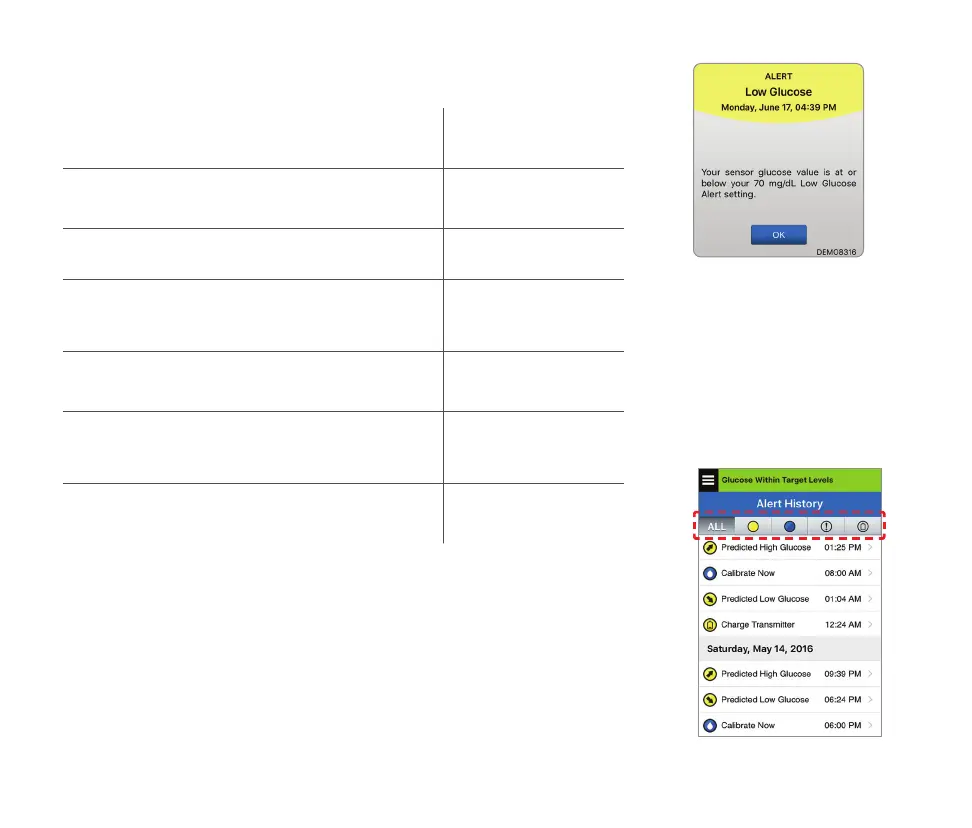
To access alert history:
Menu > Alert History
• Alerts are sortable.



 To Next Page