REMOTE CONTROLLER
7
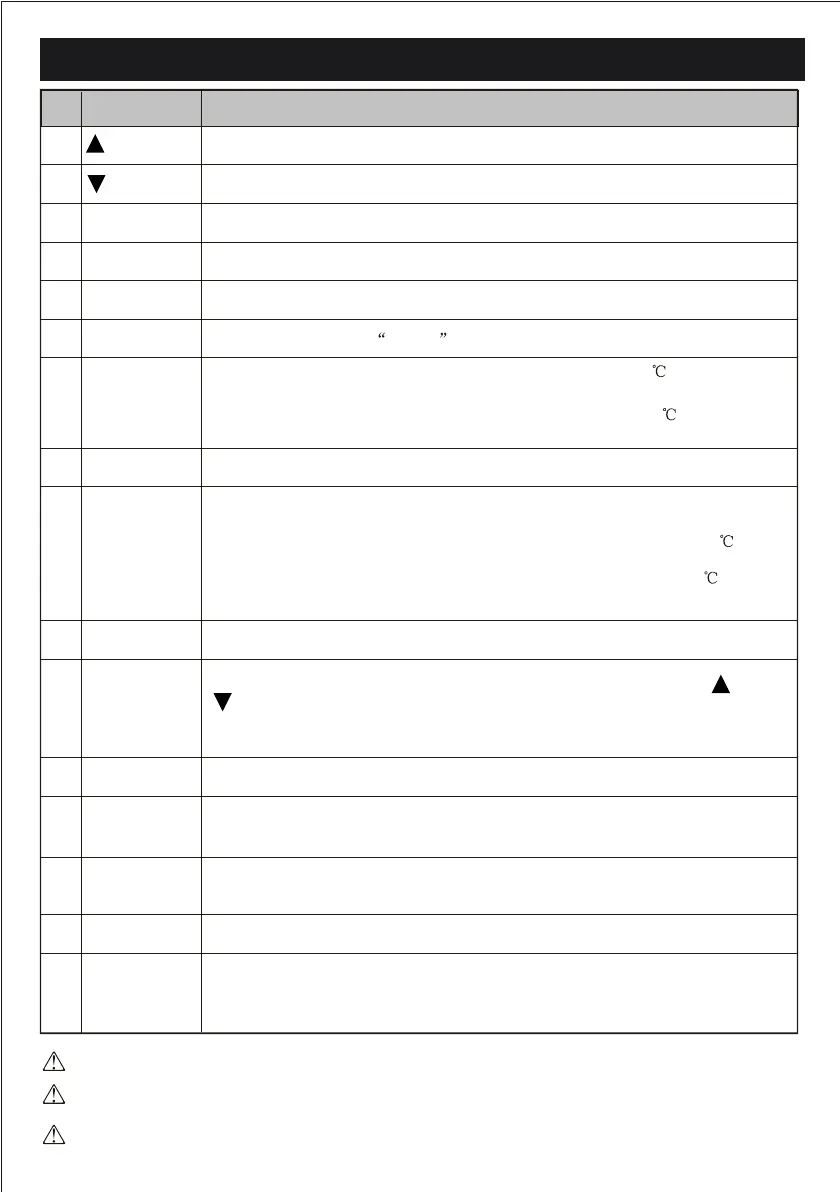
The shape and position of buttons and indicators maybe dierence according to the model, but their
function is the same.
The out looking and some function of remote controller maybe dierence.
The unit conrms the correct reception of each press button with a beep.
To select the mode of operation
To LED displayswitch on/o the
To activate or deactivate of the movement of the deectors.
To activate the function SLEEP
To switch - on /o HEAL THY funtion.It is a button which controls the ionizer or
plasma genera for available model only.
In cooling mode,press this button ,the temperature will increase 2 on the base of
setting temperature
In heating mode, press this button, the temperature will decrease 2 on the base of
setting temperature
Press this button to activate / deactivate the Super function which enables the unit to reach
the preset temperature in the shortest time.
In COOL mode, the unit will
give the maximum cooling temperature with 16 ,high fan
speed.
In HEAT ode, the unit will
give the maximum heating temperature with 31,high fan
speed.
Press it to decrease temperature/ time setting.
Press it to increase temperature / time setting.
Press it to start or stop operation.
Press it to set auto-o timer
.
To select the fan speed of auto/low/mid/high
No.
8
10
12
6
14
7
9
13
MODE
SWING
DISPLAY
SLEEP
HEALTHY
ECO
SU PE R or T URB O
11
3D
CLOCK
1
(TEMP DN)
(TEMP UP)
2
3
4
ON/OFF
FAN
5
TIMER
When you press "3D", the horizontal and vertical vanes will swing together at the
same time.
RESET
ANTI-MILDEW
Button
Function
To activate the function ANTI-MILDEW
To restart REMOTE CONTROLLER
16
15
When you press this button,the time will be ickering;then through" "and
" ",you can adjust the time(one time you press,one minute you adjust;and if
you continue to press,the time change rapidly ), after adjusting to your required
time, please press this button again to x the time.
Mute
To activate the function of Mute
or or



 To Next Page