Table of Contents
Introducon ................................................................................................ 1
Table of Contents ........................................................................................ 2
What’s in the Box? ...................................................................................... 3
Serial Number and Registraon ................................................................... 3
Technical Support ....................................................................................... 4
Features ..................................................................................................... 4
Specificaons .............................................................................................. 5
Geng Started ............................................................................................ 7
Configuring PrecisionX Mobile ..................................................................... 7
Comfort with Connuous Use .................................................................... 14
Compliance ............................................................................................... 15
What’s in the box?
Package Contents:
● EVGA SC17
● Power Adapter
● Power cord
● Manual
● 1 pcs USB type C to A cable
● 1 pcs Audio cable
Serial and Registraon
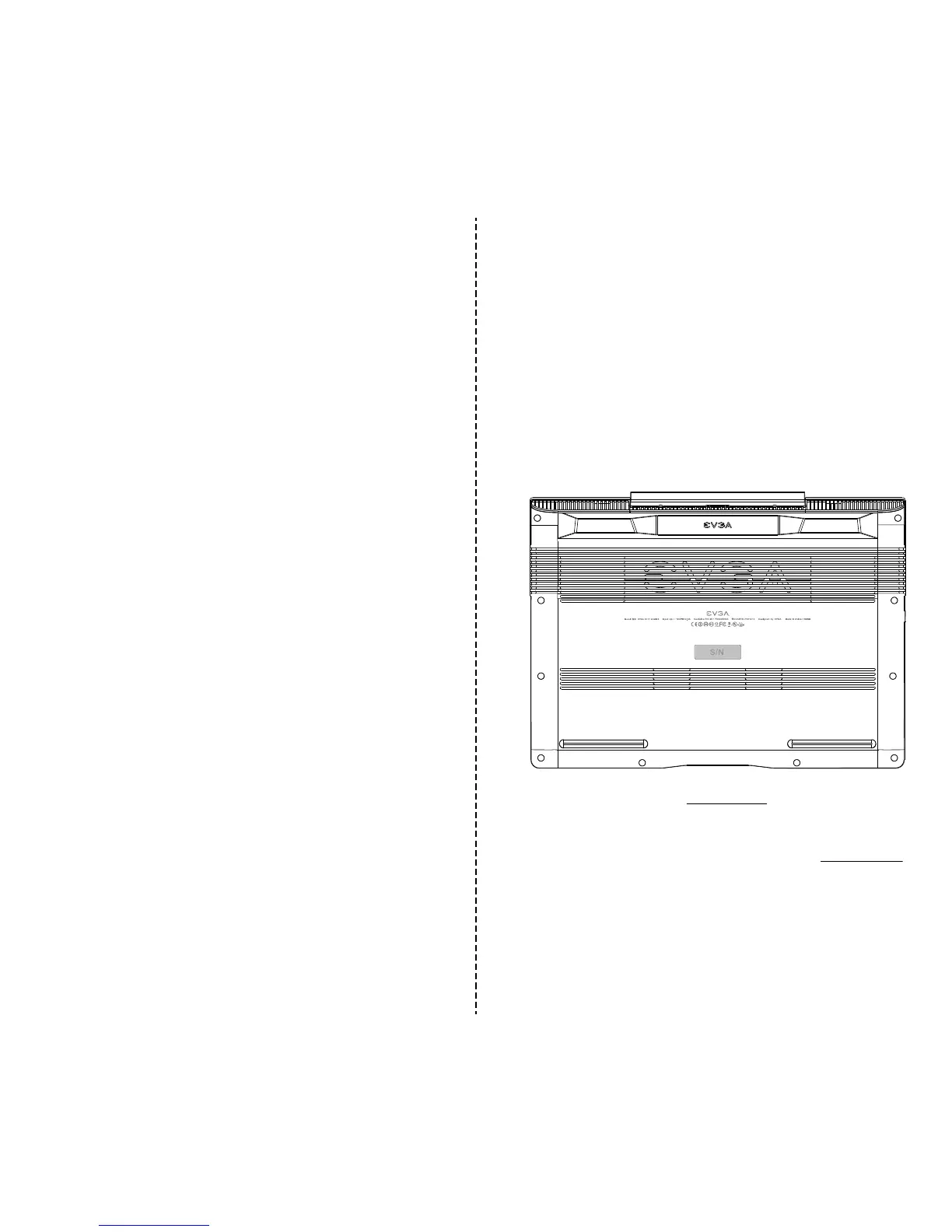
The serial number and part number scker will be on the boom of the laptop
here (see below pic).
If you already have an account at www.evga.com then you can log in and under
“Member Home” you can select Product Registraon and follow the prompts
for registering your new Notebook.
If you do not have an account, you will first need to go to www.evga.com and
click on Member Login at the upper right, and click the “Sign Up” buon, and
follow the prompts. Once your account is created and acvated you can
register your Notebook.
With the Notebook registered, you can see your warranty status and contact
our Product support any me 24/7 if there are ever any quesons or concerns.
32


 To Next Page