20
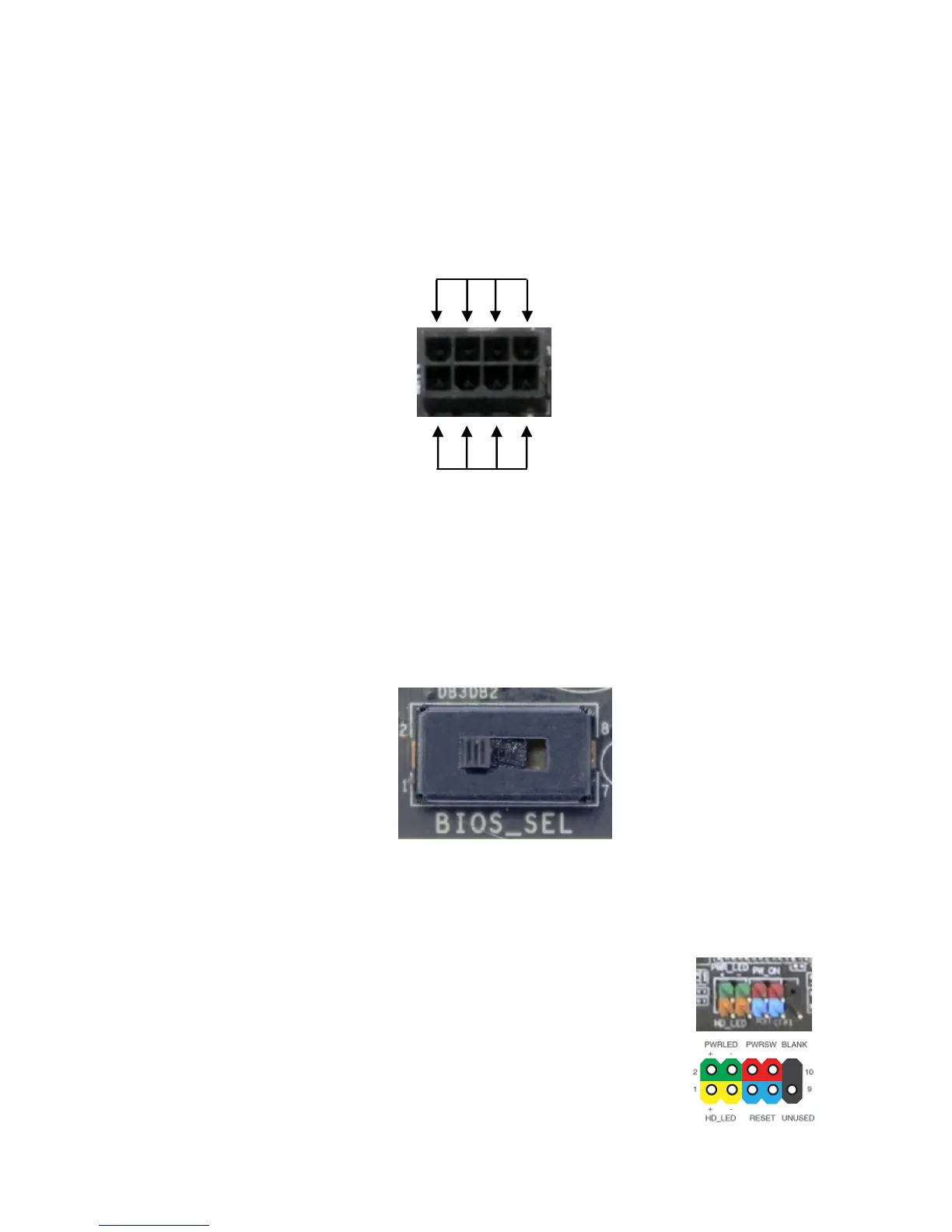
8-pin ATX 12V Power (PW12-1 & PW12-2)
PW12-1 & PW12-2, the 8-pin ATX 12V power connections, are used to
provide power to the CPU. Align the pins to the connector and press firmly
until seated. The secondary is optional for improved overclocking.
BIOS Select Switch
The BIOS Select Switch is located directly on the bottom edge of the
motherboard. This jumper controls which of physical BIOS chips are to be
used when the system is powered on.
Connecting Internal Headers
Front Panel Header
The front panel header on this motherboard is used to
connect the following four cables.
PWRLED
Attach the front panel power LED
cable to these two pins of the connector. The Power



 To Next Page