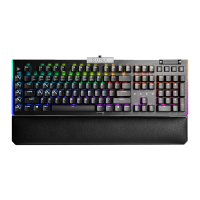
GETTING START YOUR Z20 GAMING KEYBOARD
Plug USB Connection Cable to your PC.
Branchez le câble de connexion USB à votre PC.
Schließen Sie das USB Verbindungskabel an Ihren PC an.
Conecte o cabo de conexão USB ao seu PC.
Conecta una conexión USB por cable a tu computadora.
Inserire il cavo di collegamento USB nel PC.
Turn on your PC.
allumez votre PC.
Schalten Sie Ihre PC ein.
liga o seu PC.
Prende tu PC.
Avviare il PC.
Install EVGA Unleash RGB Software.
Installez le logiciel EVGA Unleash RGB.
Installieren Sie die EVGA Unleash RGB Software.
Instale o software Unleash RGB da EVGA.
Instala EVGA Unleash RGB Software.
Installare il software EVGA Unleash RGB.
Enjoy it!
profitez-en!
Genieß es!
Aproveite!
¡Disfruta!
Buon divertimento!
STEP 2
STEP 3
STEP 4
STEP 1


 To Next Page