13
Channel Setup (continued)
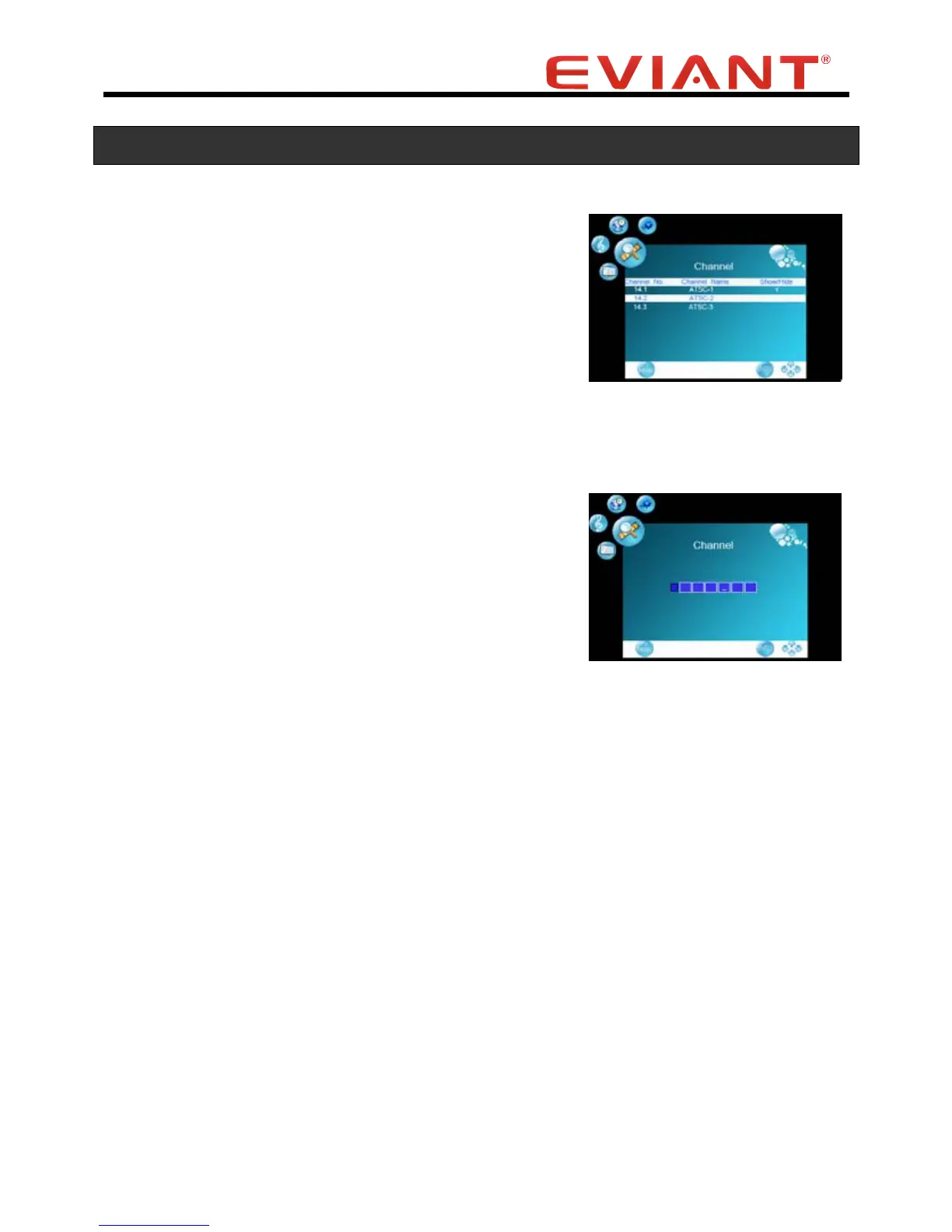
Show/Hide
Use this function to turn off channels that you don’t
want to see as you go through the channels.
Press the CH CH buttons to select Show/Hide.
Press the VOL button to enter Show/Hide Menu.
Press the CH CH buttons to select channel.
Press OK button to confirm which channel to show or
hide.
“√”means this channel is selected to show.
Channel No.
Use this feature to select which channel to customize
using the Channel Label function below.
Press the CH CH buttons to select Channel No.
Press the VOL VOL buttons to select which channel
to play.
Channel Label
Use this feature to customize the channel names.
Press the CH CH buttons to select Channel Label.
Press the VOL button to enter the menu.
Within this menu, press the VOL VOL buttons to highlight position and press the CH
CH buttons to select the desired character or symbol to edit the Channel name.
Press the MENU button to return to the previous menu.


 To Next Page