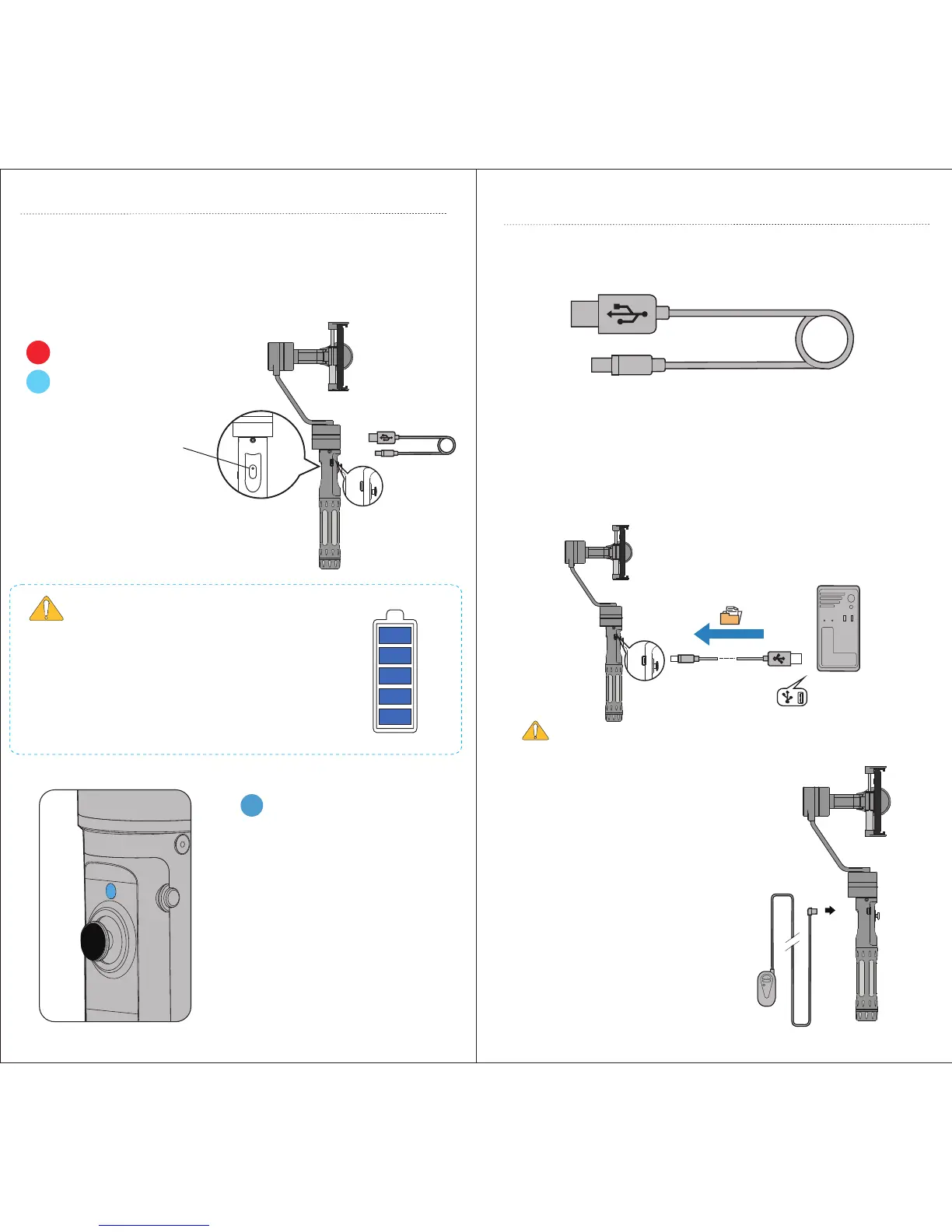
Red Light = Charging
Blue Light = Finished
Connect the Micro USB Port on the side of the handle to any
standard USB outlet or phone charger using the included Micro USB
cable. Batteries take approximately 2 to 3 hours to fully charge.
Shorter charge times can be achieved using higher mA rating AC/DC
adapter.
ALWAYS USE GENUINE
NCR 18650 OEM BATTERIES!
Monitor Remaining
Battery Power:
4 Flashes = 75-100%
3 Flashes = 50-75%
2 Flashes = 25-50%
Flashes Quickly = 0-25%
POWER INDICATOR LIGHT
Your gimbal must be matched with the orignal
batteries to guarantee performance, long life and
safety! Never pair dierent brand or dierent model
batteries together.
Additional batteries can be purchased from your
dealer or direct from EVOGimbals.com
CHARGING BATTERIES
CHARGING INDICATOR LIGHT
FIRMWARE UPGRADE / SOFTWARE CALIBRATION
Connect gimbal to your computer using the included Micro USB
cable to upgrade the rmware or to use the software calibration tool.
For the latest rmware upgrades, user manuals and software calibra-
tion please visit www.EVOGimbals.com and click on Downloads.
Note: Batteries cannot be charge through Micro USB port.
OPTIONAL REMOTE CABLE
Connect Remote Extension
Cable (sold separatley) to Micro
USB port to remotely control
operating modes and gimbal
functions.
Remote extension cable can be
very useful when shooting with
the carbon ber extension
poles (sold separatley).
USB CONNECTION



 To Next Page