EasyManua.ls Logo

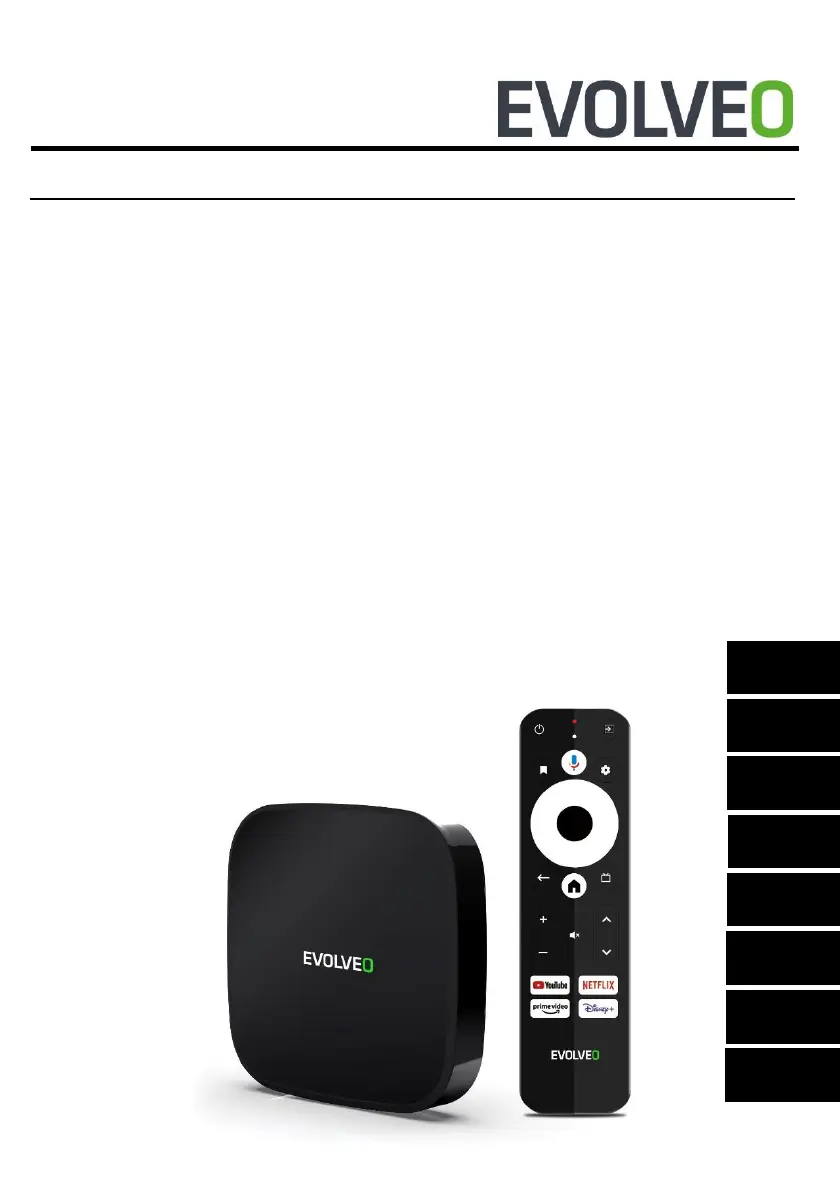
Evolveo MultiMedia Box A4 - User Manual

Evolveo MultiMedia Box A4
52 pages
Go to English
Print Icon
To Next Page IconTo Next Page
Loading...
MANUAL
MODEL VERSION / DATE
MultiMedia Box A4 I. / 22. 5. 2023
CZ
RO
SK
EN
HU
DE
IT
SI

Questions and Answers

  • C
    Cameron GarciaAug 11, 2025
    What to do if the Evolveo MultiMedia Box A4 remote control fails?
    • M
      Melvin AcostaAug 11, 2025
      If the remote control for your Evolveo Set-top box isn't working, make sure you're aiming it at the front panel sensor. If that doesn't work, replace the batteries. If the problem persists, it may need maintenance.
  • C
    Colleen BennettAug 18, 2025
    Why Evolveo MultiMedia Box A4 Set-top boxes can't connect to the network?
    • S
      Stacey Parker MDAug 18, 2025
      Your Evolveo Set-top box might not be connecting to the network because the cable connection isn't properly connected or the Wi-Fi is off, or the signal is too weak. Try reconnecting to the internet or restarting the Wi-Fi. You might also need to change the router's location.
  • L
    lucasheathAug 26, 2025
    How to fix the sound if TV shows picture but no sound on Evolveo MultiMedia Box A4 Set-top boxes?
    • C
      Christopher HamptonAug 26, 2025
      If you see a picture on your TV but can't hear any sound from your Evolveo Set-top box, check if the audio cable is properly connected. Also, ensure that the Android TV Box is not in SILENT mode and that the volume isn't muted. Reconnect the audio cable, press the mute button, and increase the volume to resolve this issue.
  • B
    Brian AndersonSep 2, 2025
    What to do if the display does not appear after switching on Evolveo MultiMedia Box A4 Set-top boxes?
    • J
      Joshua GrahamSep 2, 2025
      If the display doesn't appear after switching on your Evolveo Set-top box, it might be due to the power not being connected, or the socket not being energized. Connect the plug and make sure the electrical outlet has normal voltage.

Evolveo MultiMedia Box A4 Specifications

General IconGeneral
BrandEvolveo
ModelMultiMedia Box A4
CategorySet-top boxes
LanguageEnglish