26
mechanism.
► To rem
ove the SD card, push the edge of the card until it pops out of the camera body.
Then you can safely remove it. The camera must be turned off the entire time, i.e. the
switch must be in the “OFF” position.
2. Control
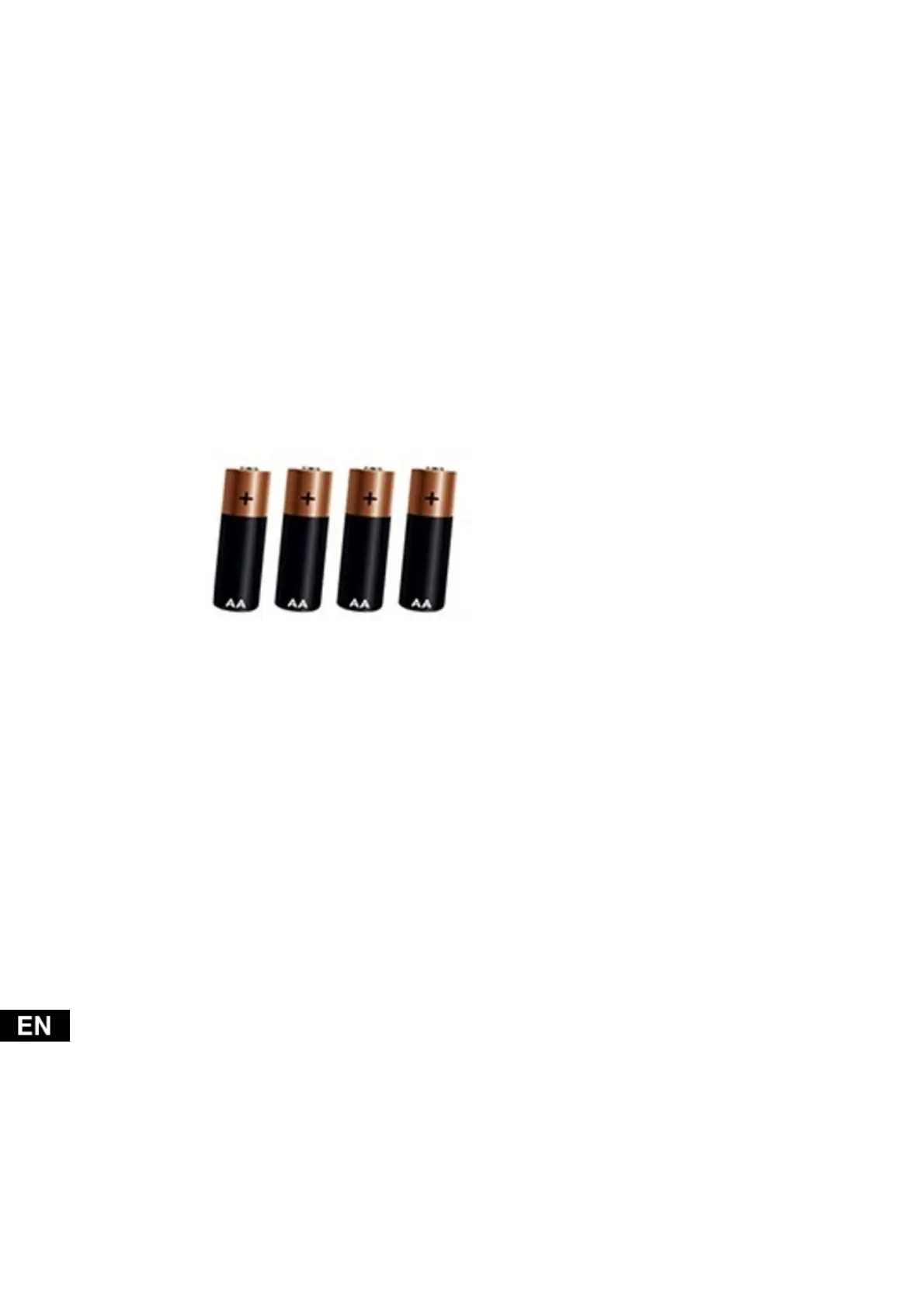
2.1 Batteries
2.2 Camer
a setting
The camera is set by editing the SYSCFG.TXT file. To get the file, turn off the camera and
insert the SD card. Place the switch to the “ON” position and when the green and then red
LEDs on the front panel flash, turn the device off again. The SYSCFG.TXT file was created
on the SD card during this process. Edit the file in your computer in Notepad. The file
contains:
[CFG]
UPDATA=0
MODE=3
TIMELAPSE_INTERVAL=1
PICTURE_RESOLUTION=1
STILL_SHOT_NUM=1
VIDEO_RESOLUTION=1
RECORDING_TIME=1
PIR_DISTANCE=2
RESPOND_INTERVAL=1
CYCLE_WRITE=1
AUDIO=0
DATETIME_FORMAT=1


 To Next Page