81
7. Taking Photos Directly from the Menu
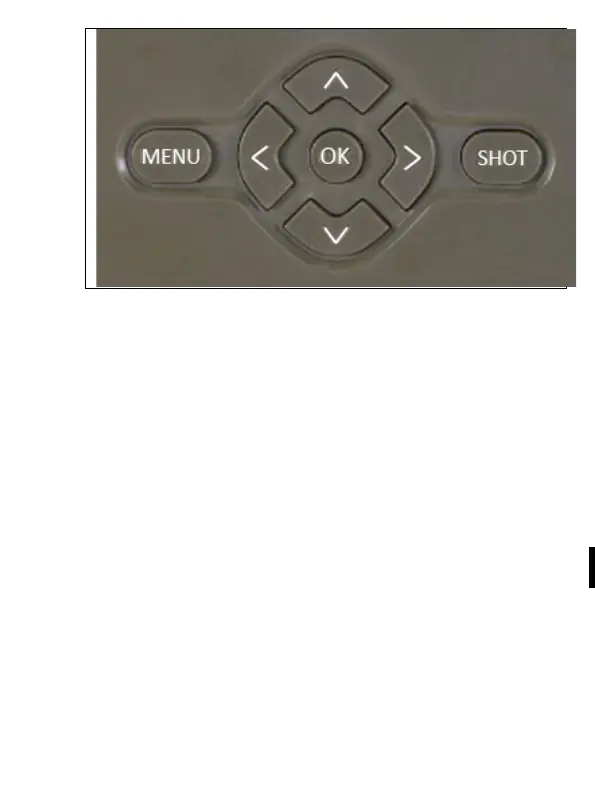
The camera can take photos or videos using buttons only.
Switch the camera to the TEST mode. Follow these steps to
control the camera:
• The arrow up or down switches between the Photography
and Video modes
• Press the SHOT button to take a picture
8. Application
The camera can be fully used only with an application that is free
to download on iOS and Android platforms. The application does
not support a web client. A Cloud server where the photos are
stored is part of the application. The servers are located on the
Amazon platform and physically located in Germany.


 To Next Page