AirKey system manual version 2.7 |
06/03/2024 | Subject to technical changes and misprints
You are unable to delete a person who is still assigned to media. For this
purpose, ensure that all media have been unassigned from this person
before deletion.
> On the Home screen, select the Persons tile.
> Alternatively select Media & Persons → Persons in the main menu.
> Click the name of the person on the person list you would like to delete.
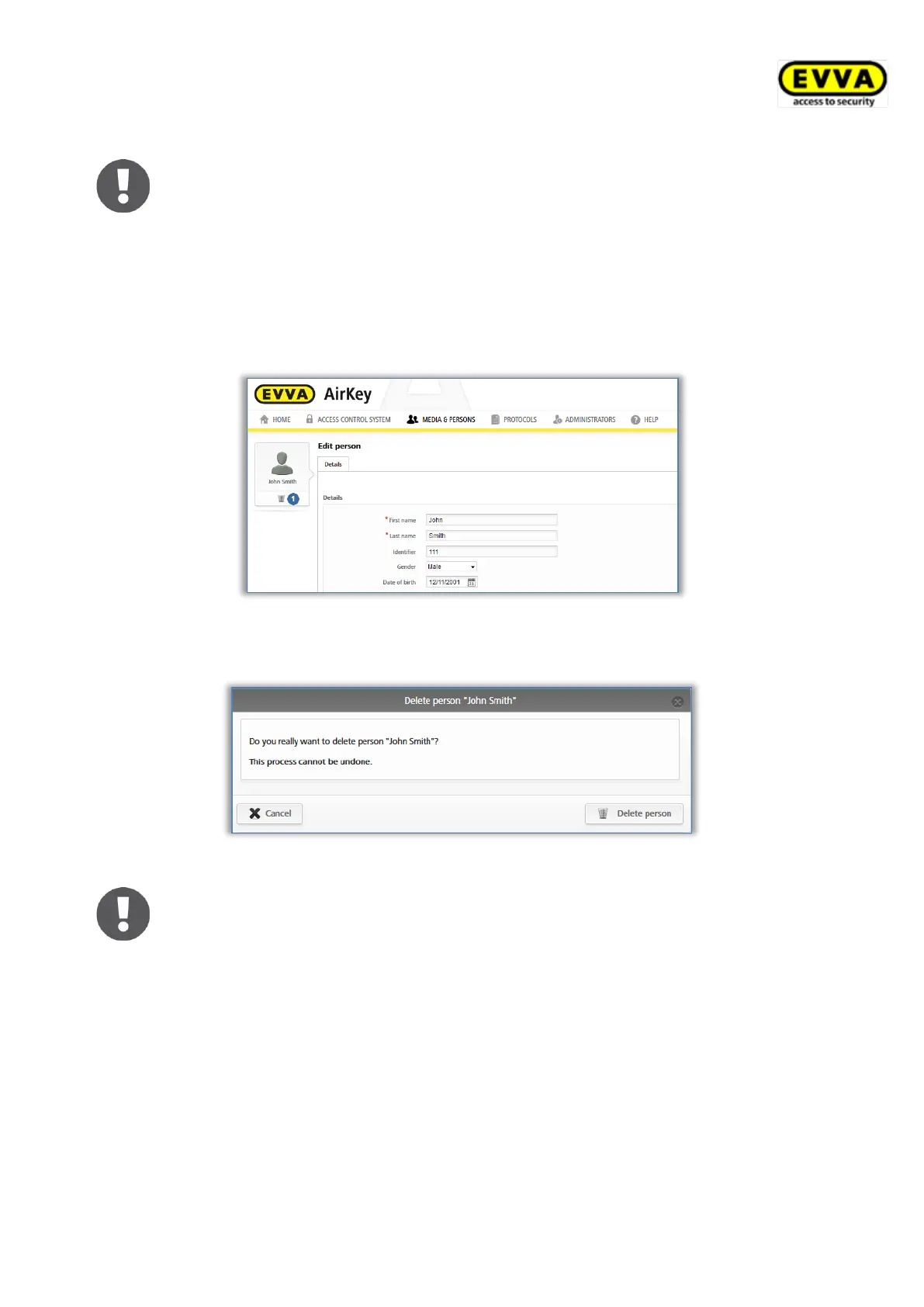
> Click the recycling bin icon.
Figure 166: Deleting persons
> Click "Delete person" to confirm the security prompt.
Figure 167: Delete persons – security prompt
Deleted persons are no longer shown on the person list. Personal event logs
for locking components and media will continue to be documented in the
event log entries dated prior to deletion.
5.6.5 Assigning media to persons
Assign the medium to a person to be able to assign authorisations. This is the only way to
link persons to access events.
> On the Home screen, select the Persons tile.
> Alternatively select Media & persons → Persons in the main menu.
> In the list of persons, click the person you would like to assign a medium to.
> Click the Assign medium button.


 To Next Page
 Loading...