AirKey system manual version 2.7 |
06/03/2024 | Subject to technical changes and misprints
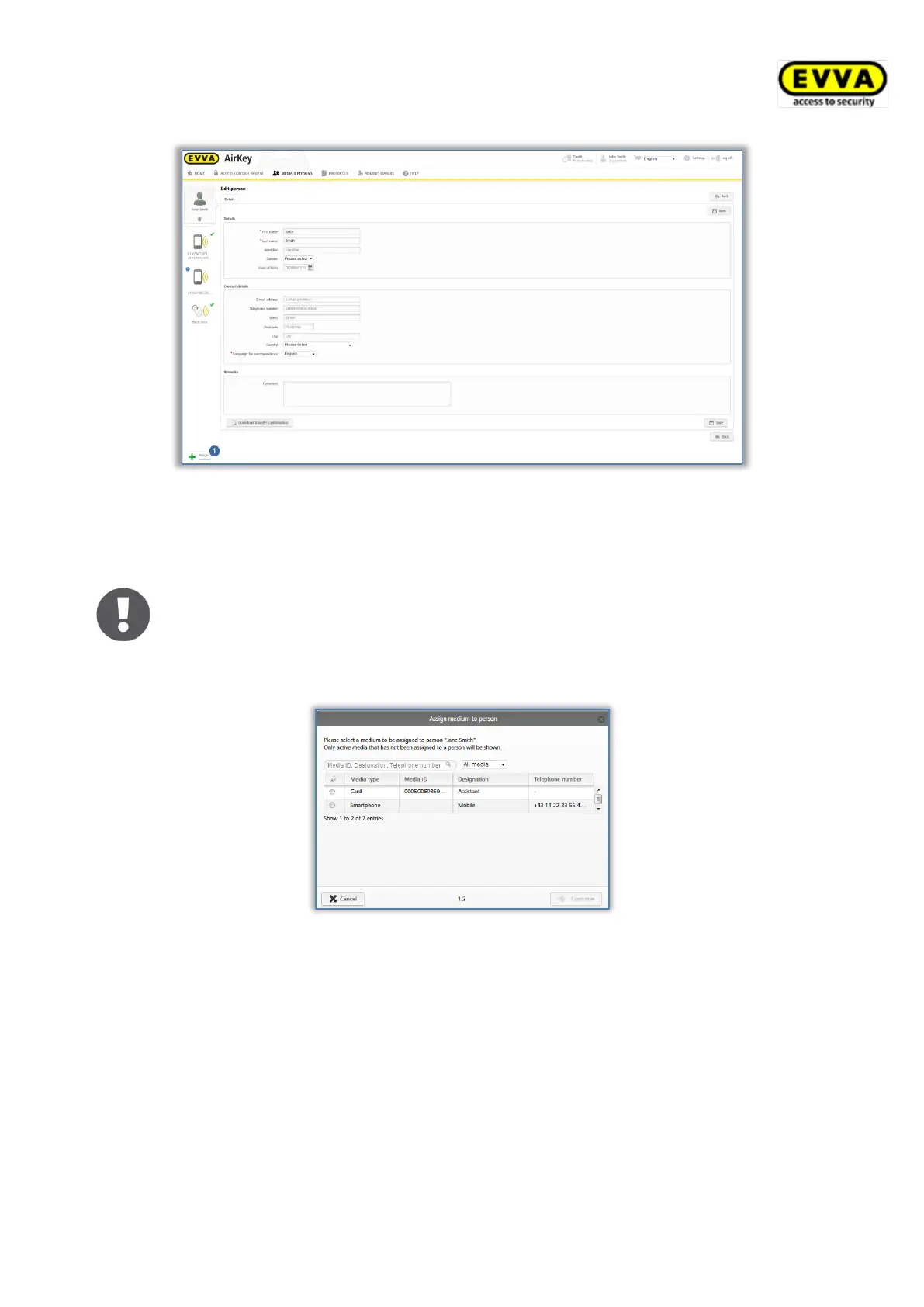
Figure 168: Assigning media
A list with all media that you can assign to the person appears.
You can sort the list, filter by media type or search for certain entries.
Exclusively media within your access control system that have not been
assigned to persons are listed.
> Select the desired medium and click Continue.
Figure 169: Assigning media to persons
The details are shown after having selected the medium. If required, click Back and select a
different medium.
> Click Assign medium to complete the process.


 To Next Page
 Loading...