Alternatively, you can also assign media to persons using the medium.
Please refer to Assigning persons to media for more information.
You can also assign several media (smartphones, cards, key fobs or combi
keys) to a single person.
5.6.6 Overview of media
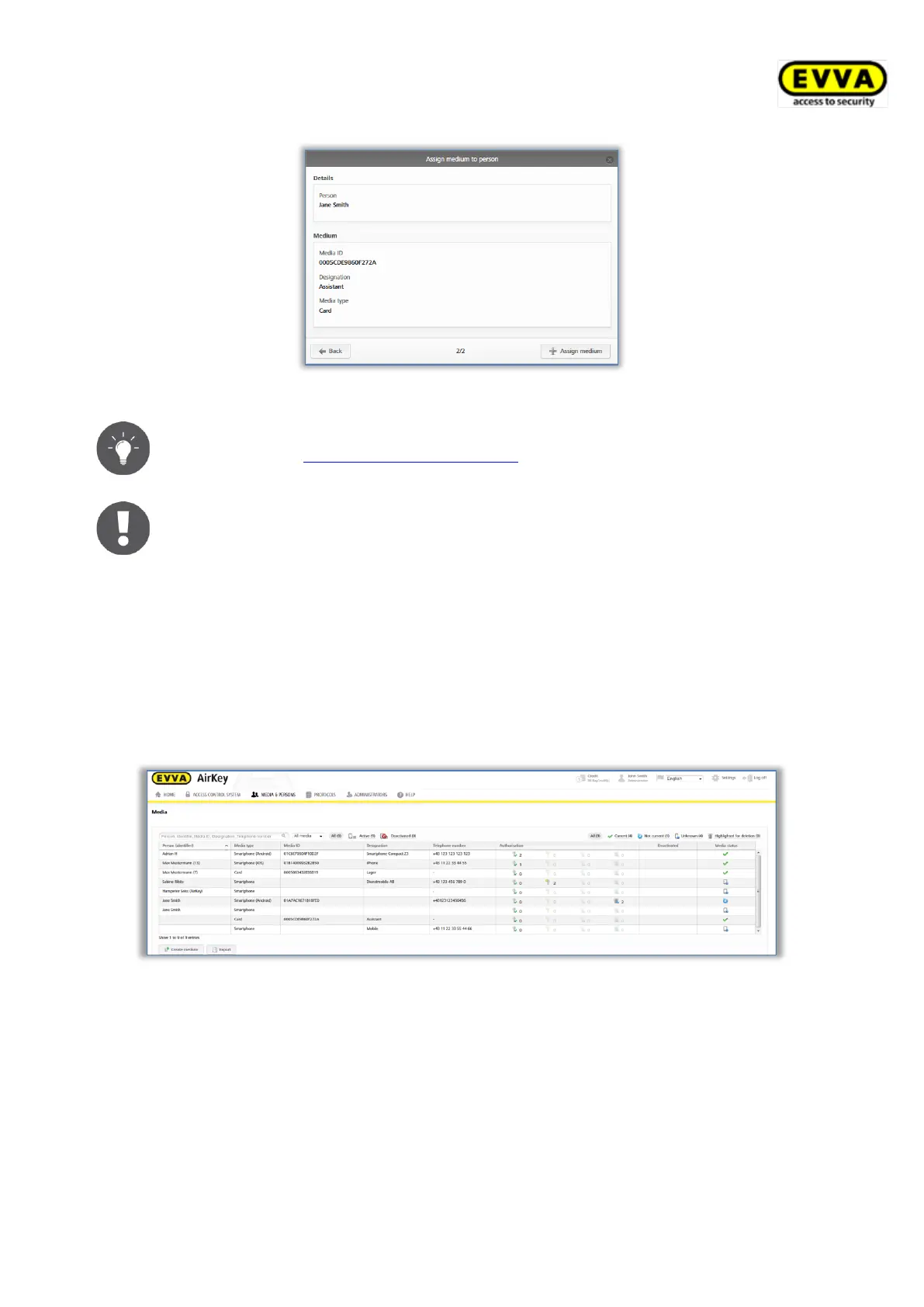
The Media & persons → Media main menu provides a list of all media (smartphones,
cards, key fobs, and combi keys) to give you an overview of all assigned authorisations,
potential deactivations as well as the current media states.
You can search for media in this media list, filter for certain media states, change the sort
order or export the entire list to a CSV file.
Figure 171: Media list
5.6.7 Creating media
You must create a medium in your access control system before you can manage it as part
of your access control system.
> On the Home screen, in the grey bar of the Media and persons section, click Add
→ Add medium.
> Alternatively select Media & persons → Add medium in the main menu.


 To Next Page
 Loading...