AirKey system manual version 2.7 |
06/03/2024 | Subject to technical changes and misprints
2.3 Signs and symbols
Throughout the system manual, sequences of commands, individual commands or buttons
are illustrated as follows.
Example: Main menu Media & persons → Create person or buttons, such as Save.
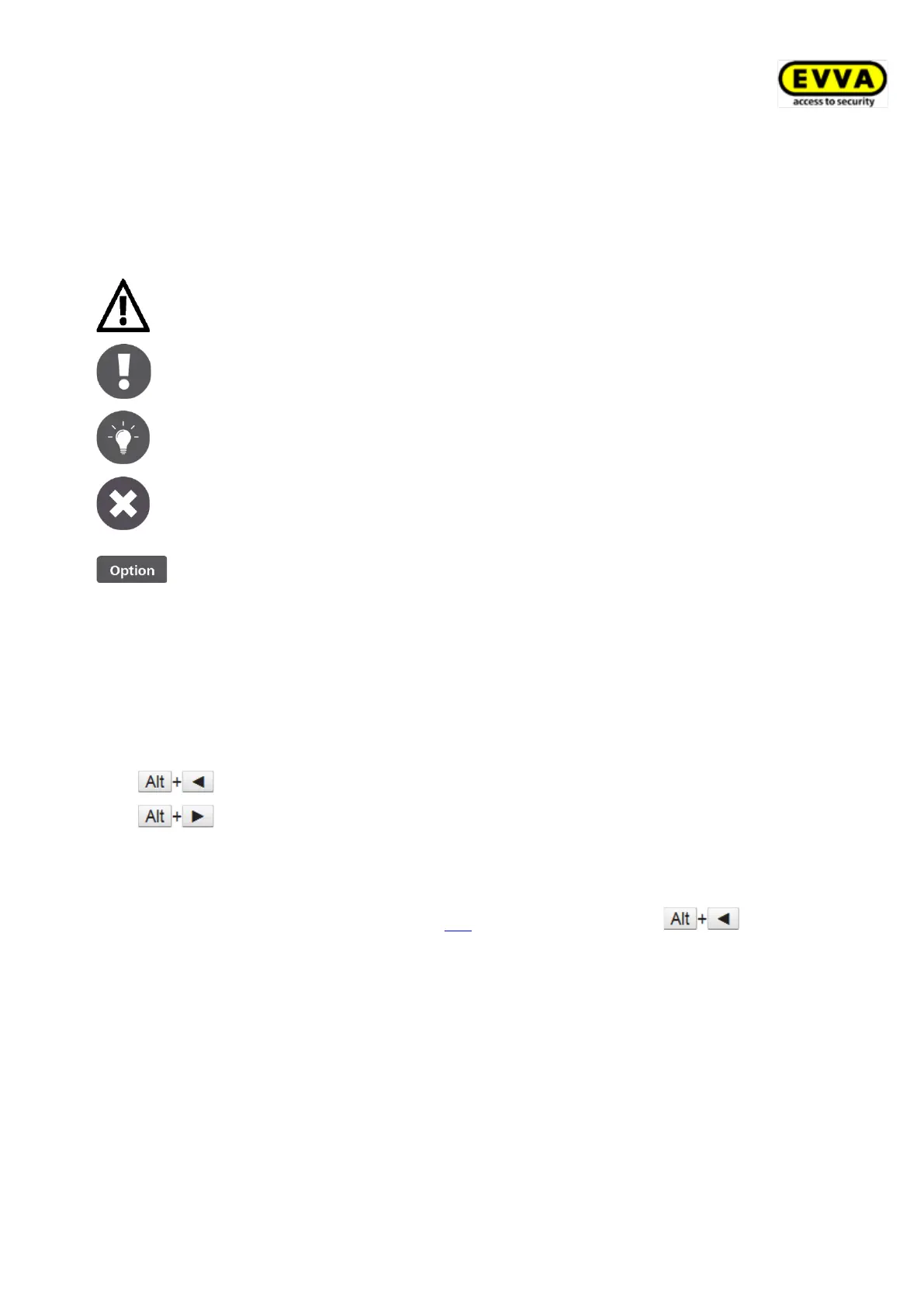
Warning, risk of material damage in the event of non-compliance
with the corresponding safety measures.
Notices and additional information
Hints and recommendations
2.4 Tips for optimal navigation in this document
This document also contains many internal links that lead to other chapters or passages in
the text. The quickest and most convenient way to get back to the original position or
forward again under Windows is to use these key combinations:
(Alt + cursor arrow to the left)
(Alt + cursor arrow to the right)
These keyboard shortcuts work in many PDF viewers as well as in Microsoft Word, for
example.
To try out the keyboard shortcuts, click this link and navigate back with .


 To Next Page
 Loading...