8.8.5 Revoking maintenance tasks for repair options
If you accidentally created maintenance tasks for replacement locking components or
removals without replacements, such maintenance tasks can be deleted retrospectively.
> On the Home screen select the Maintenance tasks link.
> Select the desired maintenance task from the list.
> In the Settings tab go to the Logging and repair options section and click on
Show repair options.
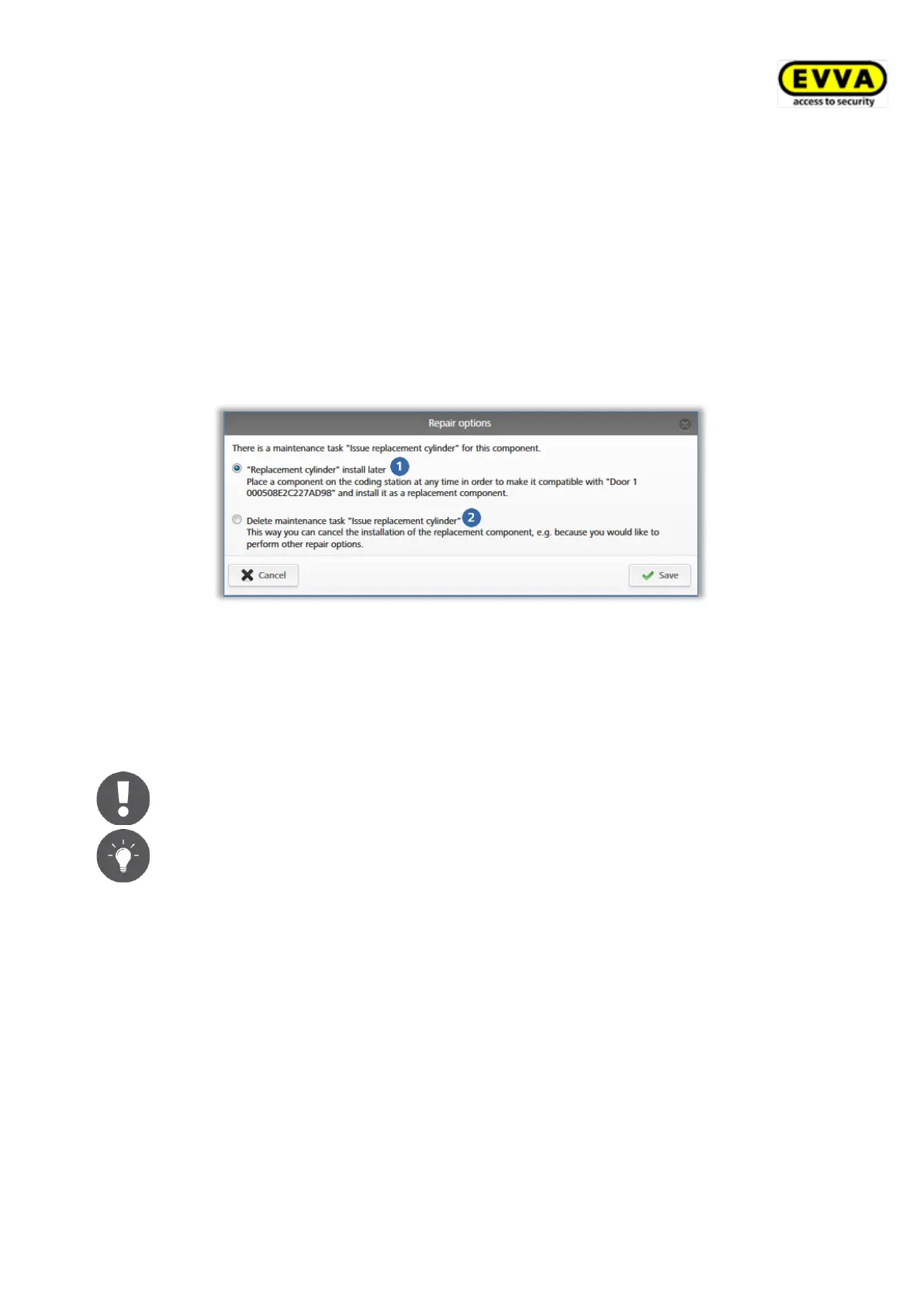
> Depending on the maintenance task that is due, select whether you would like to
issue the replacement component (cylinder, thumb turn, wall reader) later or
whether you would like to delete the maintenance task .
Figure 298: Deleting maintenance tasks
> Click Save.
This will remove the maintenance task. The component status of the locking component is
updated as per the last locking component status.
Also use this function to remove the "Component must be removed"
maintenance task if the locking component was removed from the AirKey
system without having been faulty.


 To Next Page
 Loading...