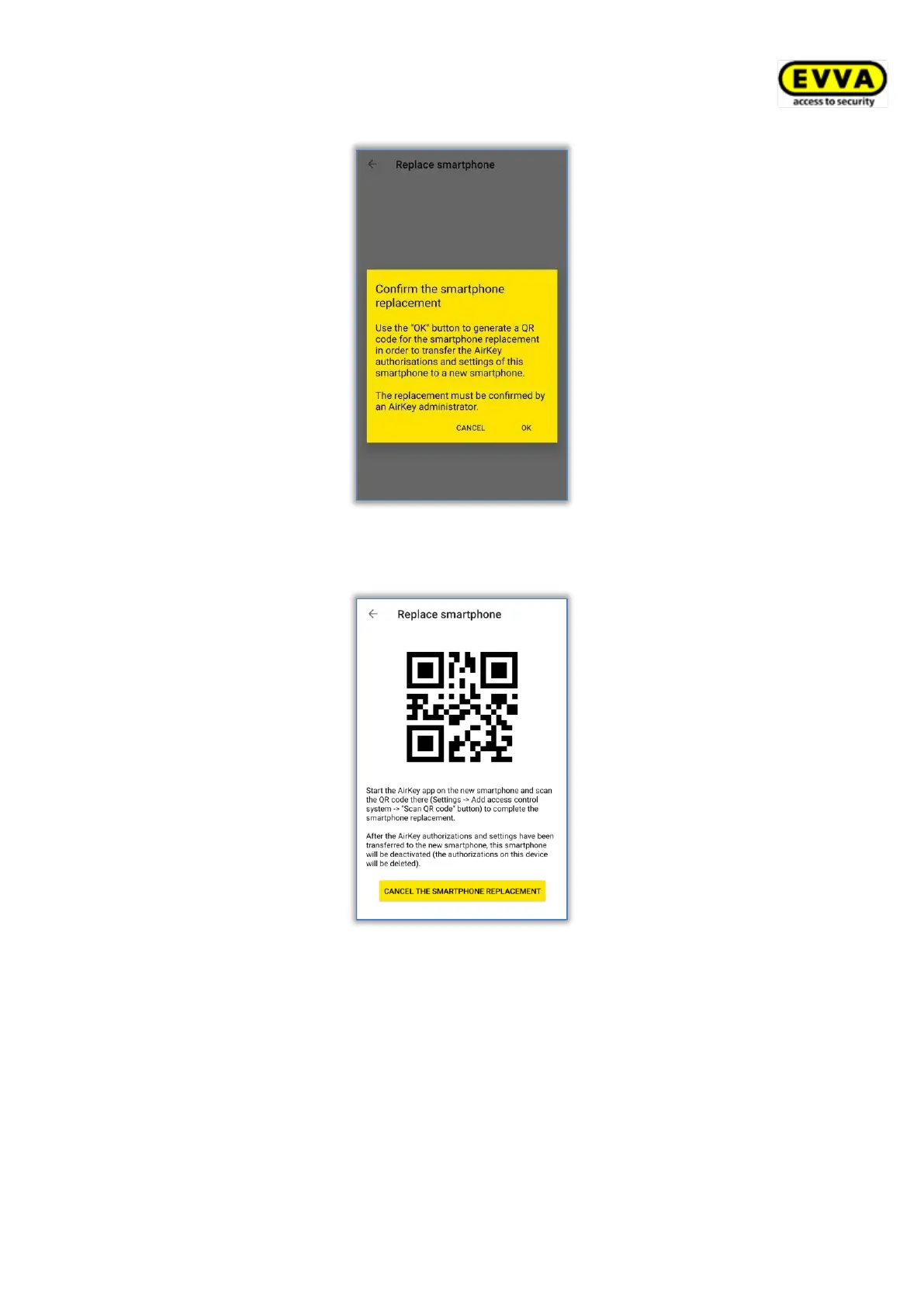
Figure 299: Confirming the smartphone replacement
> A QR code with a description is shown on the source medium.
Figure 300: QR code for the smartphone replacement
The steps on the source medium are now complete. The source medium can be used as
usual until the replacement is completed. The QR code is valid for 30 days and is displayed
again within this period when you tap Settings → Replace smartphone.
Because a new smartphone is created during the smartphone replacement and KeyCredits
are also deducted, the replacement must be confirmed by an administrator within the AirKey
Online Administration.
> Login to the AirKey Online Administration.
> On the Home page click on the tile Pending smartphone replacement operations.


 To Next Page
 Loading...