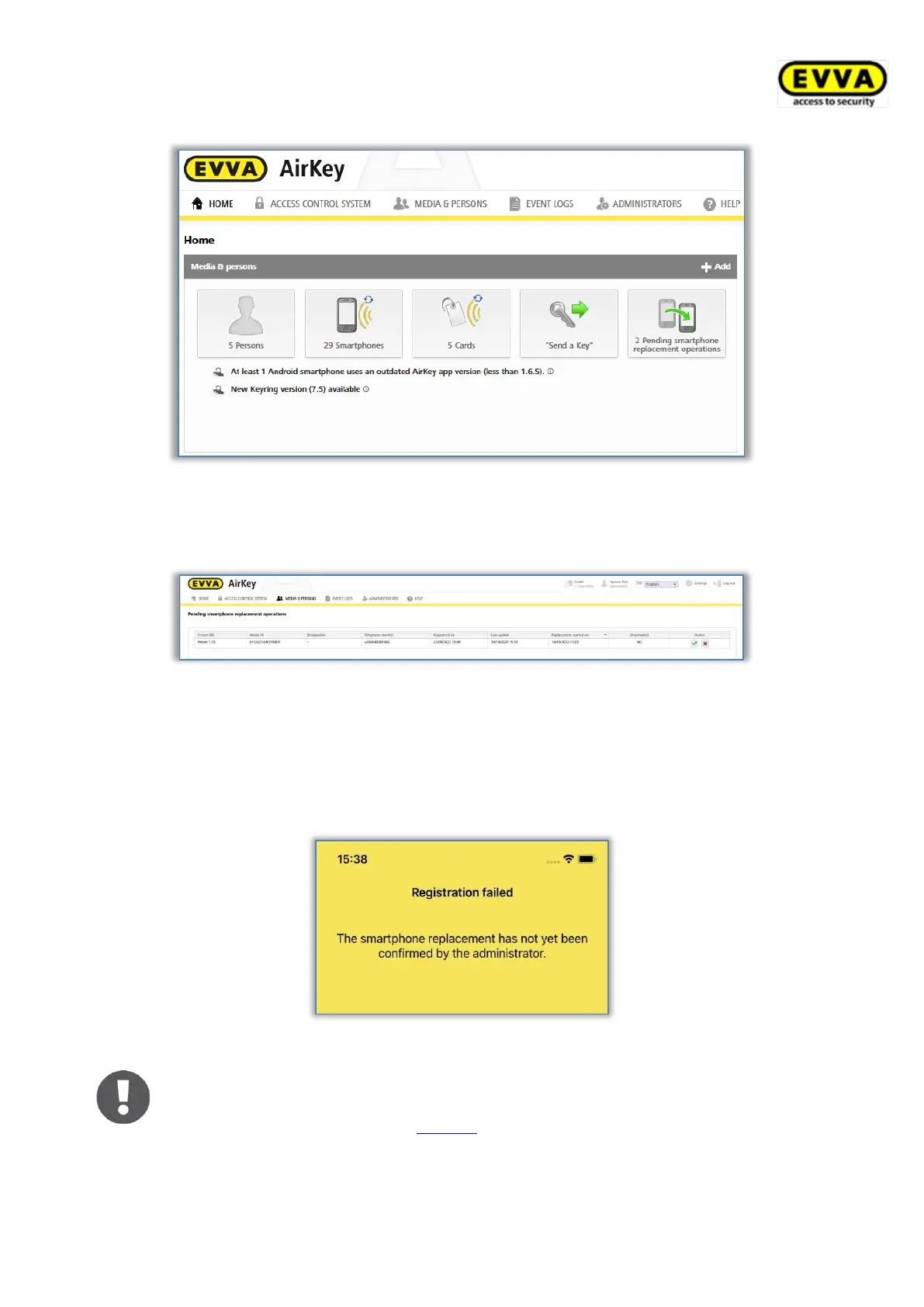
Figure 301: Home screen – pending smartphone replacement operations
> By clicking the green check mark in the "Action" column you can confirm the
replacement. The red cross symbol will reject the smartphone replacement.
Figure 302: Pending smartphone replacement operations table
After the administrator’s approval, the replacement can be completed by scanning the QR
code on the target medium. If the replacement is rejected by the administrator, the
smartphone replacement is cancelled and the QR code is no longer valid and is removed. If
the QR code is scanned at the target medium before an administrator has confirmed the
replacement, a corresponding error message appears.
Figure 303: Smartphone replacement failed
Administrators can also activate an automatic confirmation of people´s
requests for smartphone replacements in the settings of the AirKey Online
Administration (see chapter General). This means that every smartphone
replacement that is started from a smartphone is automatically confirmed
immediately. Keep in mind that a KeyCredit will be deducted for every


 To Next Page
 Loading...