11 Working with several access control
systems
The following section describes how to work with several access control systems.
11.1 Sharing locking components with other access control
systems
You can share a locking component added to your access control system with another access
control system. Authorisations for these shared locking components can then be assigned in
another access control system. You can share each locking component with a maximum of
250 access control systems.
> On the Home screen, select the Cylinders or Wall readers tile.
> Alternatively, select Access control system → Locking components in the main
menu.
> Click the door designation of the locking component you would like to share in the
overview.
The Shares section of the locking component details lists any shares that have already been
granted.
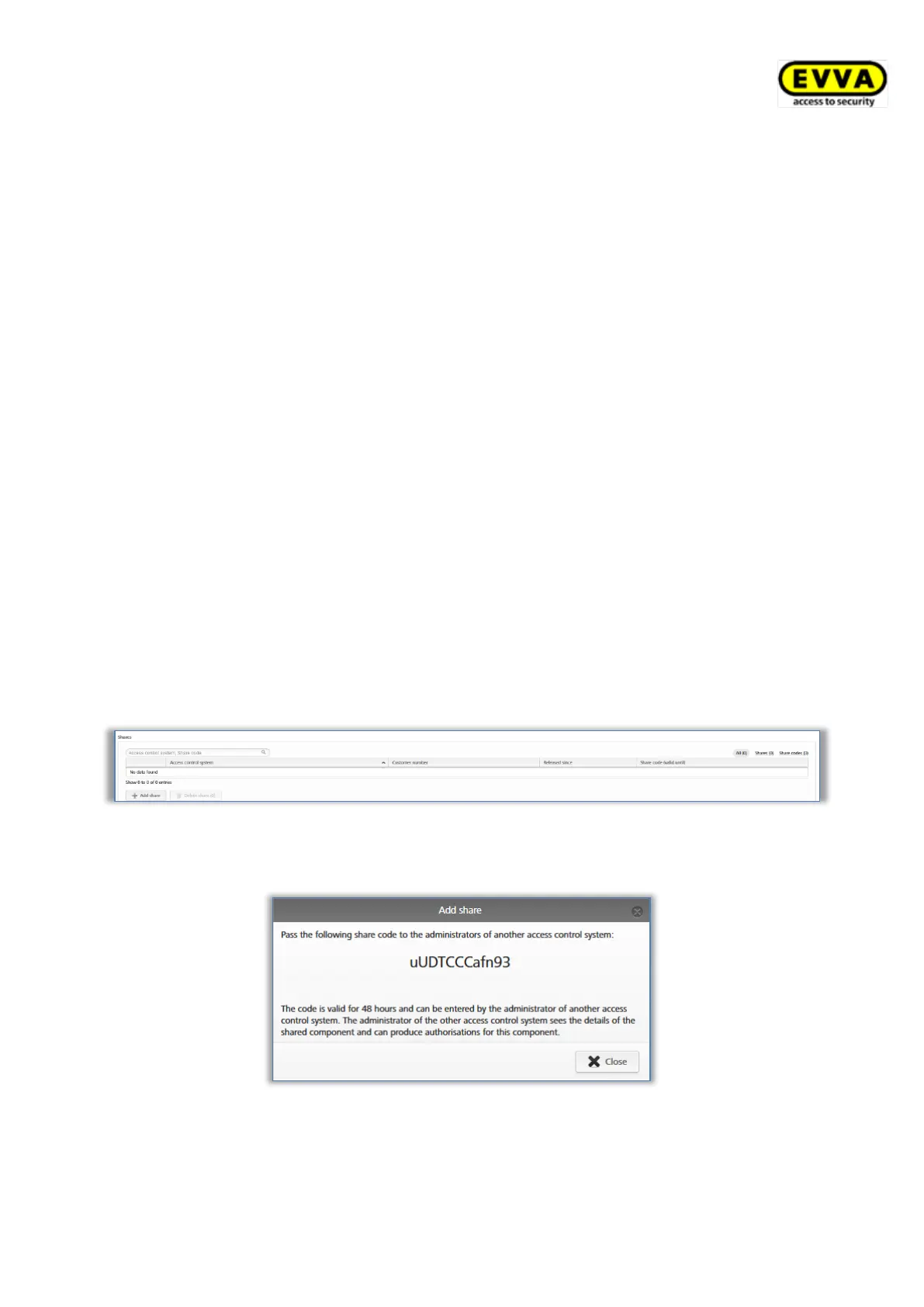
> Click Add share.
Figure 308: Sharing locking components
> The system generates a 12-character approval code.
Figure 309: Adding shares
> Notify the administrator of the other access control system of this sharing code.



 To Next Page
 Loading...