You can generate multiple sharing codes for a locking component. They are
shown in the share list of the locking component.
The system creates an entry in the share list of the locking component. It shows the sharing
code and its validity.
11.2 Adding locking components from other access control
systems
If a locking component from another access control system has been activated for you, you
must initially add it to your access control system.
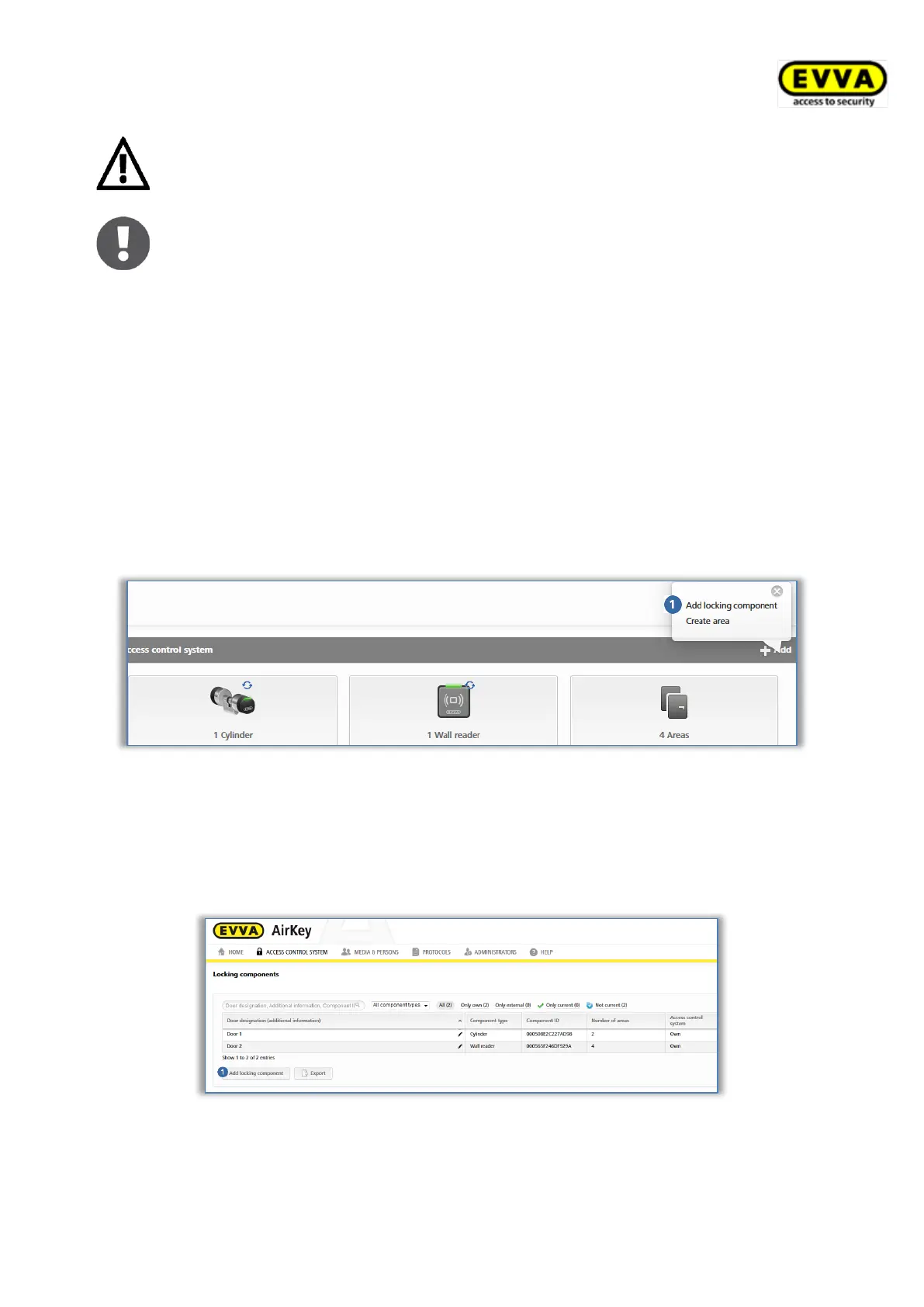
> On the Home screen, select Add on the grey Access control system bar → Add
locking component .
Figure 310: Adding locking components – grey bar
> Alternatively, select Access control system → Locking components in the main
menu.
> Click Add locking component.
Figure 311: Adding locking components
> Select the Shared locking components type.
> Click Continue.


 To Next Page
 Loading...