AirKey system manual version 2.7 |
06/03/2024 | Subject to technical changes and misprints
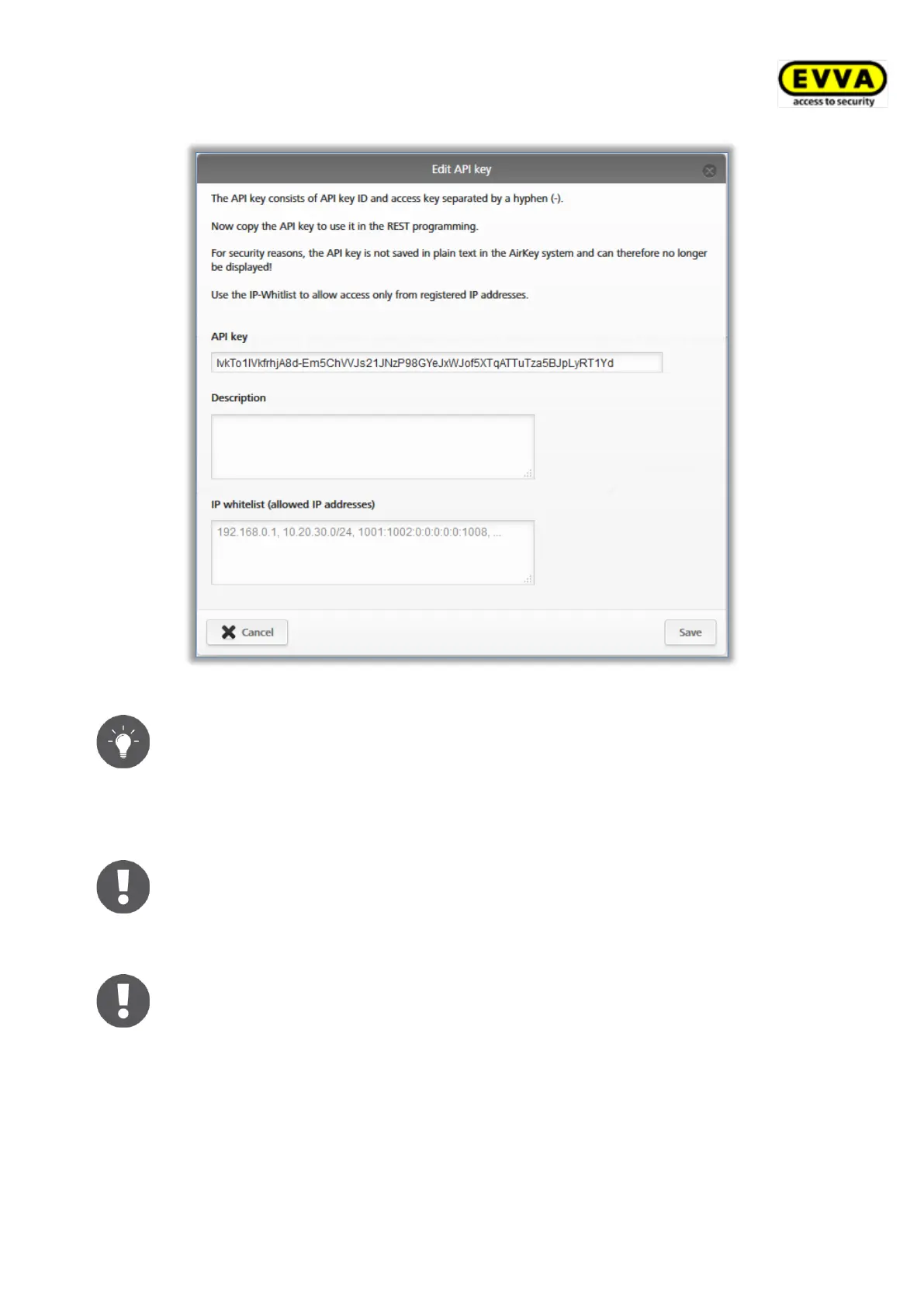
Figure 324: Generate API key details
Use the function of the IP whitelist to increase security. Enter only those IP
addresses for the respective API key which are allowed to send API requests
to your AirKey access control system.
Both IPv4 and IPv6 IP addresses are allowed in the IP whitelist. Use the
comma (,) as a separator between several IP addresses.
For security reasons, the API key is only displayed completely once. Store it
in a safe place respectively use it in your third-party software.
> Save the entries for the API key by clicking on Save.
Up to 10 API keys can be generated per AirKey access control system.
Thus, more than one third-party software can control the AirKey access
control system.
The generated API key is listed in the general settings and can also be edited there later.


 To Next Page
 Loading...