Figure 329: Generate test data
This generated the test data. With the test data it is possible to try every API request from
the API documentation. The test data only must be generated only once.
12.4.2 Generate API key
An API key is also required for communication with the AirKey Cloud Interface (API) test
environment. Without this API key no API requests can be sent to the test environment.
Compared to the correct AirKey Cloud Interface, the API-Key of the test environment is
displayed in plain text.
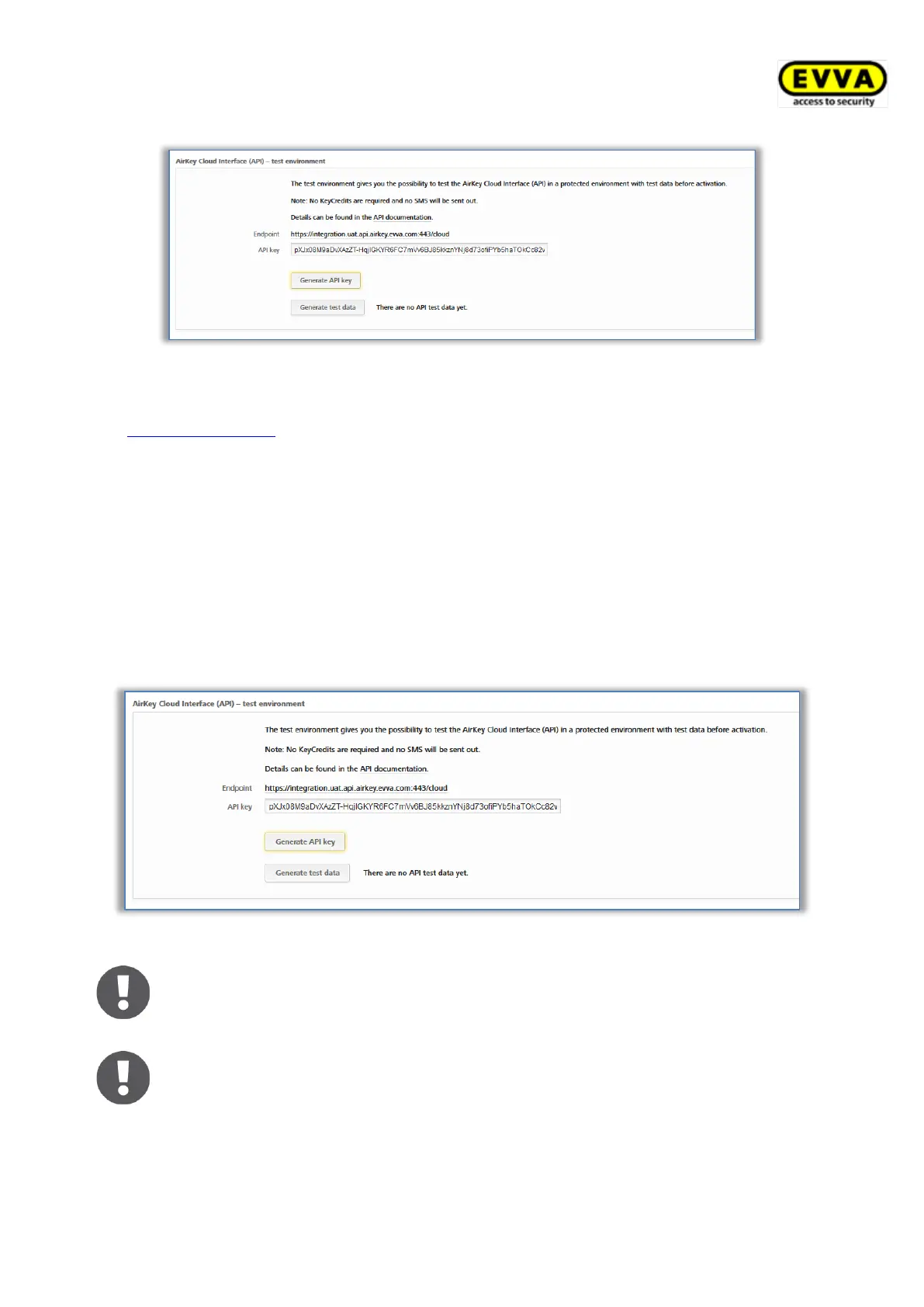
> In the Settings in the General tab in the section AirKey Cloud Interface (API) –
test environment, click Generate API key.
Figure 330: Generate API key for the test environment
By clicking Generate API key again, the existing API-Key will be replaced
by a new one. The replaced API key can then no longer be used.


 To Next Page
 Loading...