AirKey system manual version 2.7 |
06/03/2024 | Subject to technical changes and misprints
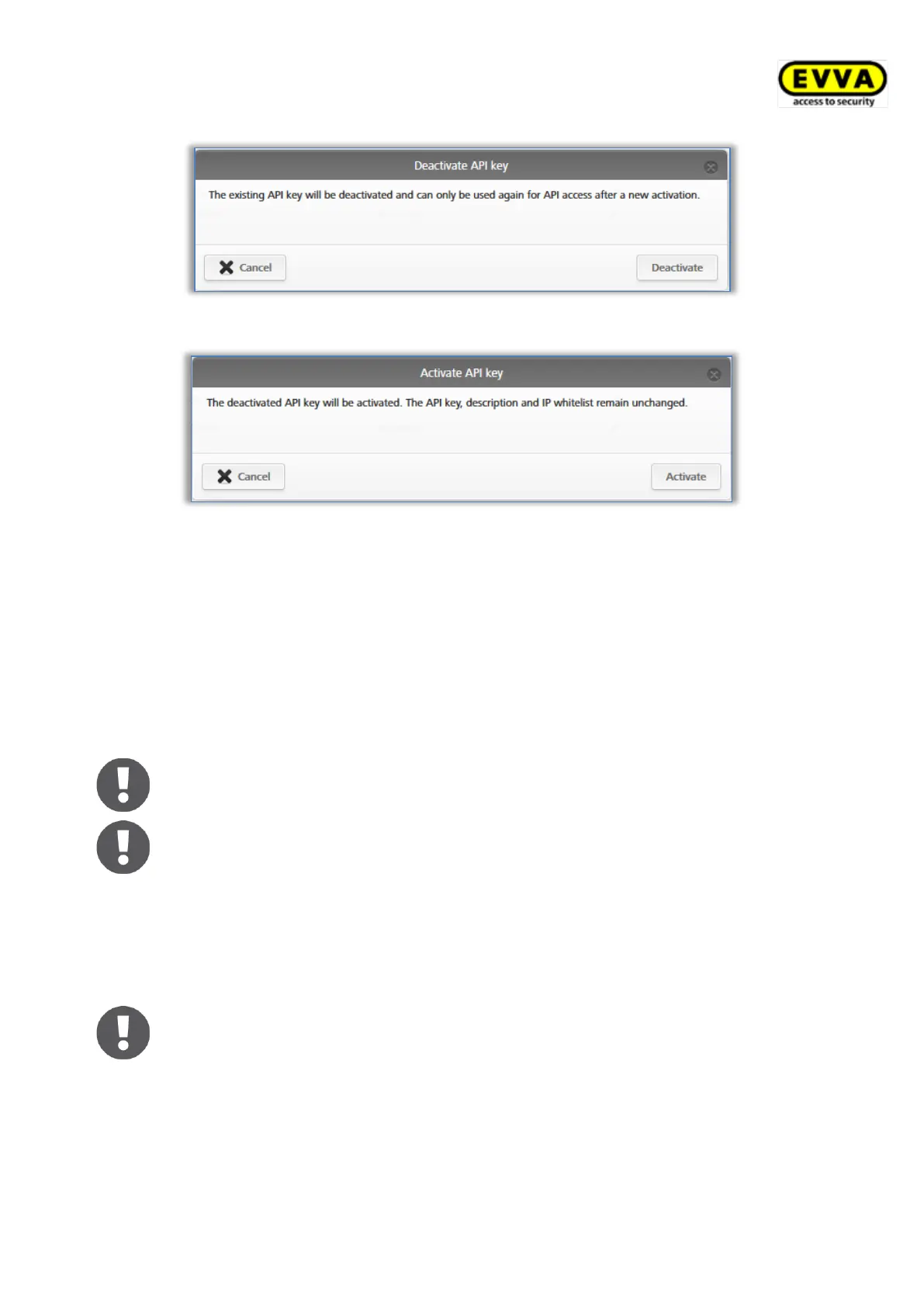
Figure 327: Deactivate API key
Figure 328: Activate deactivated API key
12.4 AirKey Cloud Interface (API) – test environment
The test environment gives you the opportunity to test the AirKey Cloud Interface (API) in a
protected environment with test data before activation.
This primarily supports integrators or programmers of third-party systems during integration
for the AirKey Cloud Interface. The test environment is also available if the AirKey Cloud
Interface has not yet been activated.
No KeyCredits are charged in the test environment. In addition, no SMS are
sent via the test environment.
The AirKey Cloud Interface (API) – test environment is accessible via its
own endpoint (the API commands must be sent there).
Endpoint: https://integration.api.airkey.evva.com:443/cloud
12.4.1 Generate test data
For the first use of the test environment, it is necessary to generate the test data first.
To generate the test data, an API key must first be generated.
> In the Settings in the General tab in the section AirKey Cloud Interface (API) –
test environment, click Generat test data.



 To Next Page
 Loading...