If you additionally use the "ID" field, enter a value that ensures the
combination of first name and last name is unique (e.g. the staff number).
This makes sense (most of all) in situations where there are persons with
the same first and last names.
The characters in the "First name", "Last name", "E-mail address", "Telephone number",
"Streen", and "City" fields are restricted to a maximum of 50. A maximum of 10 characters
can be used for the "Postal code" field. The character limit for texts in the "Comment" field is
500 characters.
If the combination you entered already exists, the system will report "Person already exists".
> Check or correct your input.
> Click Save.
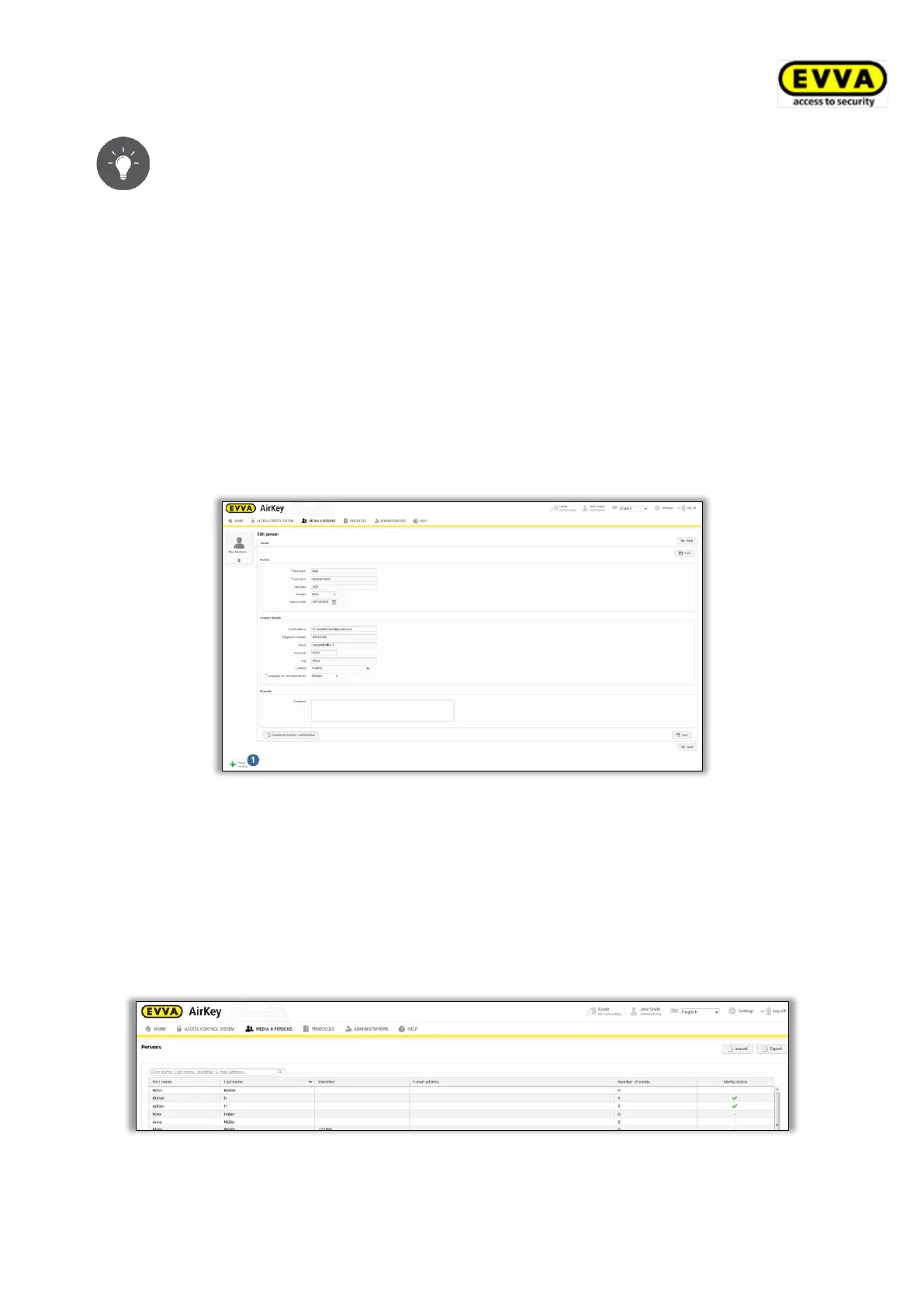
Once you have successfully created a person, the system shows a confirmation and a new
button appears below the name, Assign medium .
Figure 28: Assigning media
You have now created the person in the access control system and the user appears on the
person list.
4.7.1 Importing personal data
You can also create persons for AirKey in external files. For this purpose, you require a
corresponding CSV file to import into the AirKey Online Administration.
Figure 29: Importing person lists


 To Next Page
 Loading...