> Click Add credit.
If you entered the code correctly, the system confirms your input and adds the credit.
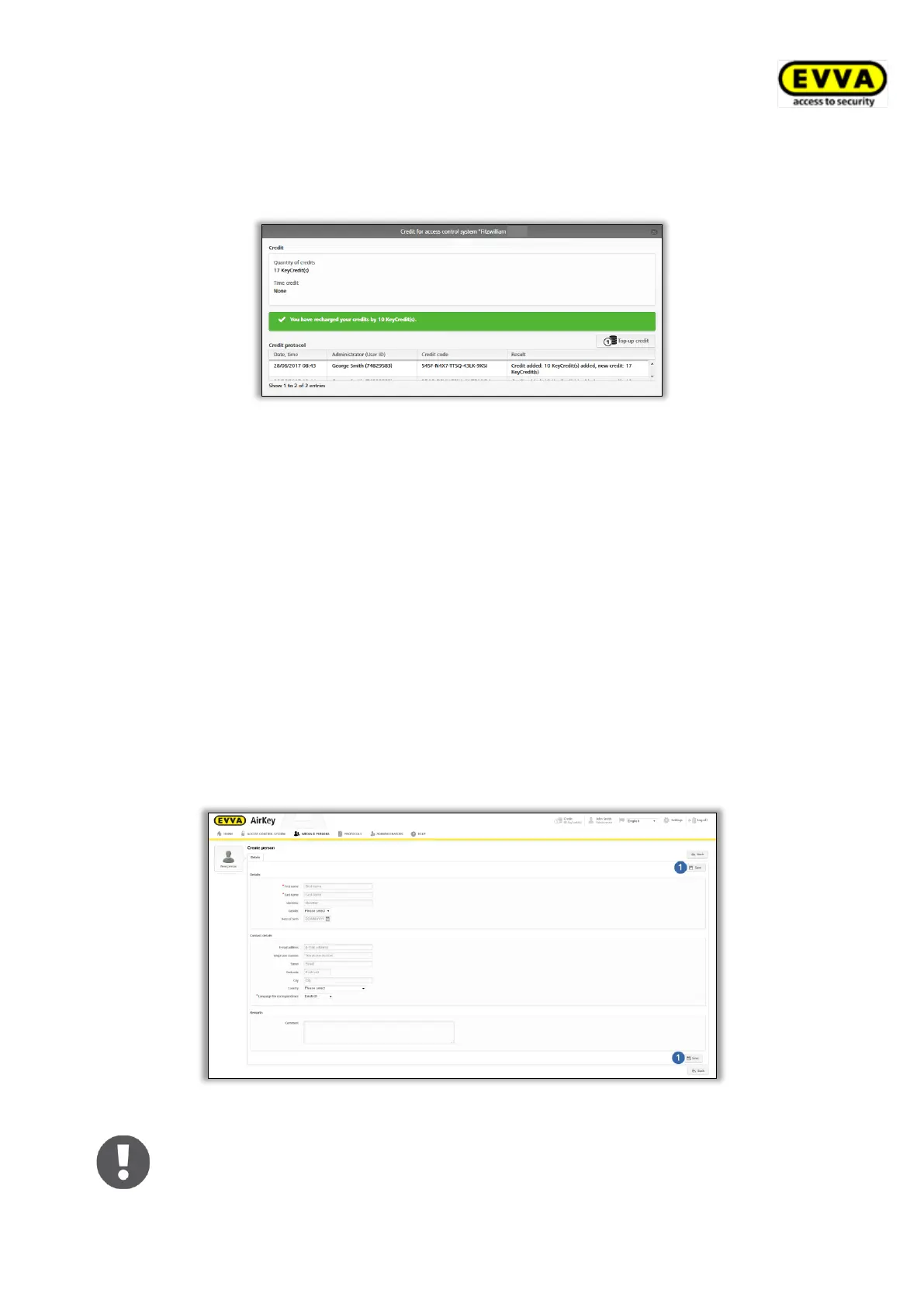
Figure 26: Add credit
4.7 Creating persons
Each person designated to be granted authorisation to the access control system must be
created beforehand.
> On the Home screen, in the grey bar of the Media & persons section, click Add →
Create person.
> Alternatively, go to the Home screen and select the Persons → Create person tile.
> You can also select Media & persons → Create person in the main menu.
> Or select the "Send a Key" button and click Create new. This function allows
creating persons using smartphones.
> Complete the fields in the form. Fields highlighted by * are mandatory fields.
> Click Save .
Figure 27: Creating persons
The first name / last name / ID fields result in a unique combination within
the access control system.


 To Next Page
 Loading...