As a solution, the coding station can be started via the command line (see chapter Using the
coding station via the command line). However, a prerequisite for this is that the Java
version JDK17 (Oracle JDK17 or OpenJDK17) or higher is installed.
4.6 Add credit
For this purpose, a KeyCredit card is required featuring a scratch field on the rear that
conceals a credit code.
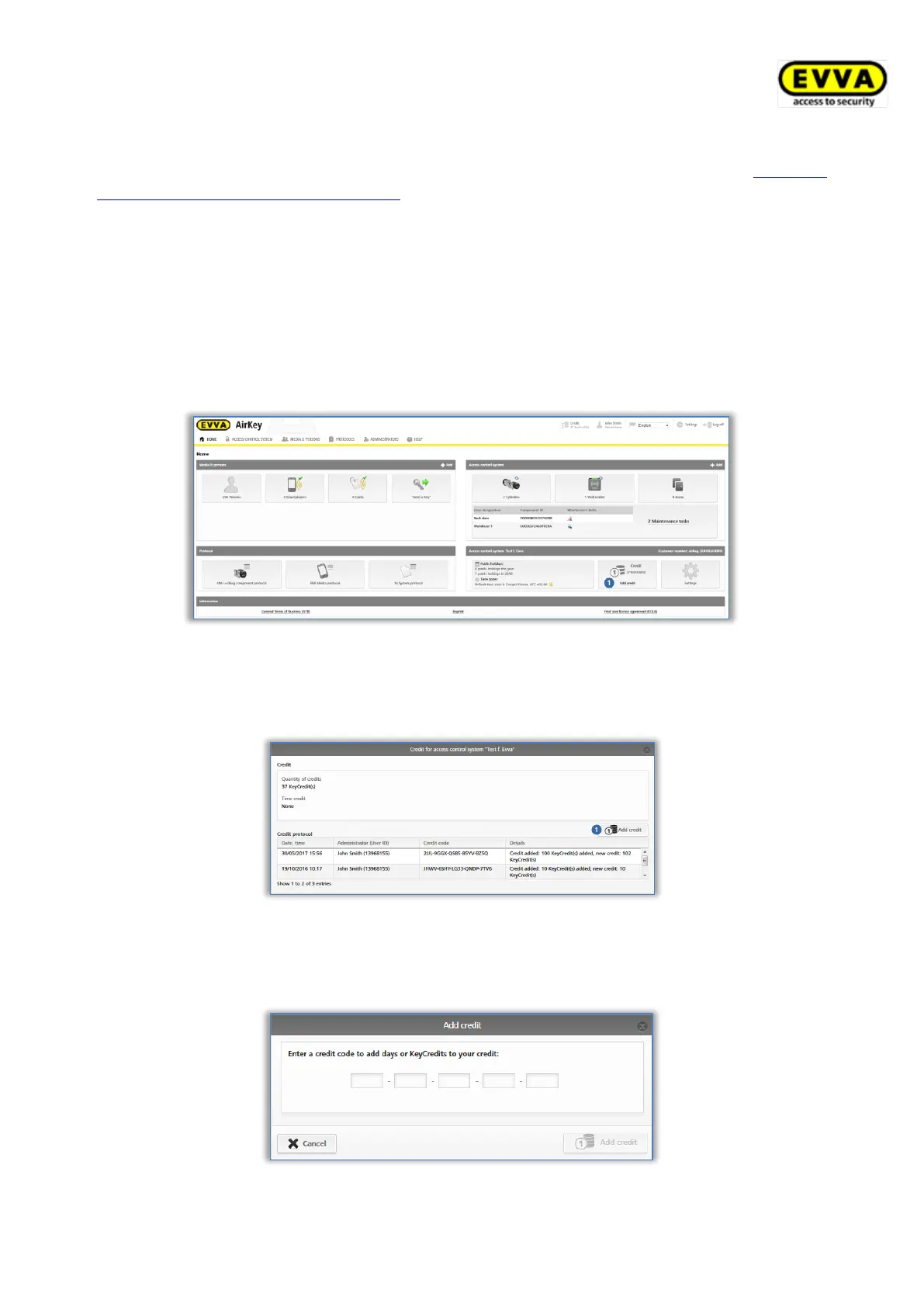
> On the Home screen, select the Add credit button.
> Alternatively click Credit in the header.
Figure 23: Credit
> The screen shows an overview of your current credit and any previous top ups.
> Click the Add credit button.
Figure 24: Add credit
> Enter the code you uncovered by scratching the KeyCredit-Card in the "Add credit"
application window.
Figure 25: Entering credit codes


 To Next Page
 Loading...