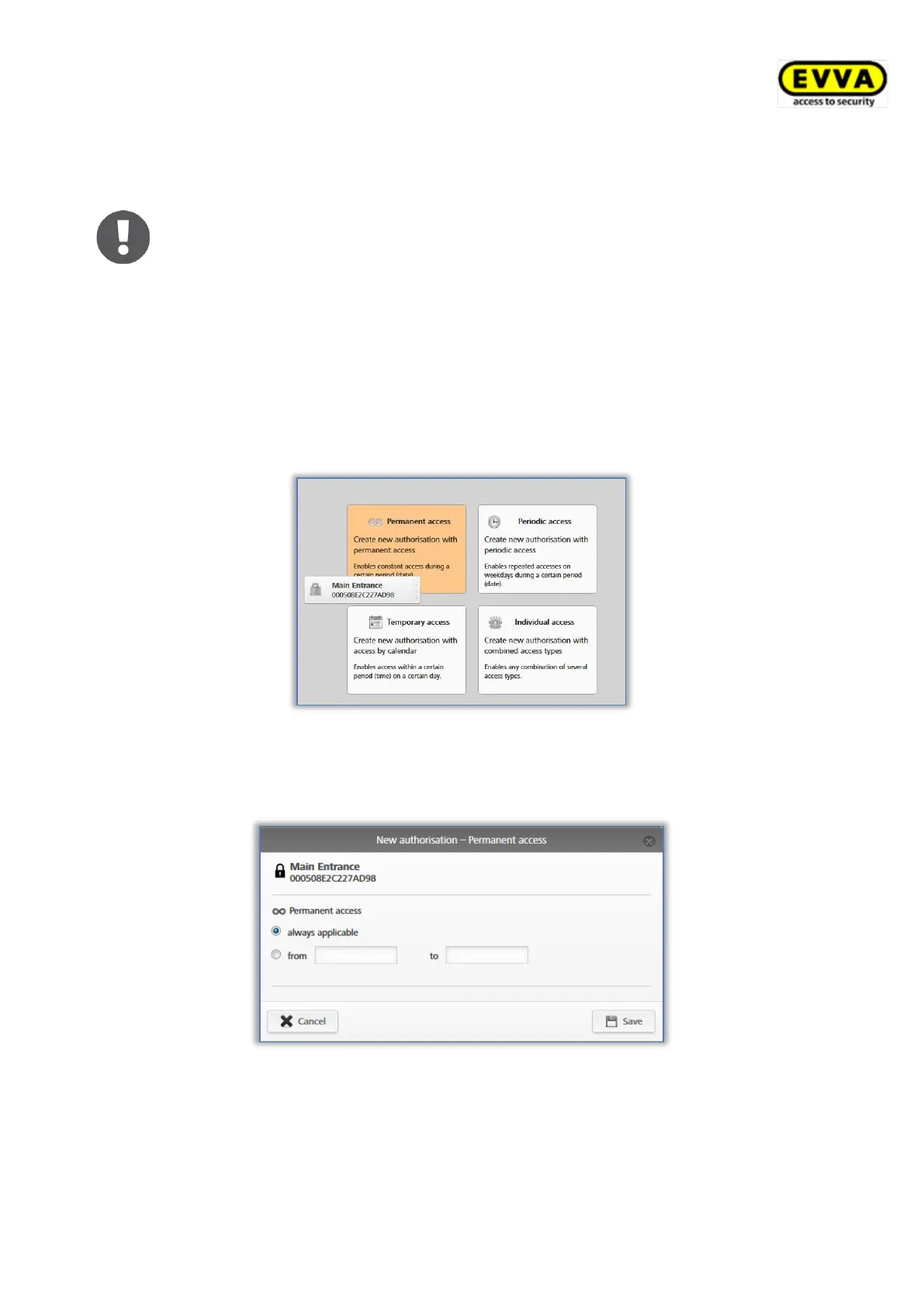
4.14.1 Permanent access
Permanent access indicates access is granted at any time. Specify a start and end date to
restrict the authorisation.
Figure 77: Assigning permanent access authorisations
> Specify the period of permanent access. You can choose between unrestricted,
permanent access or permanent access with a specified start and end date.
Figure 78: Assigning permanent access authorisations
> Click Save.


 To Next Page
 Loading...