AirKey system manual version 2.7 |
06/03/2024 | Subject to technical changes and misprints
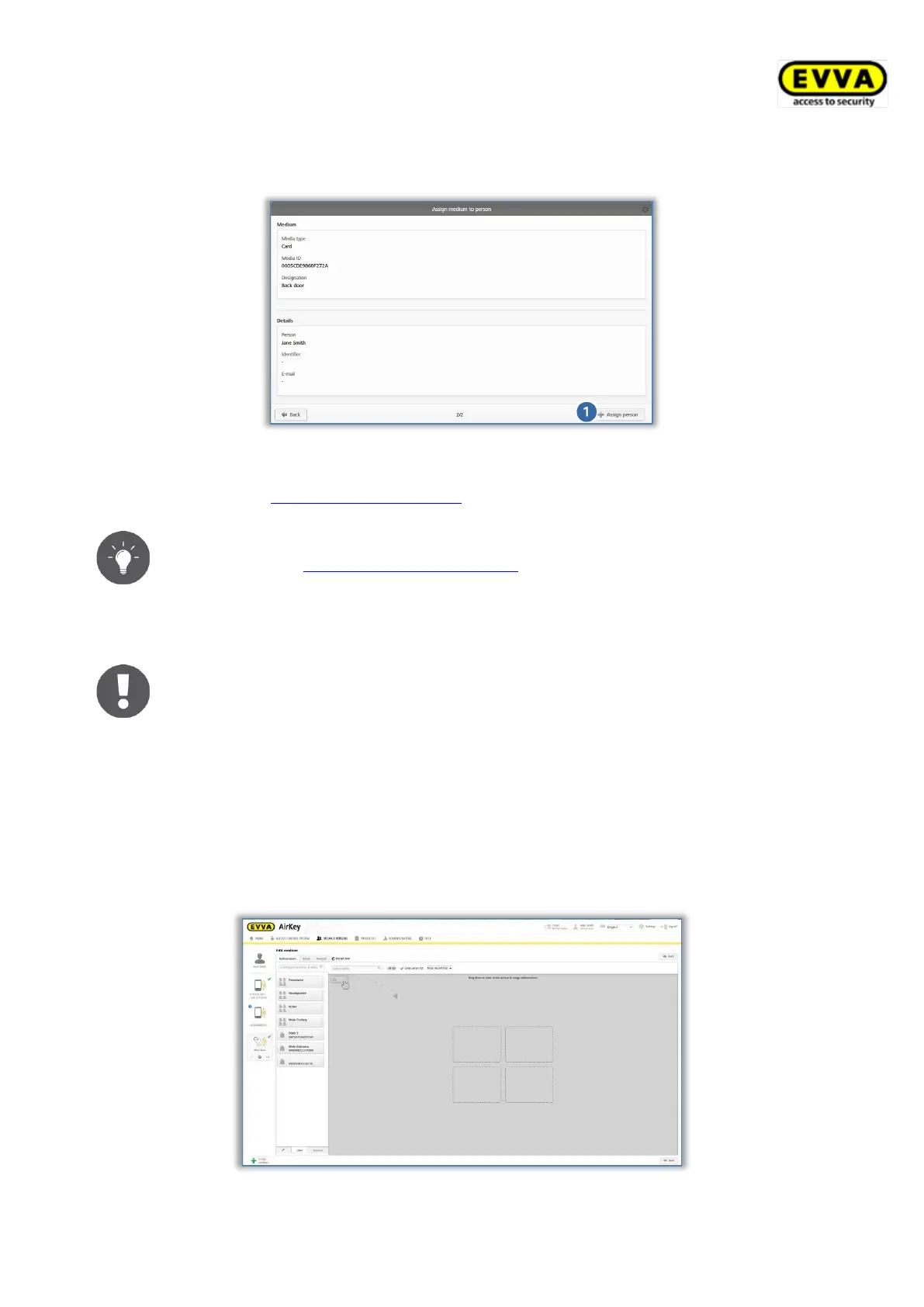
> Select Assign person to confirm you would like to assign the selected person to
the medium.
Figure 75: Confirming persons
> Please refer to Assigning authorisations for more information.
Alternatively, you can also assign media to persons using the medium.
Please refer to Assigning media to persons for more information.
4.14 Assigning authorisations
Please note that you can only assign authorisations once a medium has
been assigned to a person.
> Select Media & persons → Media in the main menu.
> Select the desired medium from the overview list.
> If the medium has been assigned to a person, an overview of authorisations for this
medium appears.
> As soon as you drag and drop the corresponding locking component to the grey area,
available access types appear in the four areas with dotted edges.
Figure 76: Assigning authorisations


 To Next Page
 Loading...