AirKey system manual version 2.7 |
06/03/2024 | Subject to technical changes and misprints
5.2 AirKey logout
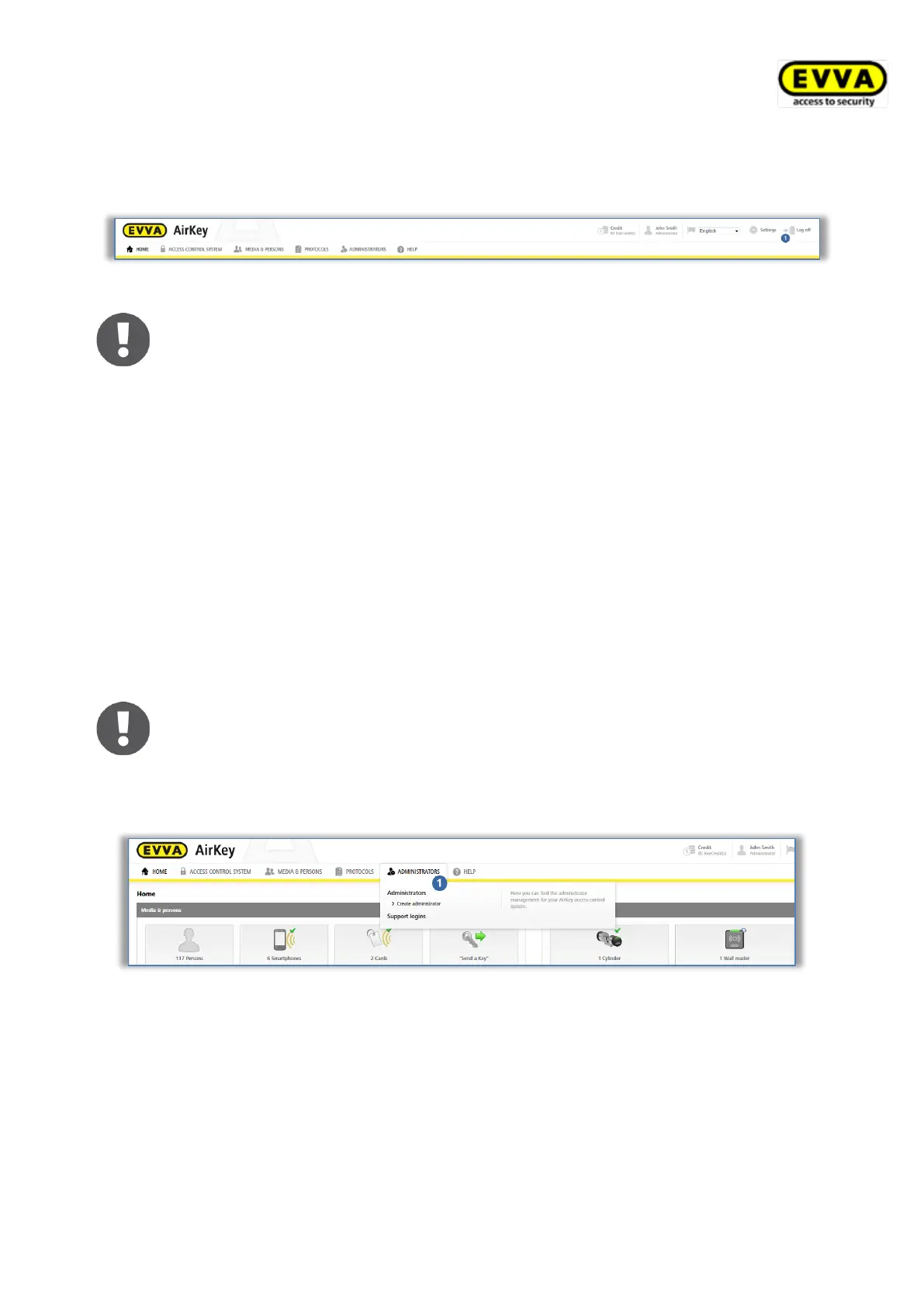
Click Log out to quit the AirKey Online Administration.
Figure 98: Logging out
Despite having integrated an automatic logout feature after 30 minutes we
highly recommend administrators always log out after having completed
any due tasks in the AirKey Online Administration using the Log out button.
5.3 Administrators
There are two roles for administrators to manage the AirKey system: system administrators
and sub-administrators.
System administrators have all rights to manage the entire AirKey access control system
and can also create, edit and delete other administrators.
Sub-administrators have limited rights and are used especially for personal and authori-
sation management. In addition, sub-administrators can also be restricted to specific areas
and locking components of the AirKey access control system. This means that they can only
create and edit access authorisations for locking components and areas for which they are
authorised.
There must be a minimum of one system administrator per access control
system.
Please refer to the Administrators main menu for the administrator management
functions.
Figure 99: Administrators main menu
5.3.1 Creating administrators
Administrators can exclusively be created by other administrators.
> In the main menu select Administrators → Create administrator.
> Select whether the role is that of a system administrator or sub-administrator.



 To Next Page
 Loading...