> Click Save.
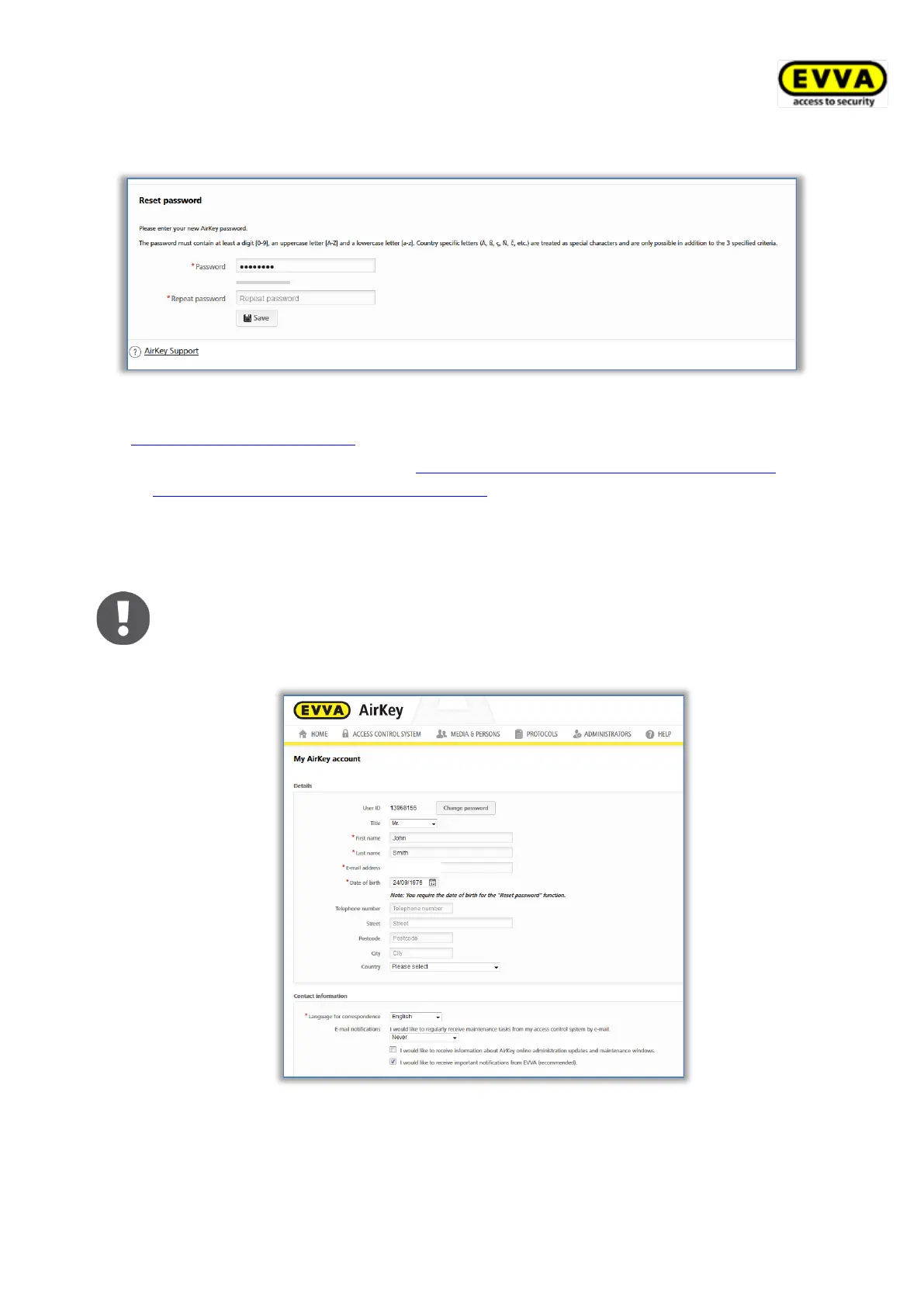
Figure 96: Resetting the AirKey password
The AirKey Online Administration login page opens.
> Perform the login as described in AirKey login without two-factor authentication or
AirKey login with two-factor authentication, with the new password.
If your input is correct, the AirKey Online Administration Home screen opens. The top right
shows the name of the user that has logged in.
If required, you can also change your password in the AirKey Online
Administration. For this purpose, click the administrator’s name in the right-
hand AirKey Online Administration header and use the Change password
function.
Figure 97: My AirKey account


 To Next Page
 Loading...