AirKey system manual version 2.7 |
06/03/2024 | Subject to technical changes and misprints
5 AirKey Online Administration
5.1 AirKey login
The login is required to configure or manage the AirKey access control system. In the AirKey
Online Administration settings, a two-factor authentication can be optionally activated for
the login. The activation is described in the chapter Access control system settings.
Activate the two-factor authentication to increase the security of your
AirKey access control system.
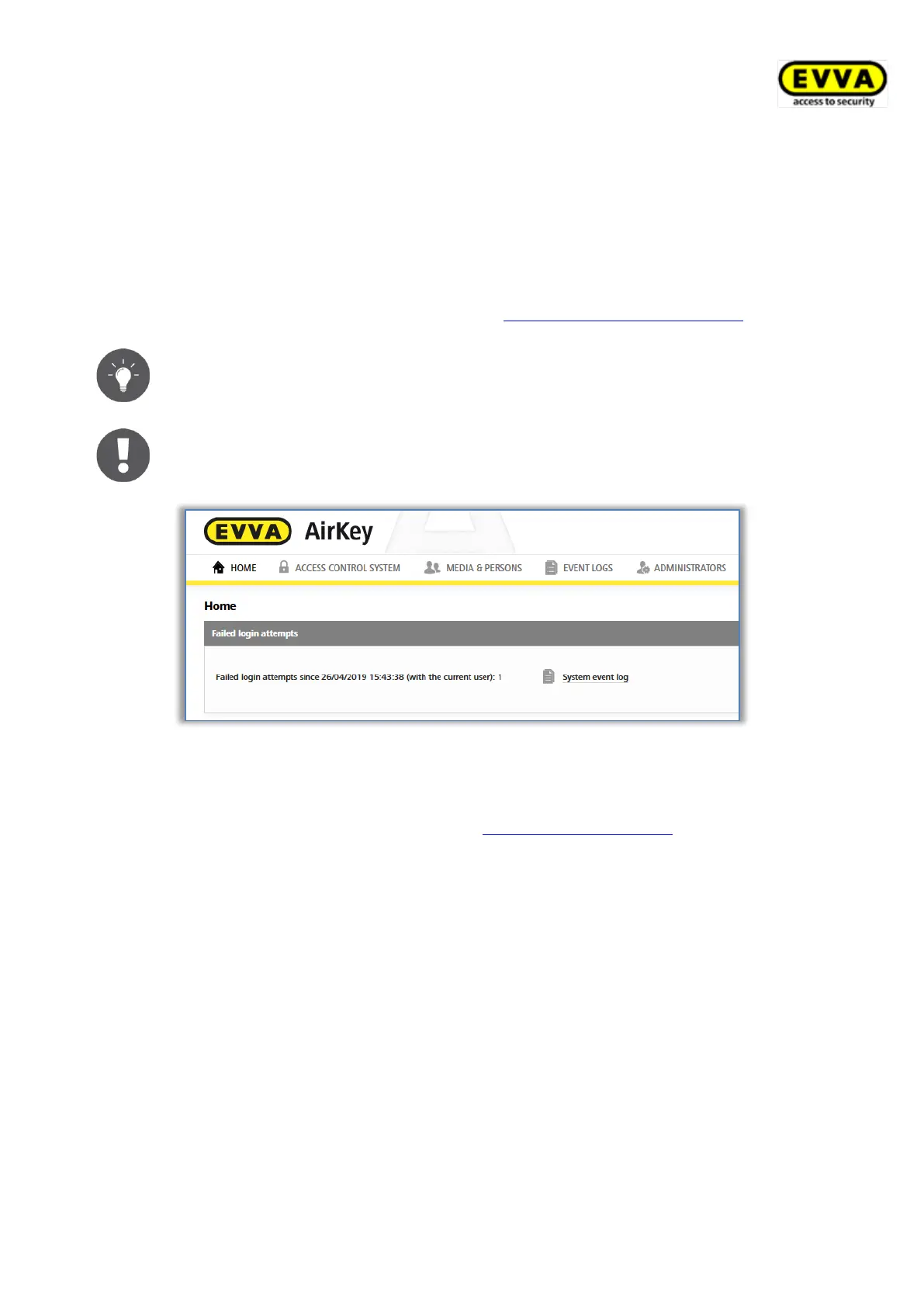
Failed login attempts are displayed on the start page and logged in the
system event log. The display on the start page only appears if there has
been at least one failed login attempt since the last successful login.
Figure 89: Failed login attempts
5.1.1 AirKey login without two-factor authentication
> Open the following page in your browser: https://airkey.evva.com.
The AirKey Online Administration login page opens.
> Enter the user ID you received in the "EVVA AirKey registration" e-mail.
> Enter your personal AirKey password and confirm with Log in.
Once you have logged on, the system opens the Home screen. It provides an overview of
your AirKey access control system.



 To Next Page
 Loading...