AirKey system manual version 2.7 |
06/03/2024 | Subject to technical changes and misprints
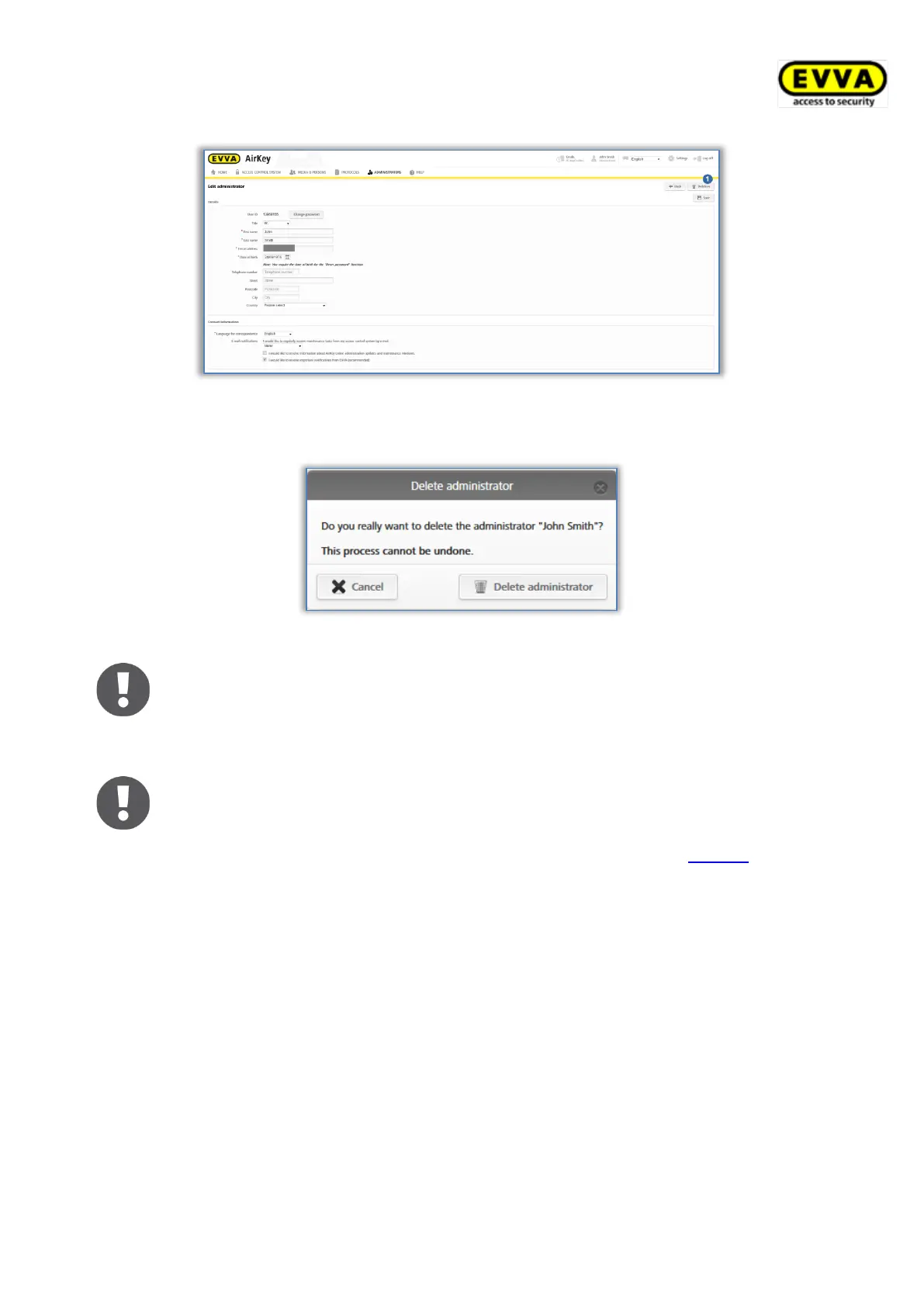
Figure 107: Deleting administrators
> Click Delete administrator to confirm the security prompt.
Figure 108: Deleting administrators
The system reports "The administrator has been deleted" once you have
deleted an administrator. Deleted administrators no longer appear on the
administrator list and they are consequently no longer able to log on to the
AirKey Online Administration.
If the four-eyes principle is enabled for event log viewing, at least two
system administrators must remain. Otherwise, an error message is
displayed when trying to delete the administrator. Details about the four-
eyes principle for event log viewing can be found in the chapter General.
5.4 Access control system settings
Configure basic settings in the AirKey Online Administration settings. These have been
described in the following sections.
> On the Home screen, click the Settings tile.
> Alternatively click Settings in the header.


 To Next Page
 Loading...