AirKey system manual version 2.7 |
06/03/2024 | Subject to technical changes and misprints
> If individual access and periodic access periods overlap, both access
types are valid.
> You can configure a maximum of eight individual authorisations.
4.15 Creating authorisations
After having created the access authorisations for a medium, you must complete the process
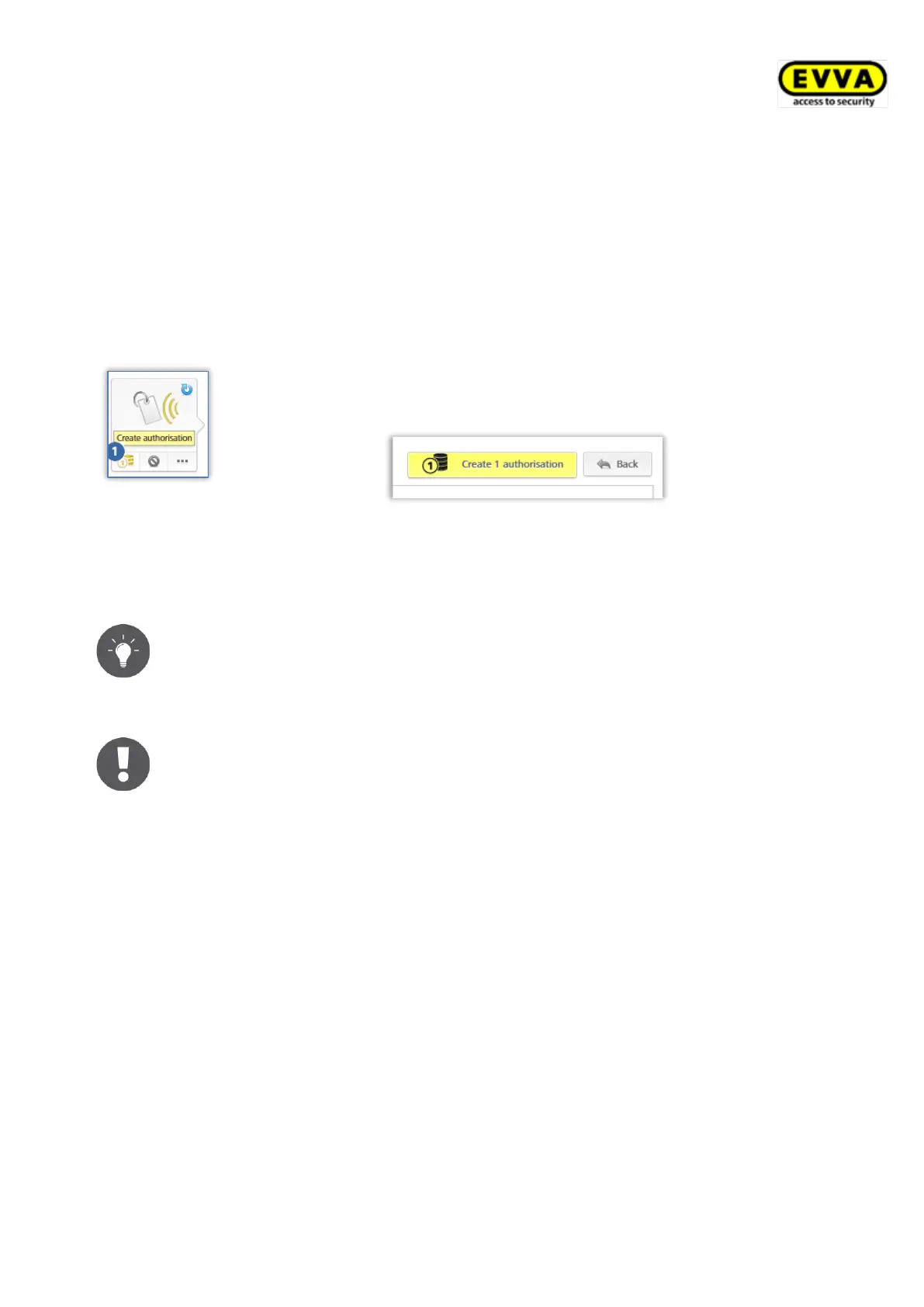
with Create authorisation and update the corresponding medium.
Figure 87: Creating
authorisations
Changing an existing authorisation or creating new authorisations changes
the icon of the corresponding medium. You can now create the authorisa-
tion, providing you have sufficient credit.
Figure 88: Creating new or changed authorisations
> Click on the yellow button Create 1 authorisation or the icon of the medium to
create the authorisation and debit a KeyCredit.
A corresponding message appears if you do not have sufficient credit at this
point in the process. You can immediately top-up your credit using a link in
this message. Topping up your credit using this message will automatically
create the authorisation and deduct one KeyCredit from your account.
You must now update media, such as cards, key fobs, combi keys or
wristbands using a smartphone or coding station for the authorisations to
be activated on the medium. Authorisations to smartphones are sent by
push messages (notifications).
In the last chapter you learned to set up the access control system correctly. The processes
described herein illustrate the first steps and enable management of your access control
system. Please refer to the following sections for a more detailed description of individual
AirKey Online Administration functions and the AirKey app.


 To Next Page
 Loading...