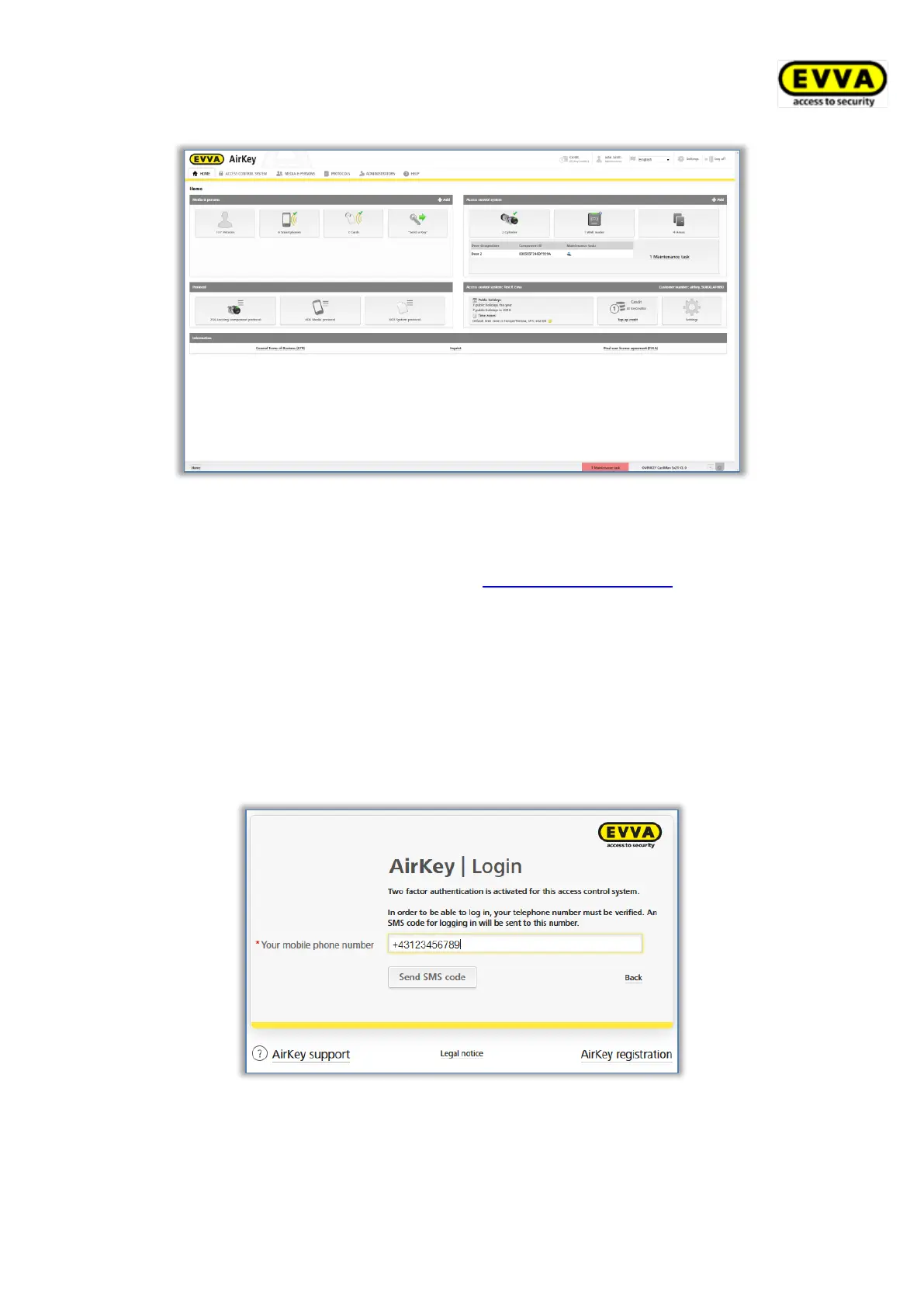
Figure 90: AirKey Online Administration – home screen
5.1.2 AirKey login with two-factor authentication
> Open the following page in your browser: https://airkey.evva.com.
The AirKey Online Administration login page opens.
> Enter the user ID you received in the "EVVA AirKey registration" e-mail.
> Enter your personal AirKey password and confirm with Log in.
> If no phone number has been verified for the administrator, a prompt appears to
enter a phone number for verification.
> Enter the phone number of the smartphone to be used for two-factor authentication
and confirm with Send SMS code. The phone number must begin with + and country
code, and may contain a maximum of 50 characters (+, 0-9, and spaces).
Figure 91: Verify mobile phone number on login
> An SMS with an SMS code is sent to the entered telephone number.
> Enter this SMS code in the dialogue within the AirKey Online Administration and
confirm with Log in.


 To Next Page
 Loading...